Overture Software Manual
USING OVERTURE Revision 1.5 Page 2-13
2.2.4. Using the Media Folders Panel
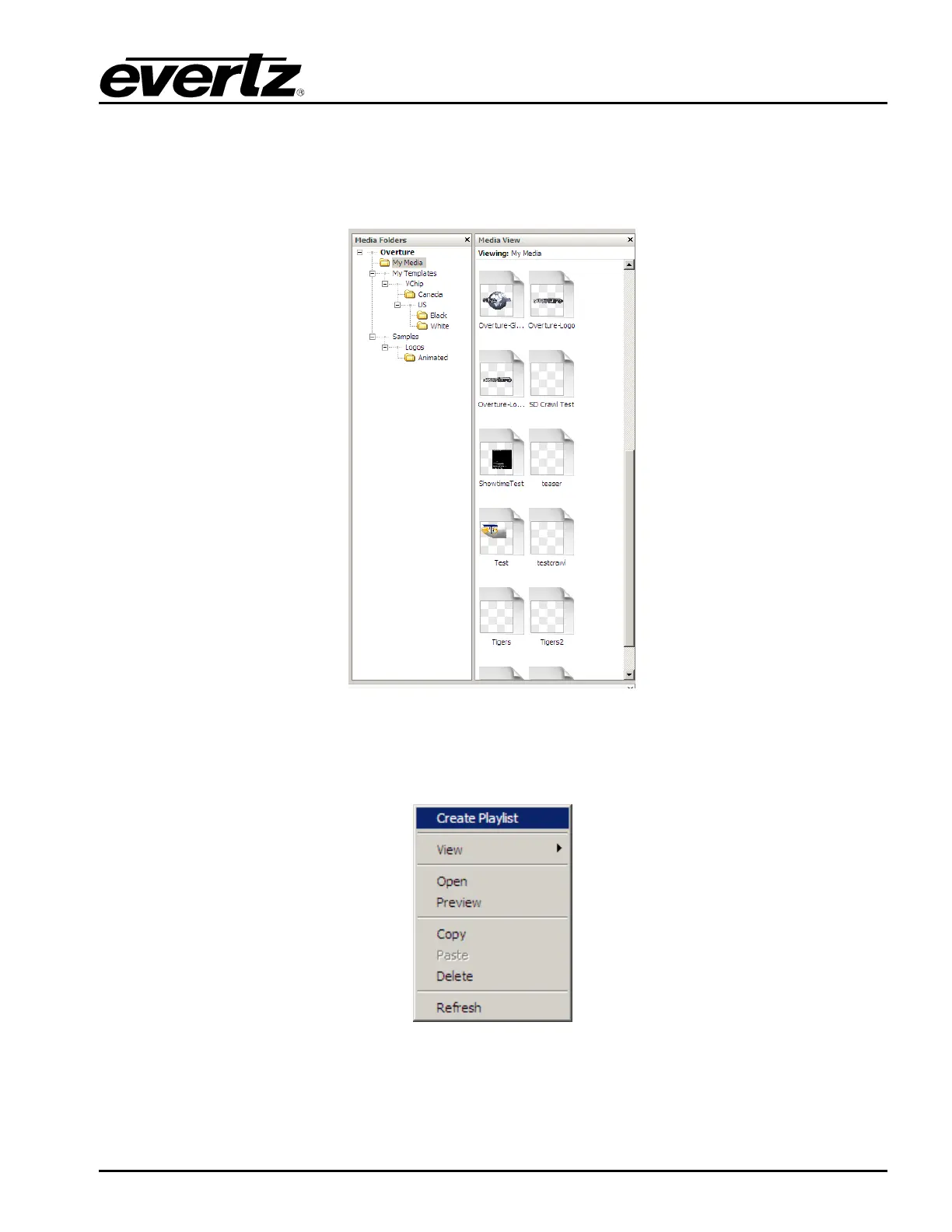
The Media Library is where the user stores the media files. This can be a network drive or the local
drive on which Overture is running. The user can use Overture to navigate through the files. There are
two parts of the Media Folders Panel: The Media Library Tree and Media Library Contents.
Figure 2-17: Media Library Panel
If the user selects a file (or files) and Right-clicks the mouse button, the following options will be
displayed (as shown in Figure 2-18):
Figure 2-18: Media Library Menu



 To Next Page