Overture Software Manual
USING OVERTURE Revision 1.5 Page 2-21
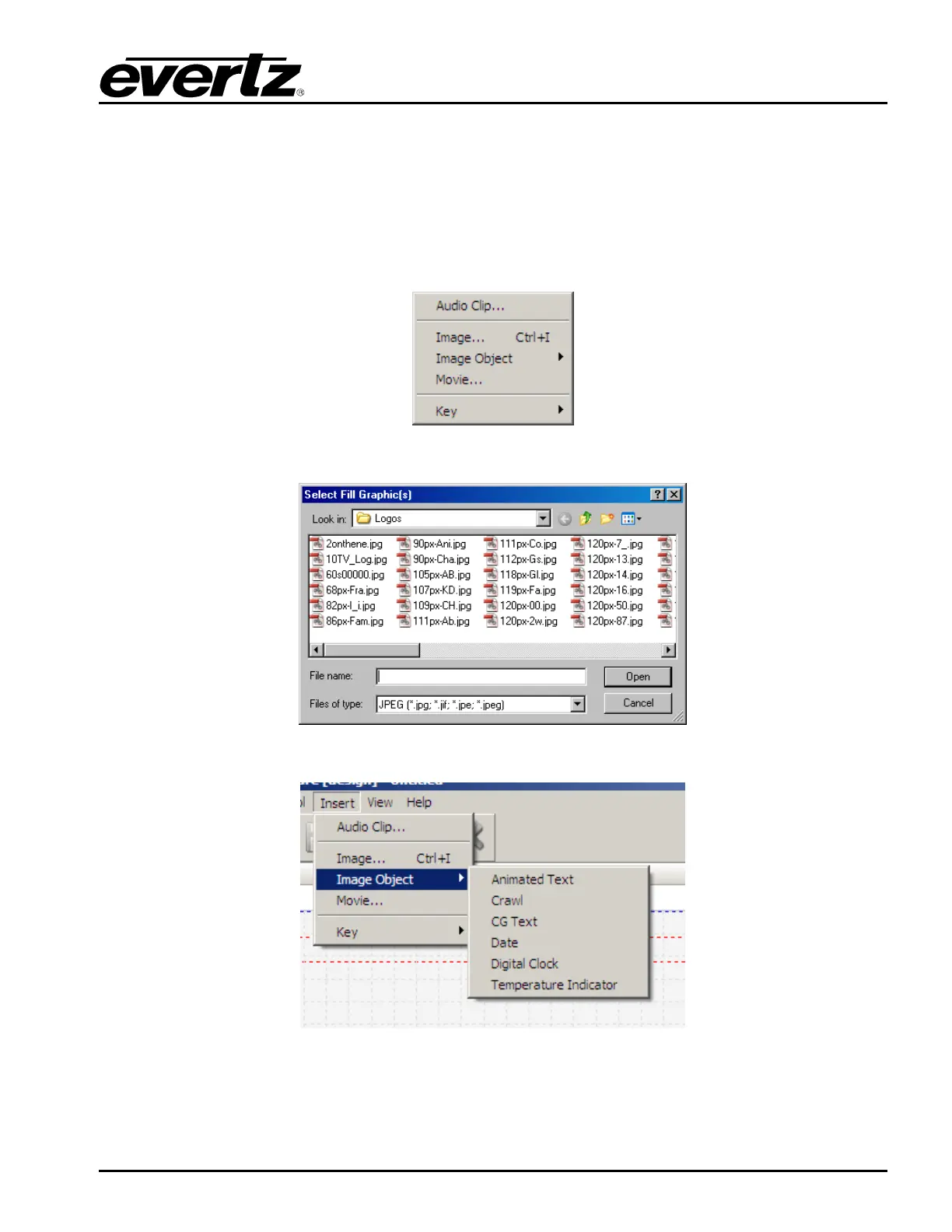
• Image Object… enables the user to create a particular media file (ex. animated text, crawls,
CG text, date and time). The choices are shown in Figure 2-32.
• Movie… enables the user to use a QuickTime movie file (.mov) or Windows movie file (.avi) to
create the media.
• Key enables the user to create a key from either a colour or from an image (see Figure 2-33 to
Figure 2-35). The user can also delete a key from a particular image.
Figure 2-30: Design Insert Menu
Figure 2-31: Fill Graphics Window
Figure 2-32: Image Object Menu



 To Next Page