Test Setup - Test Configurator, Timer, and System
Power Blazer 177
Device Under Test (iOptics)
Vendor Name, Part Number, Serial Number, Connector Type,
Wavelength, and Mode are information retrieved from the transceiver
(see page 178).
Modify button beside Wavelength, available with tunable transceivers
when the TunableOptics
software option is enabled, is used to
configure the transceiver wavelength.
Wavelength (nm) indicates the actual wavelength value selected.
Use the scroll box and/or the -/+ buttons to select the wavelength.
The minimum and maximum wavelength values are displayed.
Channel Number indicates the actual ITU channel number based
on ITU Grid.
Frequency (THz) indicates the actual Frequency based on ITU Grid
Channel Spacing (GHz) indicates the difference in frequency
between two adjacent channel detected from the transceiver
device.
Restore Previous restores the current value present in the
transceiver device.
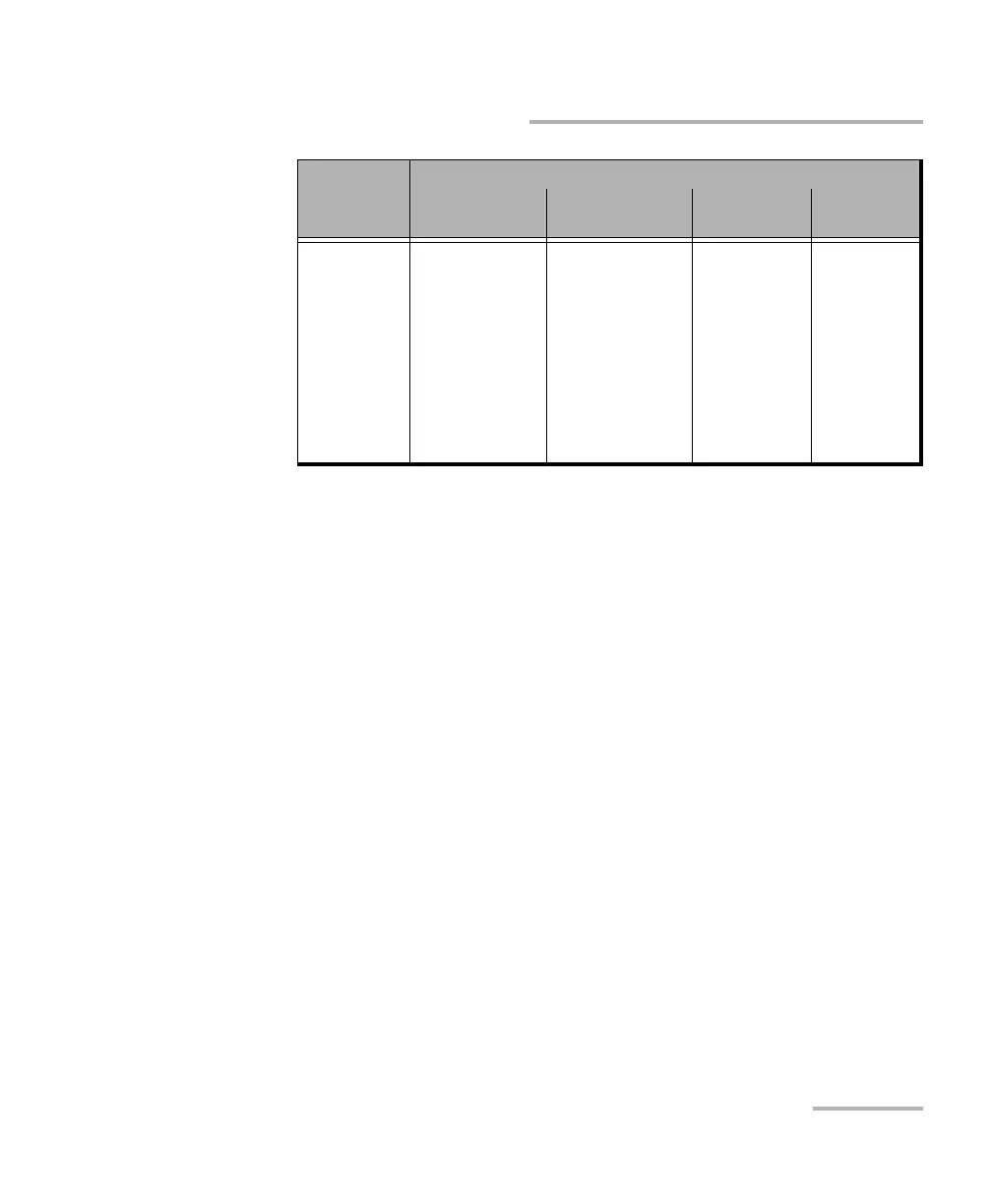
SFP+
SFP/SFP+
(Port 1 only)
OTU2
OTU1e
OTU2e
OTU1f
OTU2f
OTU1
OC-192/STM-64
OC-48/STM-16
OC-12/STM-4
OC-3/STM-1
OC-1/STM-0
10GE WAN
10GE LAN
1GE Optical
100M Optical
1X
2X
4X
8X
10X
16X
CPRI - 1.2G
CPRI - 2.4G
CPRI - 3.1G
CPRI - 4.9G
CPRI - 6.1G
CPRI - 9.8G
CPRI - 10.1G
OBSAI- 1.5G
OBSAI - 3.1G
OBSAI - 6.1G
Transceiver
Rate
Transport Ethernet
Fibre
Channel
Wireless




 To Next Page