Test Setup - Test Configurator, Timer, and System
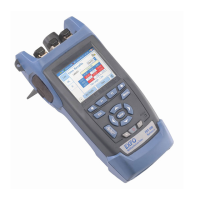
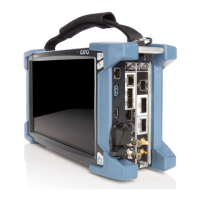
Power Blazer 211
FlexE Group
Assigned Capacity (Gbit/s) indicates the sum of client size assigned to
the FlexE group.
Unused Capacity (Gbit/s) indicates the client size not assigned to the
FlexE group.
Modify (FlexE Calendar)
Client ID allows selecting the client ID to be displayed.
Size (Gbit/s) indicates the size of the client.
Client Assignation Status
Table
ID indicates the client identification number.
Size indicates the size of the client in Gbit/s.
Status indicates the client assignment status: Assigned or n/total
(n is the number of assigned block over the total for this client).
Edit ID edits of the client identification number (1 to 65534).
Add Client adds a new client by selecting its Client ID, Size (5, 10,
25, 40, 50, 100, 150, 200, 250, 300, 350, 400 Gbit/s), and the
Quantity of clients (up to 40 clients).
Delete Client removes the selected client from the FlexE group.
Delete All removes all clients from the FlexE group.
Assign/Unassign/Mode




 To Next Page