Test Setup - Test Configurator, Timer, and System
284 88000 Series
ODU Channels - Global
Channel Assignation Status
The table provides a list of each channel ID, its ODU type, and the
TX/RX assignment status. TX/RX indicates either Assigned when
all tributary slot are selected for this channel or the number of
assigned tributary slot over the total number of tributary slots for
this channel. TX/RX status must be Assigned for all channels in
order to complete the tributary slots/channels configuration.
Channel are sorted by their ascending ID by default, it is possible to
sort ascending/descending and by Type, RX, or TX column by
clicking in the desired column title.
Note: ODU0 type mapping is selected by default for all channels when the test is
created. To change the ODU type mapping, use the Del Ch or Delete All
button then use the Add Ch button to select an other ODU type.
Edit Ch ID button selects a new channel ID from available list.
Add Ch button allows adding new channels.
Channel ID is the channel ID to be added. Subsequent channel ID
are selected then assigned, skipping channel ID already assigned,
when adding more than one channel at once.
ODU Type is the ODU mapping type: ODU0, ODU1, ODU2, or
ODU3. It is possible to have different ODU types when the
OTN-MIX-MAPPING software option is enabled; otherwise all
channels must have the same ODU type.
Quantity is the number of channel to be added.
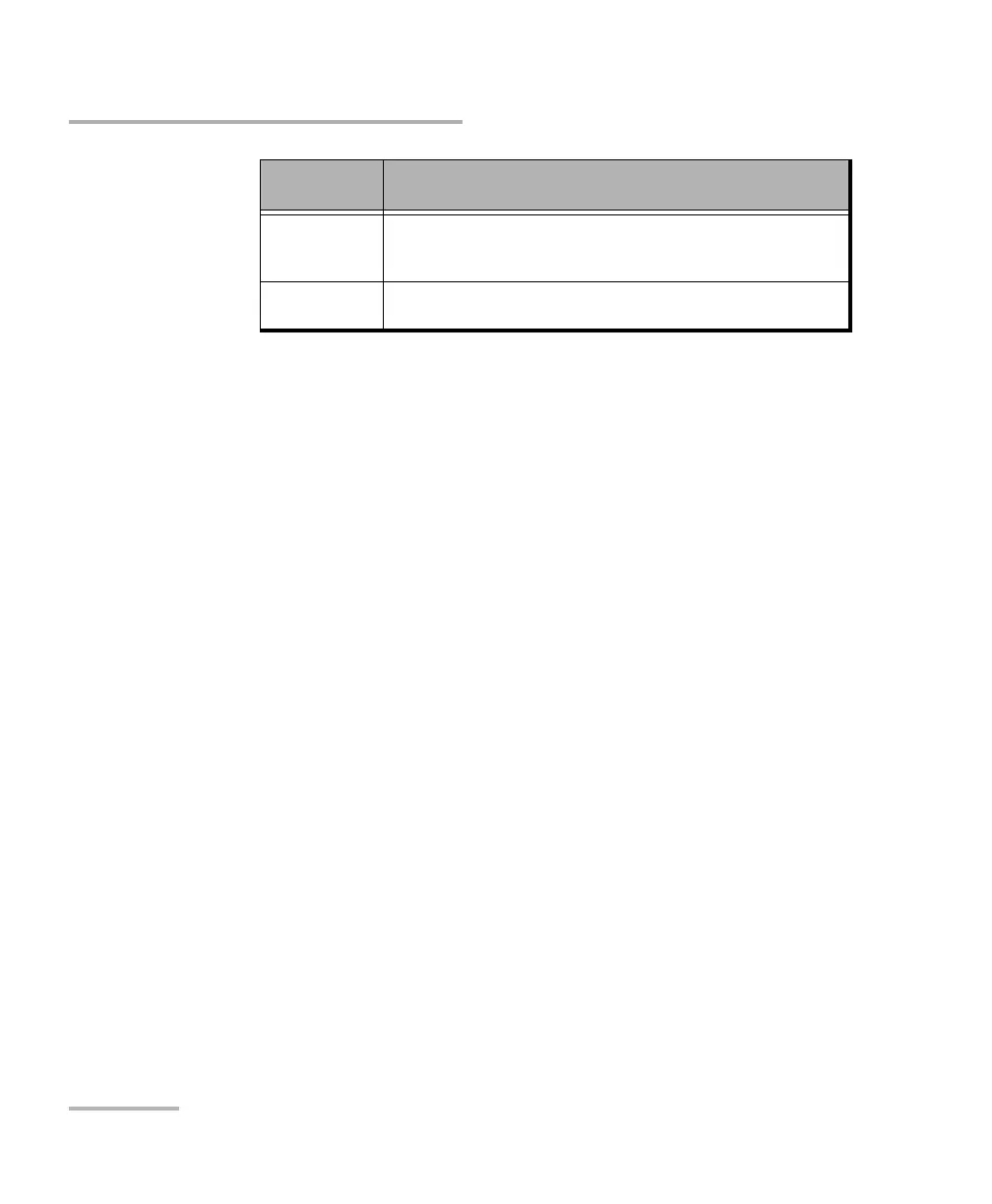
Red Configured structure is not matching the MSI received signal or
could contain an unsupported mapping (for example
Unallocated).
Gray Impaired signal is preventing RX structure decoding (for example
when a LOS alarm is detected).
Background
Color
Description






 To Next Page