Graphical User Interface Overview
Power Blazer 33
Status Bar
PTP For G.8265.1:
Green arrow: Signaling requests granted.
Red arrow: Request denied, session canceled, or no reply.
Gray arrow: Pending, inactive, or link down.
For G.8275.1:
Green arrow: Announce, Sync, and Follow-up are received according
with their respective interval.
Red arrow: Announce, Sync, or Follow-up are not received.
Gray arrow: Pending.
Refer to Negotiation Status on page 541 for more information.
1588 PTP
ESMC Green arrow: ESMC valid information frame received.
Red arrow: No ESMC valid information frames received.
Gray arrow: Pending state.
Refer to ESMC Monitoring on page 361 for more information.
SyncE, Wander
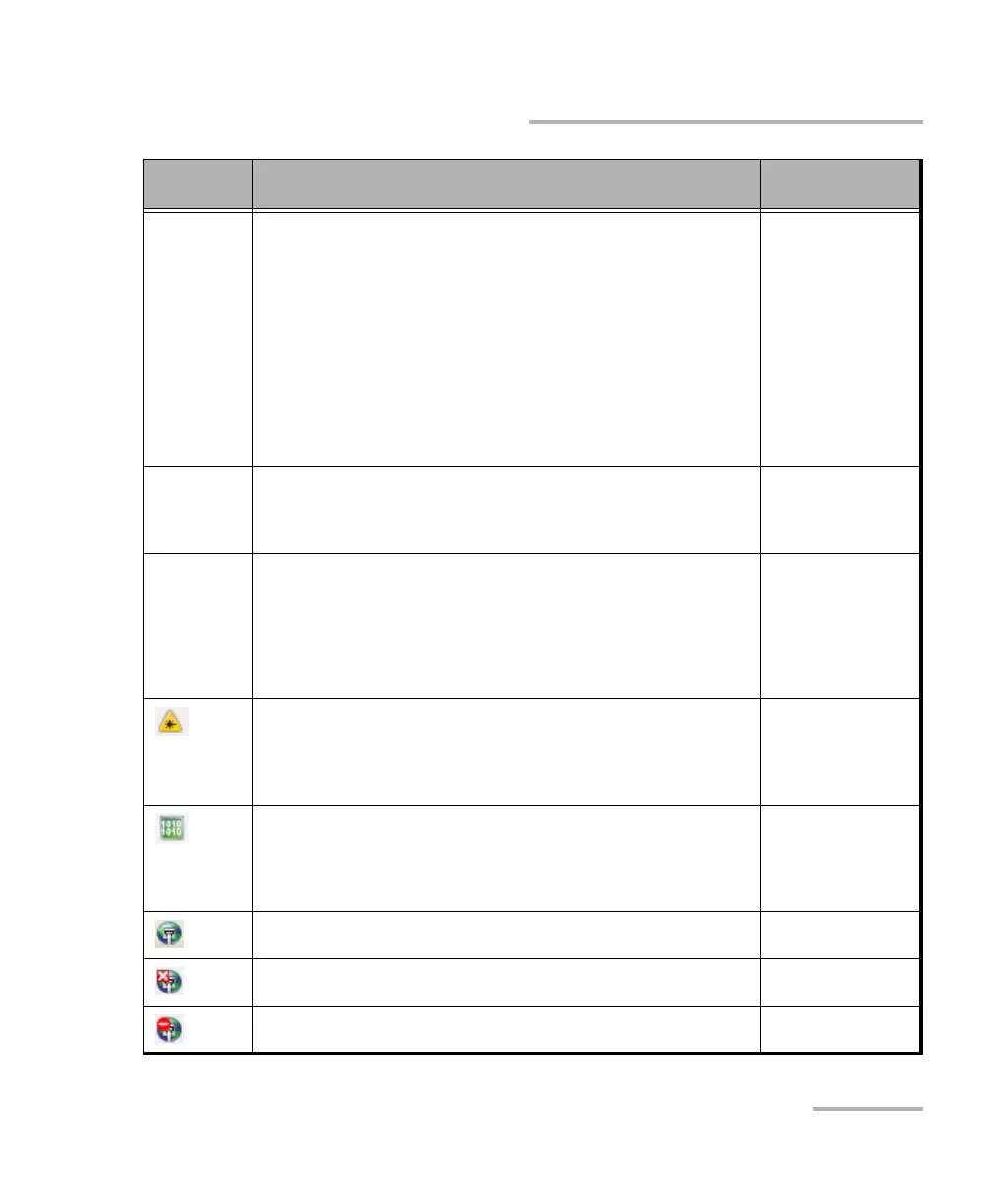
Power level The received optical signal status:
Green with “Power”: Power level in range
a
.
Yellow: Power level out-of-range
b
.
Red with “LOS”: Loss of signal
b
.
Red with “Power”: Power level is close to damage.
Gray: The operational range value is either not available or not
supplied by the transceiver.
All except Cable Test
Laser ON
b
. The laser icon is not displayed when the laser is off
a
. The
laser icon is only displayed for optical interfaces. The laser is ON by
default when the test is created. The laser control is not affected when
turning off the laser by generating a LOS for example. Refer to Laser
Button on page 723.
All
The status of the received signal pattern per port:
Green: Pattern is synchronized.
Red: Loss of pattern.
Gray: Test is not running (EtherBERT test or EoOTN client) or the No
Pattern Analysis (Live) check box is selected.
Transport
EtherBERT
Fibre Channel
Wireless
Connection established between two testing units in Dual Test Set
(DTS), EXFO|Worx Interop, or in Loop Up mode.
Ethernet
Connection not established between two testing units in Dual Test Set
(DTS), EXFO|Worx Interop, or in Loop Up mode.
Ethernet
Remote unit is busy (locked) in EXFO|Worx Interop operation mode. Ethernet
Icon
and/or text
Description Test Application













 To Next Page