RESTRICTED USE ONLY Fargo Electronics, Inc.
HDP600 High Definition Card Printer/Encoder User Guide (Rev. 2.3)
11-11
Setting the Transfer EOF (continued)
Step Procedure
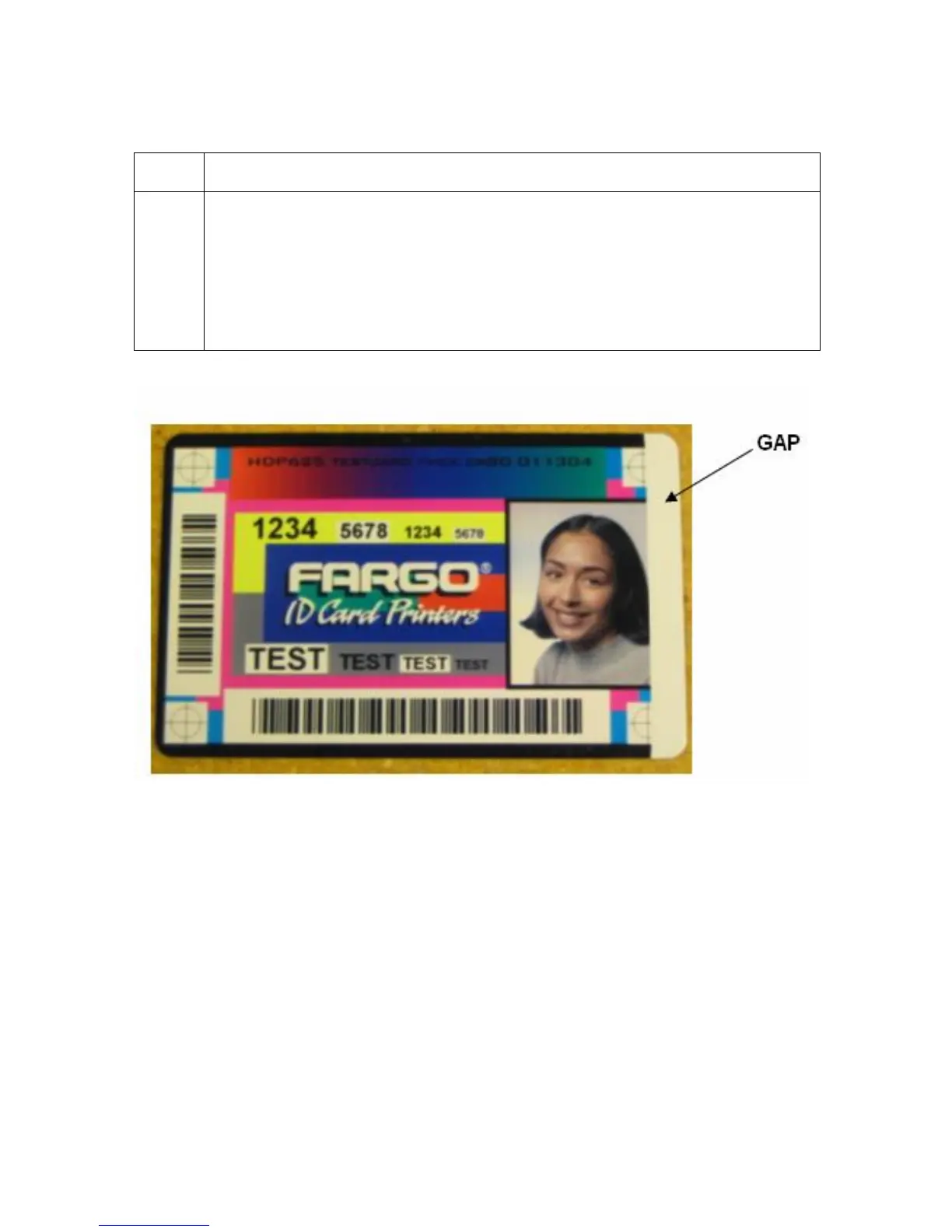
3 Determine the amount of Transfer EOF adjustment needed by using a caliper
to measure the “Gap”.
The Gap: Represents the distance from the Trailing Edge of the card to
the edge of the image as shown below
See Using the Gap Distance Table. This table will convert this “Gap”
distance into an approximate adjustment value.












 To Next Page