RESTRICTED USE ONLY Fargo Electronics, Inc.
HDP 800 Series Card Printer/Encoders Service Manual (Rev. 5.0)
134
Reviewing the Card Count Self-Test
Step Procedure
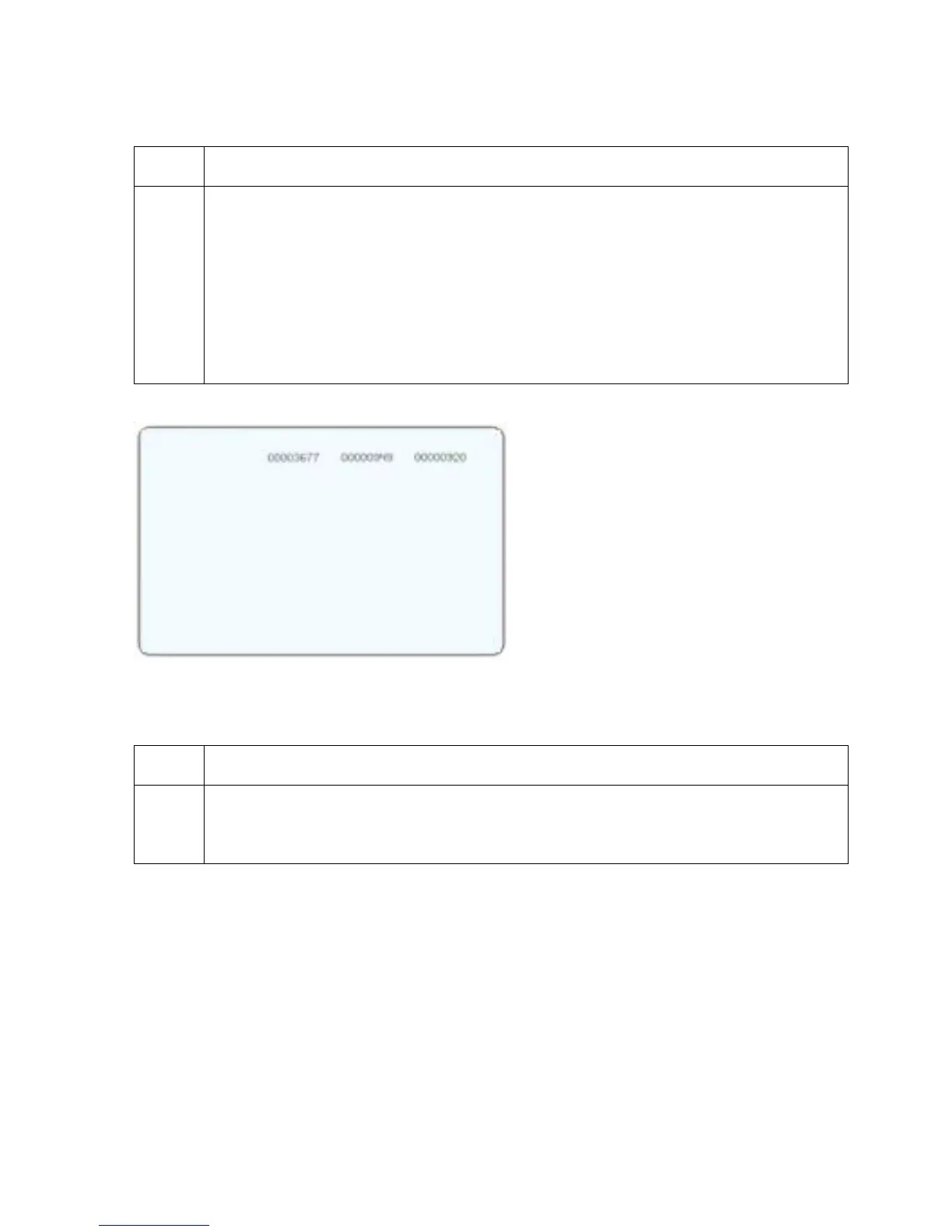
1 Use this card to view counts for Card Count (CC), Pass Count (PC), Transfer
Count (TC) and Lamination Count (LC).
• The Card Count is the total number of cards the Printer has produced. Pass
Count is the total number of print passes made by the Printhead. (Note: A
pass is measured each time a single ribbon panel is printed or passes beneath
the Printhead.)
• The Transfer Count is the total number of times the Printer transfers an image
to a card.
Reviewing the Magnetic Test option
Step Procedure
1 Use this option only applies if a Magnetic Encoding Module is installed in the
Printer. (Note: The Printer will feed, encode and eject a card. Be sure to have
high coercivity cards installed when running this test.)












 To Next Page