RESTRICTED USE ONLY Fargo Electronics, Inc.
HDP 800 Series Card Printer/Encoders Service Manual (Rev. 5.0)
214
Measuring the Total Card area
Step Procedure
1
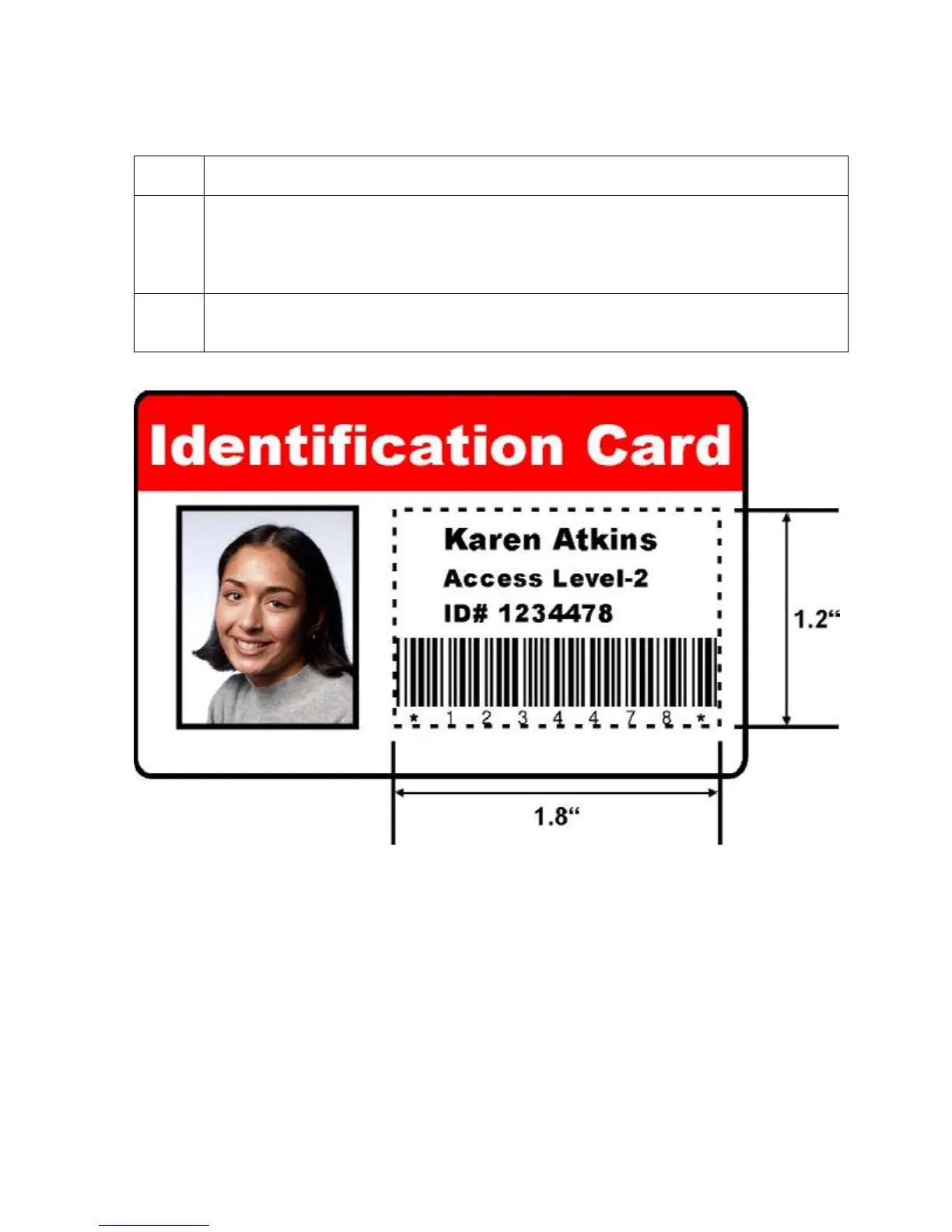
Determine the area of the card to define. (Note: This area is indicated by the
dashed outline, as shown below. The easiest way to determine the size of this
area is to actually print a card and look at it in the same orientation as when it exits
the Printer.)
2 Measure the total area and enter those dimensions into the dimension boxes.
(Note: The minimum size an area can be is .2" x .2" (5mm x 5mm).)












 To Next Page