RESTRICTED USE ONLY Fargo Electronics, Inc.
HDP 800 Series Card Printer/Encoders Service Manual (Rev. 5.0)
166
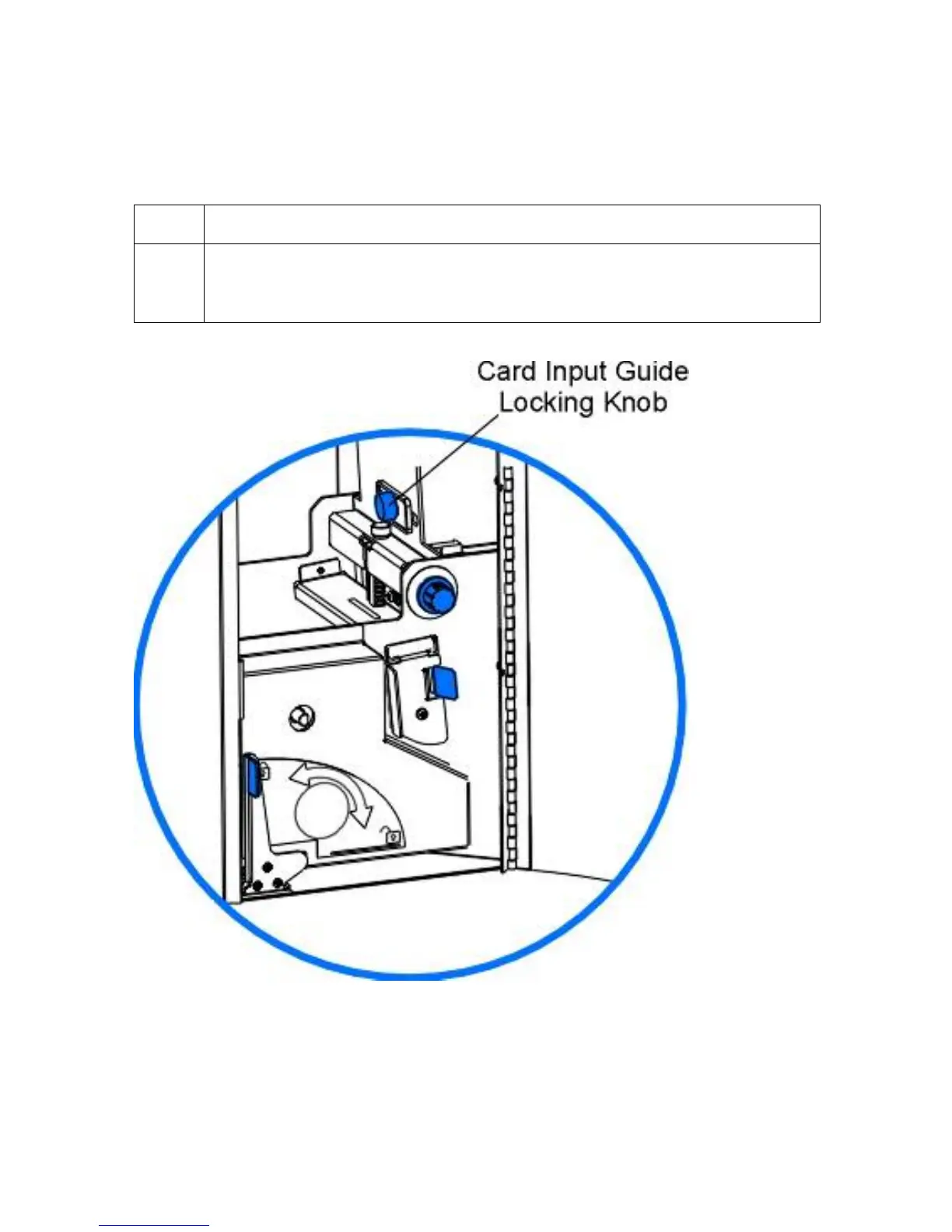
Adjusting the Card Input Guide
When loading cards, it is important that the Card Input Guide rests securely against the stack
of cards to ensure consistent feeding.
Step Procedure
1
Before moving the Card Input Guide, loosen the guides Locking Knob. (Note:
To do this, open the Front Access Door and loosen the Locking Knob by
turning it counter-clockwise.)
Continued on the next page












 To Next Page