RESTRICTED USE ONLY Fargo Electronics, Inc.
HDP 800 Series Card Printer/Encoders Service Manual (Rev. 5.0)
149
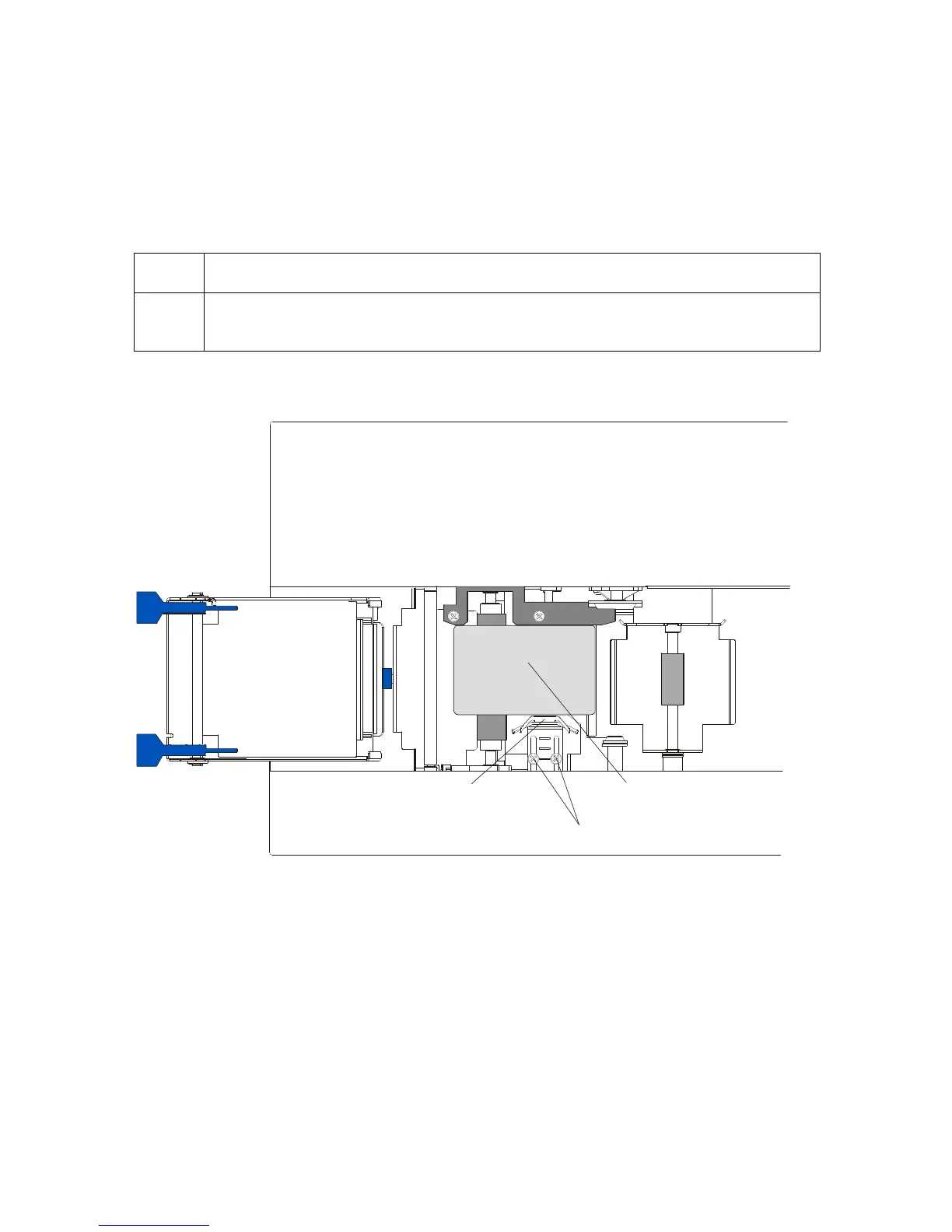
Adjusting the Internal Card Guide
The Internal Card Guide is what holds the card in position as it feeds through the Card
Lamination Module. This guide is factory-set to handle standard CR-80 sized cards. To
adjust this guide, please refer to the following steps. (Note: If adjusting for an oversized
card, you must also adjust the Printer’s Internal Card Guide.)
Step Procedure
1 Slightly loosen the two (2) screws which fasten the Internal Card Guide to the
Printer's main chassis.
Continued on the next page
Screws
Internal Card Guide
C
R90
CR80












 To Next Page