RESTRICTED USE ONLY Fargo Electronics, Inc.
HDP 800 Series Card Printer/Encoders Service Manual (Rev. 5.0)
247
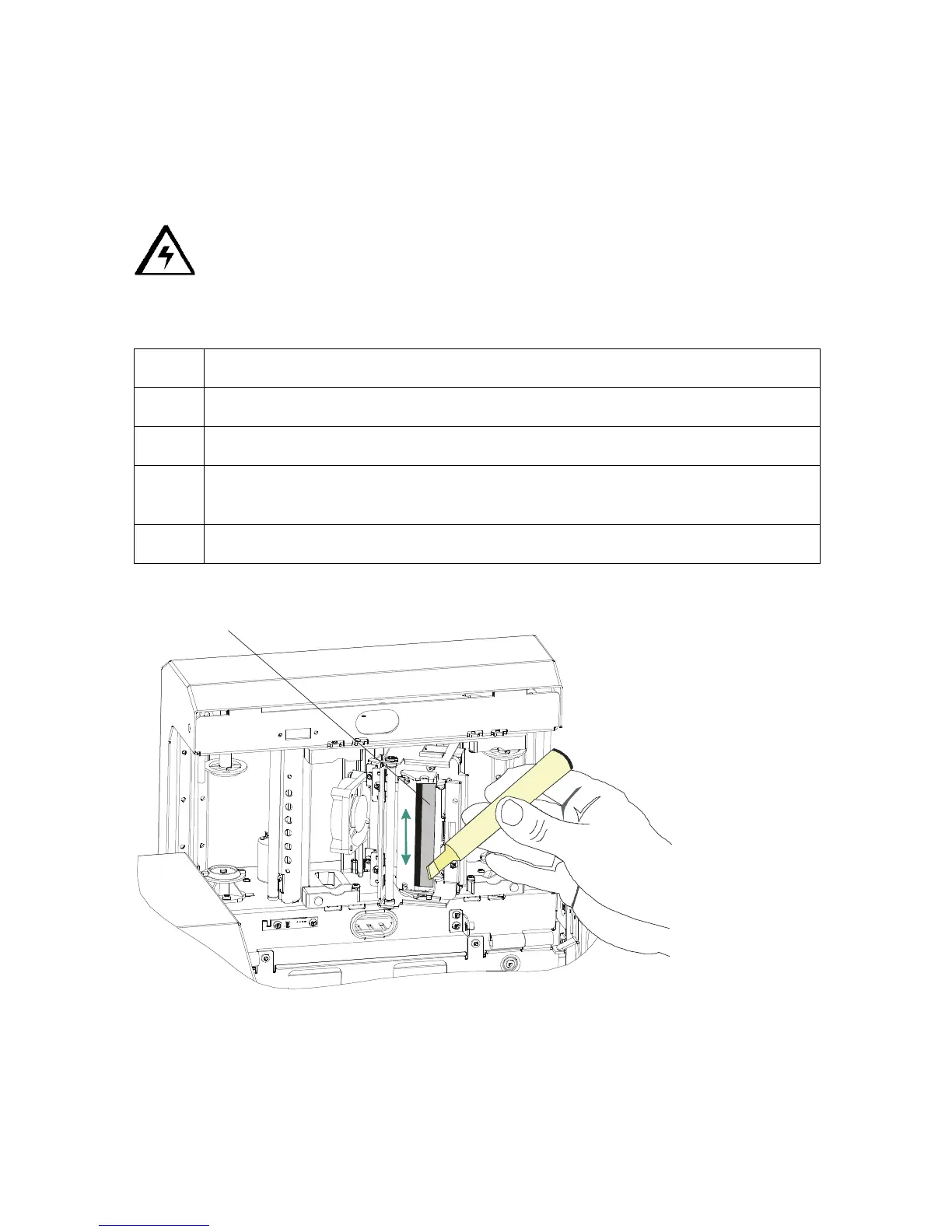
Cleaning the Printhead
Clean the printhead every time the Print Ribbon is changed to maintain consistent print
quality, as instructed below. This procedure should also be performed approximately every
400 prints in order to maintain consistent print quality.
Caution: Never use a sharp tool or abrasive object of any kind to clean the
Printhead. It will damage the Printhead. Watches, rings, bracelets and other jewelry can
damage the Printhead if accidentally bumped against it. For best results, remove such items
before touching any internal components of Printer.
Step Procedure
1 Remove watches, rings, bracelets and other jewelry.
2 Open the Print Station.
3 Use a Printhead Cleaning Pen from the Printer Cleaning Kit to firmly wipe back
and forth across the surface of the Printhead.
4 Close the Print Station once the Printhead is completely dry.












 To Next Page