RESTRICTED USE ONLY Fargo Electronics, Inc.
HDP 800 Series Card Printer/Encoders Service Manual (Rev. 5.0)
470
Downloading Firmware Updates
Step Procedure
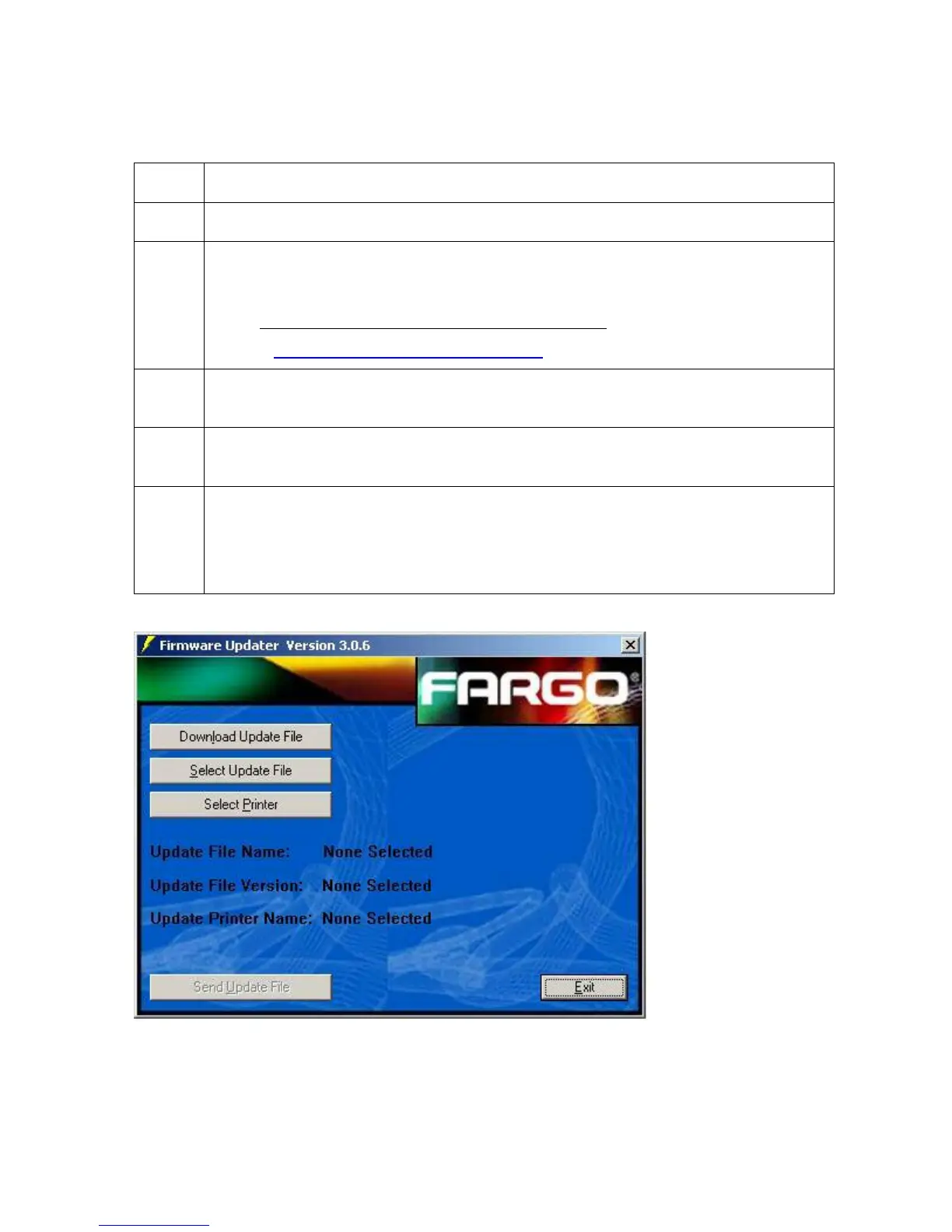
1 Refer to the following steps to download Firmware updates:
2
Select the Download Firmware button. If you have Internet access, this will
automatically take you to the Firmware Updates section of the Fargo website. If it
does not, manually open your browser and go to the Firmware Updates section
in the Fargo Electronics Technical Support Web site
:
http://www.fargo.com/tech_support/
3
Select your specific printer model and click on the Submit button. Click on the
Firmware file link labeled for the specific Printer model.
4
Click on OK when prompted to Save this Program to Disk and then select a
folder in which to save the Update file.
5 a. Once the file has been downloaded, navigate to the location where the file
was saved. (Note: The Firmware Update file has been compressed for
ease of downloading.)
b. Decompress the file by double-clicking on the designated icon.












 To Next Page