RESTRICTED USE ONLY Fargo Electronics, Inc.
HDP 800 Series Card Printer/Encoders Service Manual (Rev. 5.0)
191
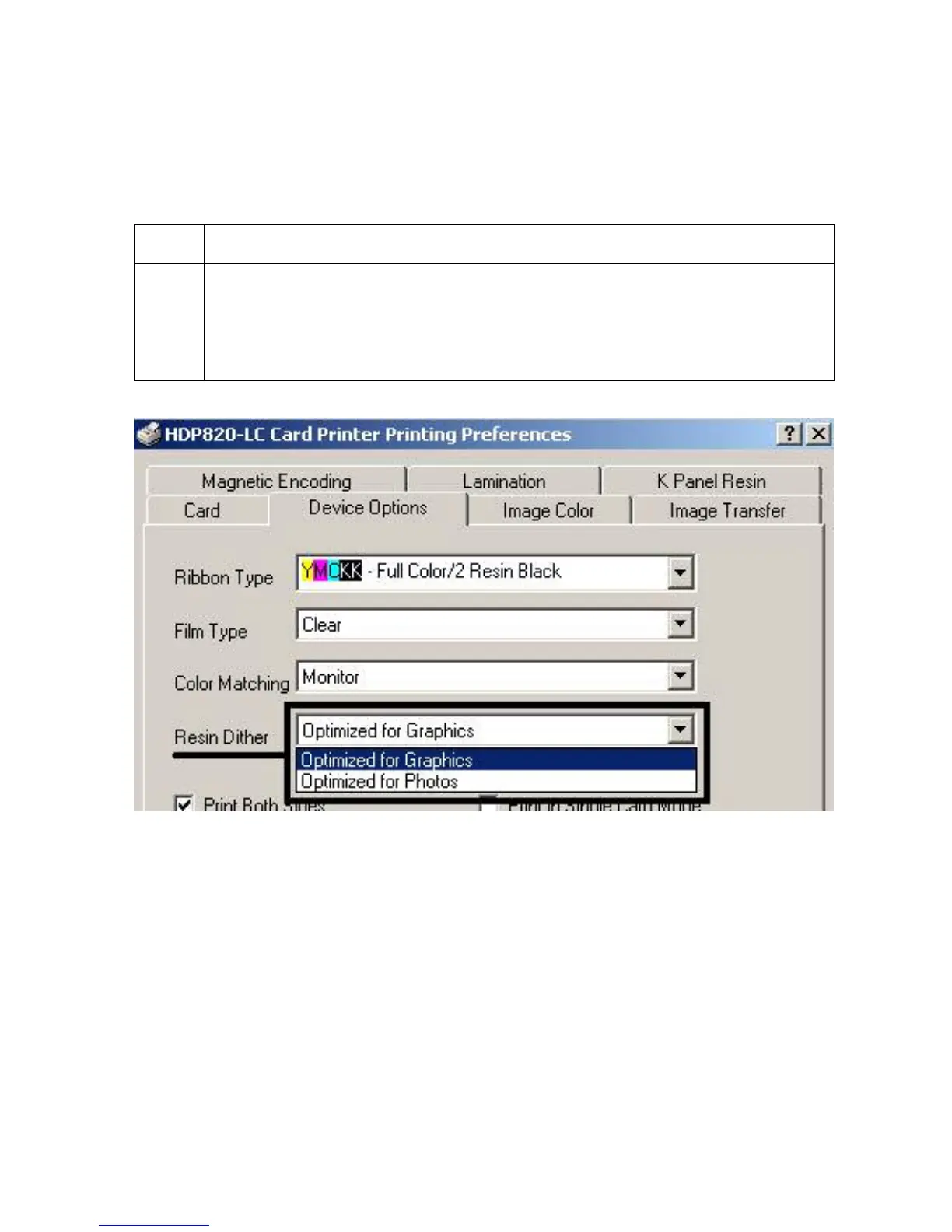
Adjusting for the Resin Dither
Select the appropriate dither method according to the type of image to be printed. (Note:
This option only affects those objects printed on the backside of a card with the resin black
Panel of a YMCK or YMCKK Print Ribbon.)
Step Procedure
1
Select Optimized for Photo when printing photo quality images with resin.
OR
Select Optimized for Graphics when printing lower quality images (e.g., clipart,
logos, etc.) with resin.












 To Next Page