RESTRICTED USE ONLY Fargo Electronics, Inc.
HDP 800 Series Card Printer/Encoders Service Manual (Rev. 5.0)
208
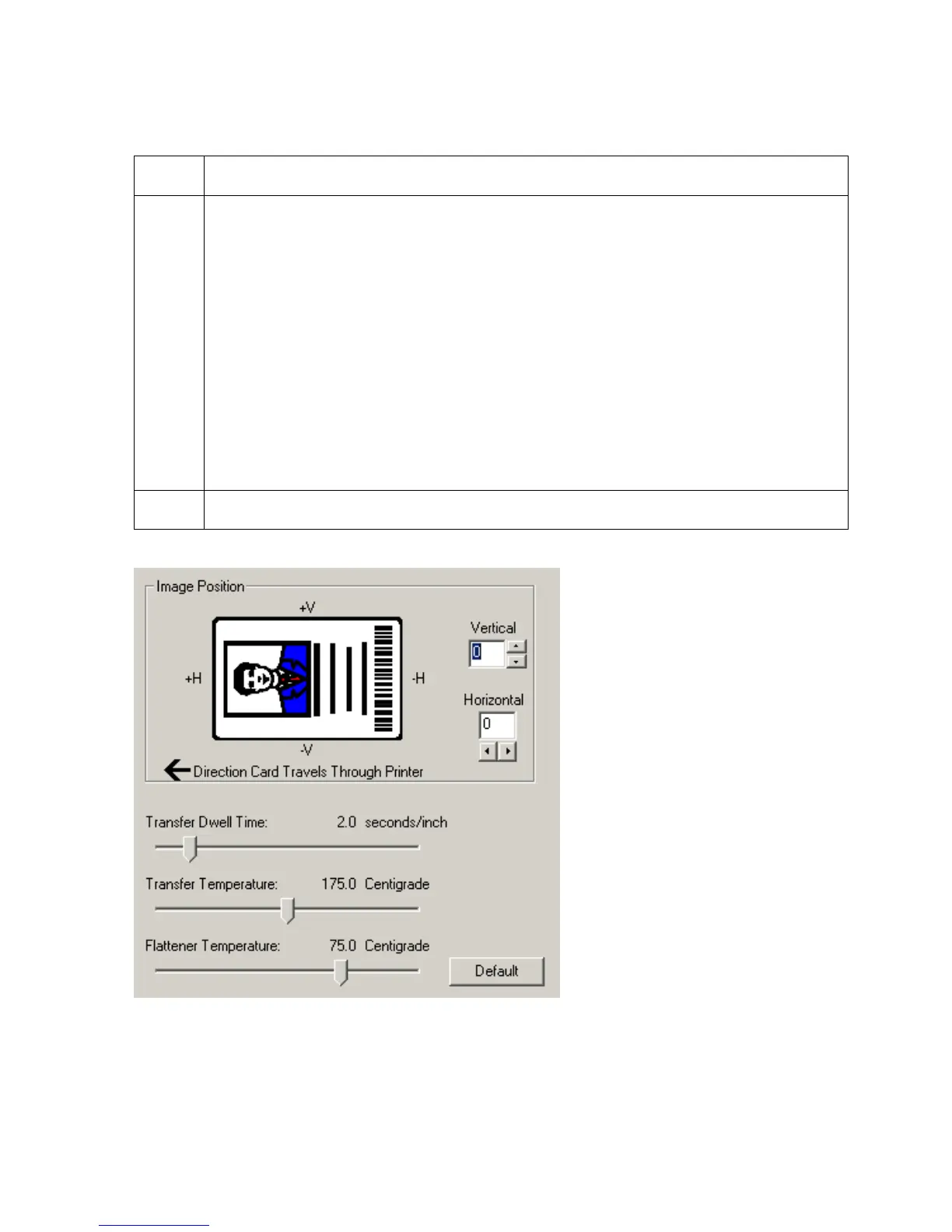
Adjusting the Flattener Temperature
Step Procedure
1
Use the Flattener Temperature control to set the temperature of the Printer's
built-in Card Flattener. This setting may vary depending on the card type.
• When using the standard UltraCard-Glossy or HDP Card-Matte PVC Card
Type option, the Printer Driver automatically optimizes this setting according to
whether printing single or dual-sided cards. In general, single-sided prints
require a hotter Flattener temperature.
OR
• When using another type of card stock, it may be necessary to adjust this
setting to optimize the flatness of the cards. Any changes made to the
Flattener temperature will be saved upon exiting the Printer Driver setup.
(Note: If the Printer is equipped with a Lamination Module and Lamination is
being used, the Flattener will be disabled.)
2
Click on the Default button to return to the factory default setting.












 To Next Page