RESTRICTED USE ONLY Fargo Electronics, Inc.
HDP 800 Series Card Printer/Encoders Service Manual (Rev. 5.0)
170
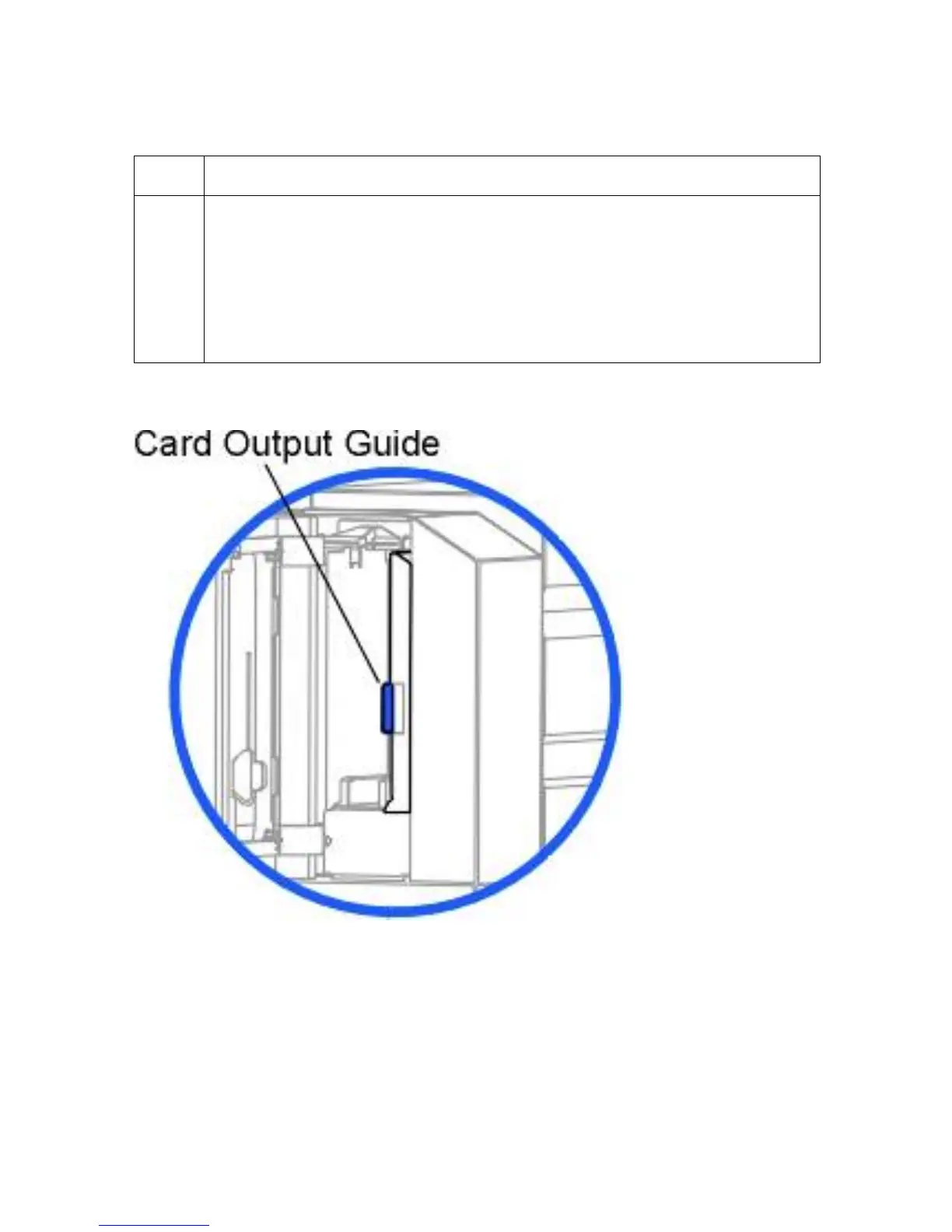
Adjusting the Card Stacker Output Guide
Step Procedure
1 Open the Card Output Hopper Door and locate the Card Stacker Output Guide
closest to the front of the Printer.
• Adjust the stacker's Card Output Guide to the proper card size prior to
printing. (Note: This will ensure consistent card ejecting and stacking.)
• If the Card Stacker Output Guide is not set prior to printing, it can cause
jams.
Continued on the next page












 To Next Page