RESTRICTED USE ONLY Fargo Electronics, Inc.
HDP 800 Series Card Printer/Encoders Service Manual (Rev. 5.0)
169
Adjusting the Card Input Guide (continued)
Step Procedure
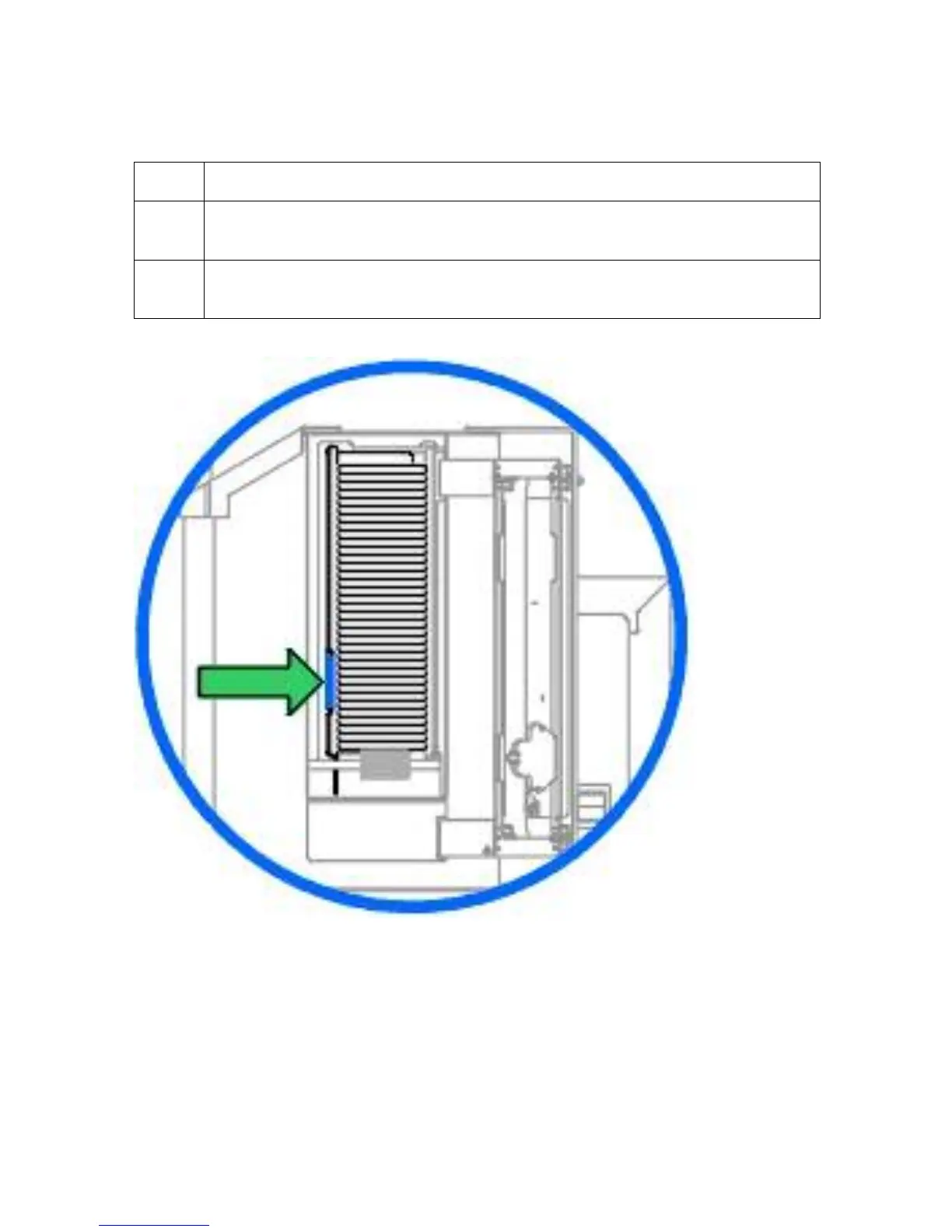
4 Push the Card Input Guide back into position so that it rests flush against the
side of the card stack.
5 Once the Card Input Guide is adjusted properly, retighten the Locking Knob
loosened in step 1.












 To Next Page