RESTRICTED USE ONLY Fargo Electronics, Inc.
HDP 800 Series Card Printer/Encoders Service Manual (Rev. 5.0)
252
Cleaning the Card Feed Rollers
Steps Procedure
1 To ensure consistent Printer operation, all of the Card Feed Rollers within the
Printer should be cleaned approximately every 250-prints or if the rollers are
noticeably dirty. This helps prevent jams and maintain the best print quality. With
the Printer power ON, use the following steps to clean the rollers:
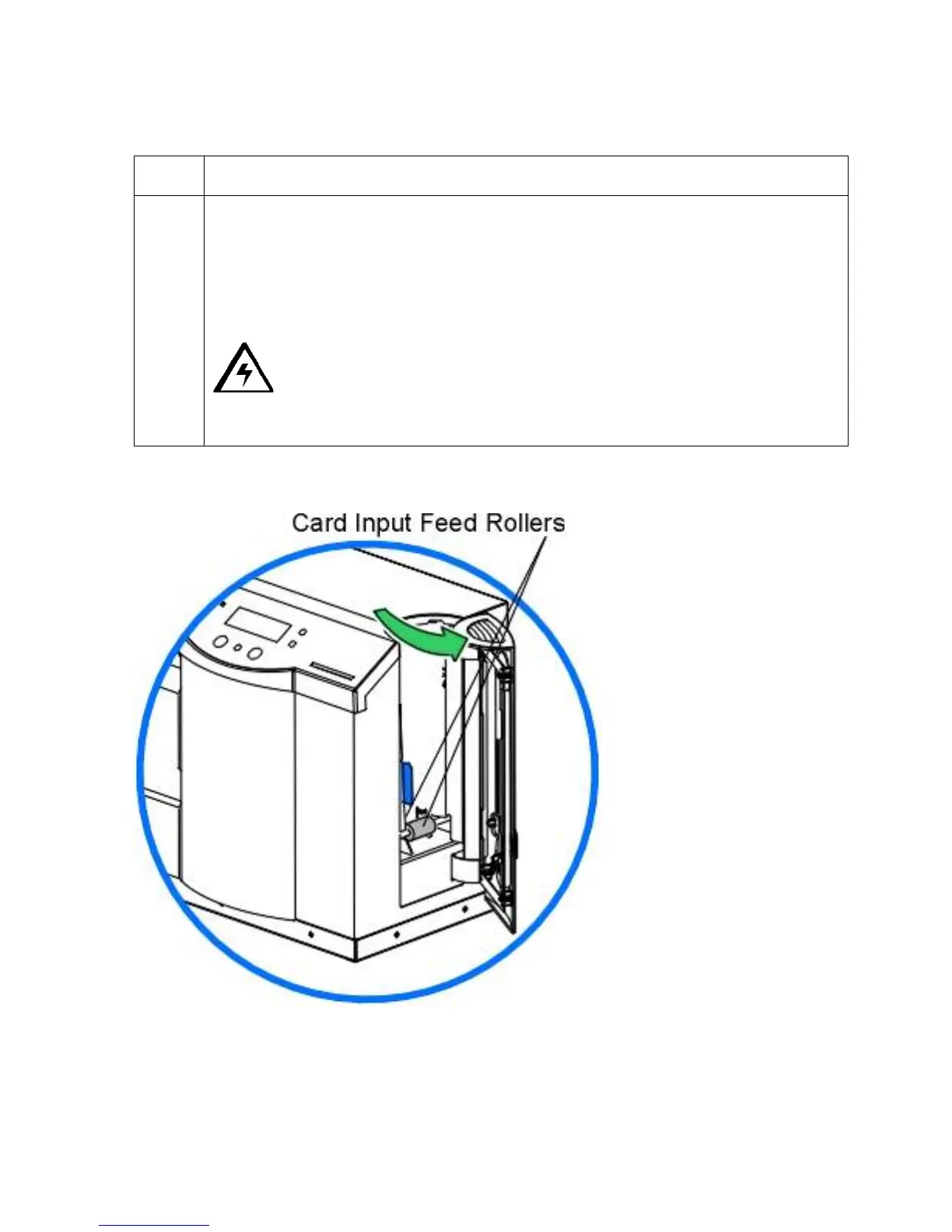
Open the Card Input Hopper Door, remove the blank cards and locate the two
Card Input Feed Rollers.
Caution: Do not attempt to run a cleaning card through the Printer to
clean the Card Feed Rollers. Cleaning cards can become jammed in the Card
Flattener and damage the Printer.
Continued on the next page












 To Next Page