RESTRICTED USE ONLY Fargo Electronics, Inc.
HDP 800 Series Card Printer/Encoders Service Manual (Rev. 5.0)
251
Cleaning the Cleaning Rollers (continued)
Step Procedure
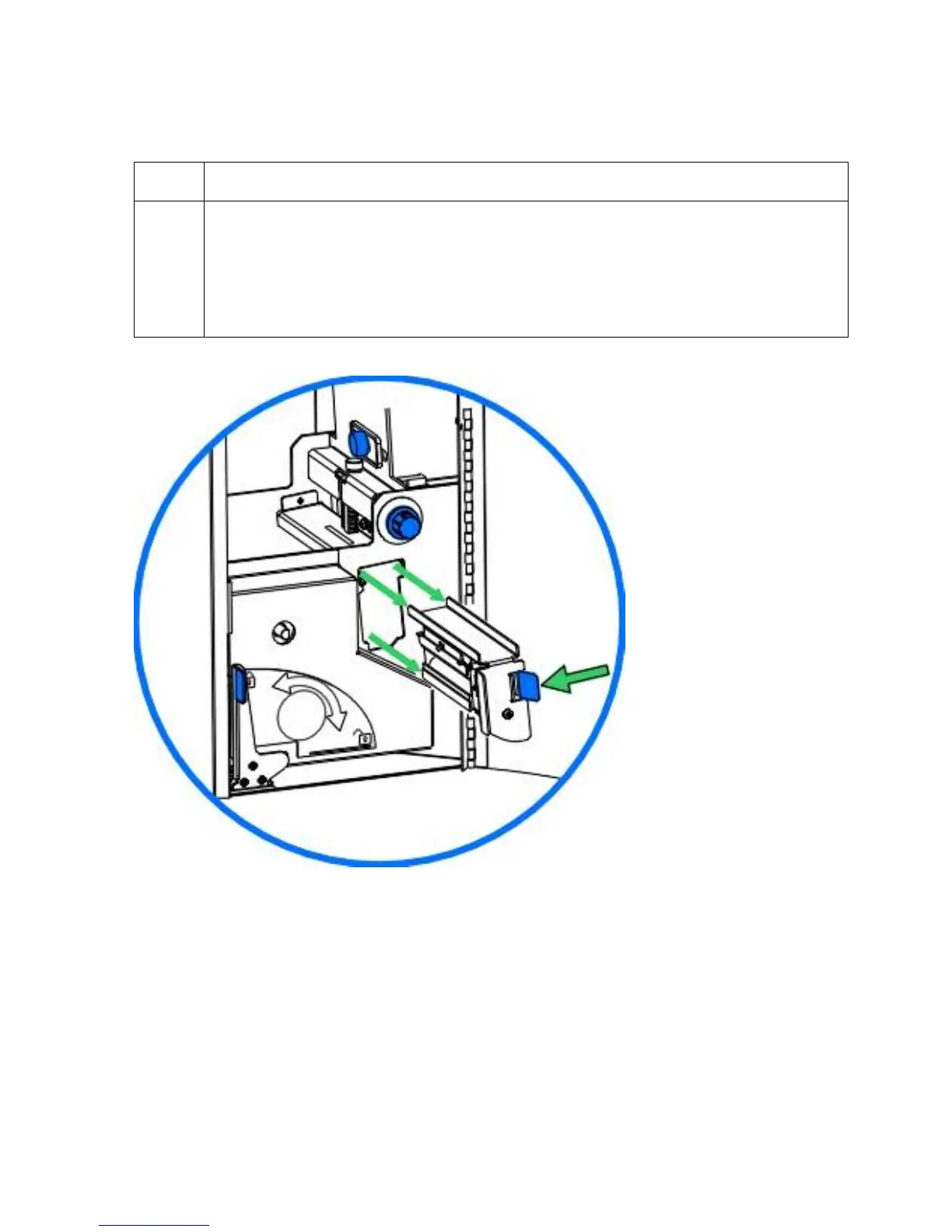
5 a. Once cleaned, replace the Cleaning Roller Assembly and close the Front
Access Door.
b. Push the assembly in until you hear the Spring-loaded tab click into place.
(Note: This assembly must be inserted properly for the Printer to function.)
c. Close the Printer's Front Access Door.












 To Next Page