RESTRICTED USE ONLY Fargo Electronics, Inc.
HDP 800 Series Card Printer/Encoders Service Manual (Rev. 5.0)
250
Cleaning the Cleaning Rollers (continued)
Step Procedure
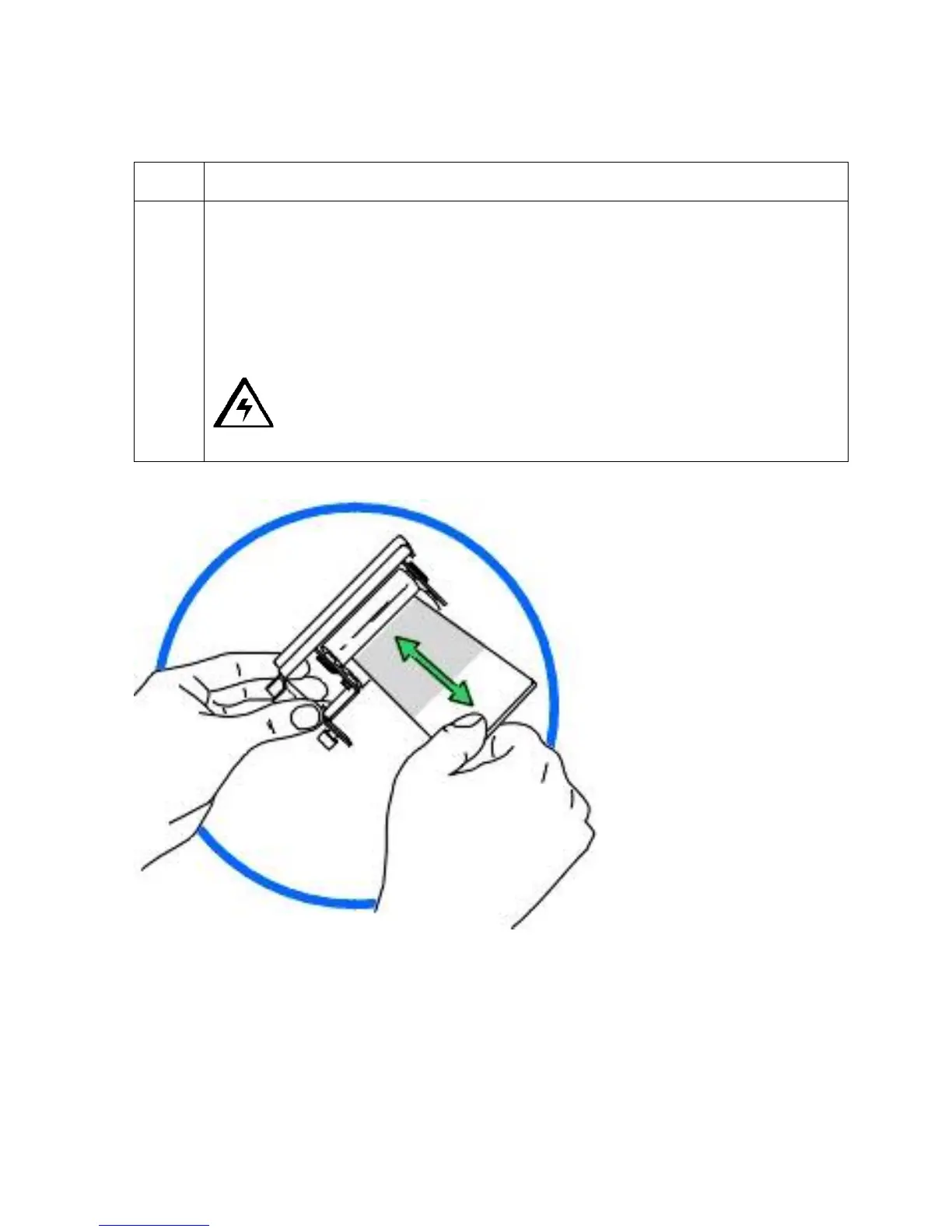
4 Clean the rollers with one of the adhesive-backed Cleaning Cardss from the
Printer Cleaning Kit.
a. Remove the card's adhesive backing paper and slide the card between the
rollers until all dust particles are removed.
b. Flip over the Cleaning Cards to clean both the top and bottom Cleaning
Rollers. (Note: Alternatively, place the assembly under lukewarm water may
clean the Cleaning Roller.)
Caution: Ensure that the Cleaning Roller Assembly is completely dry
before reinstalling into the Printer.
Continued on the next page












 To Next Page