RESTRICTED USE ONLY Fargo Electronics, Inc.
HDP 800 Series Card Printer/Encoders Service Manual (Rev. 5.0)
197
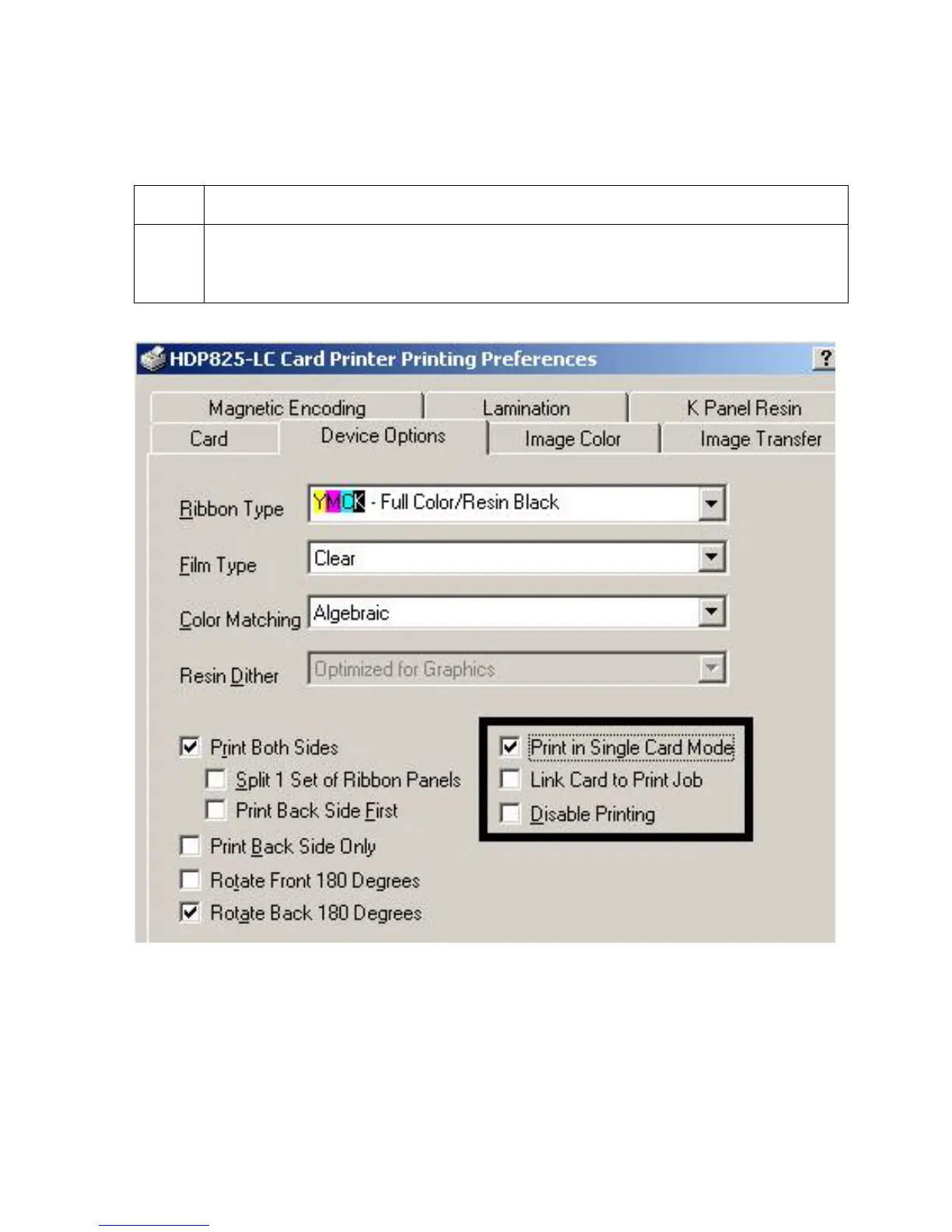
Using the Print in Single Card Mode option
Use this option to force the Printer's memory to buffer or to hold only one print job at a time.
Step Procedure
1 Select this option only when printing to multiple Printers sharing print jobs over a
network. (Note: In this case, this option ensures that all Printers share evenly all
print jobs.)












 To Next Page