RESTRICTED USE ONLY Fargo Electronics, Inc.
HDP 800 Series Card Printer/Encoders Service Manual (Rev. 5.0)
173
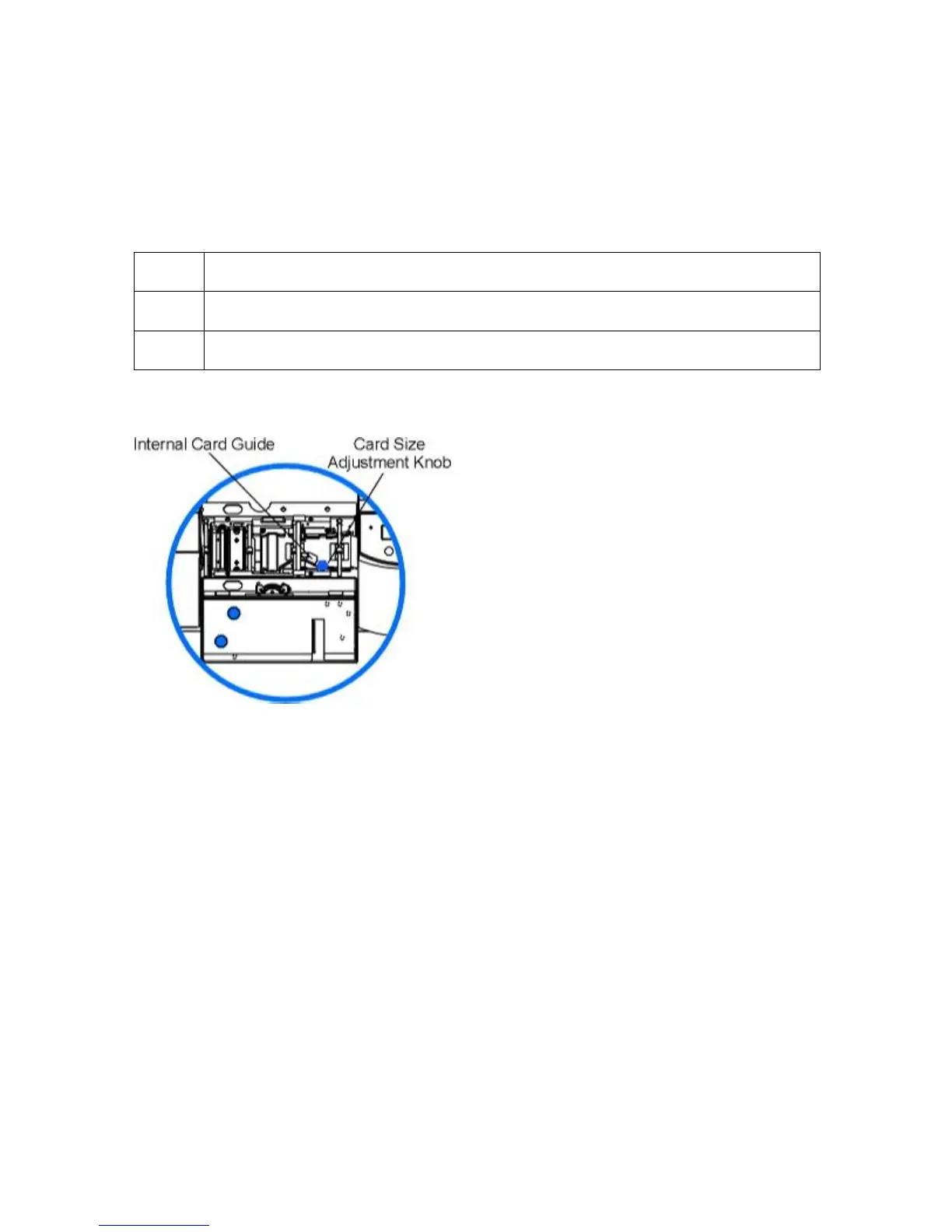
Adjusting the Internal Card Guide
Adjust the Printer's Internal Card Guide to the proper card size prior to printing to ensure
consistent card feeding throughout the printing process.
If you do not set this guide prior to printing, you could experience card jams.
Step Procedure
1 Open the Print and Transfer Stations.
2 Locate the Internal Card Guide and the Card Size Adjustment Knob.
Continued on the next page












 To Next Page