RESTRICTED USE ONLY Fargo Electronics, Inc.
HDP 800 Series Card Printer/Encoders Service Manual (Rev. 5.0)
172
Adjusting the Card Stacker Output Guide (continued)
Step Procedure
3
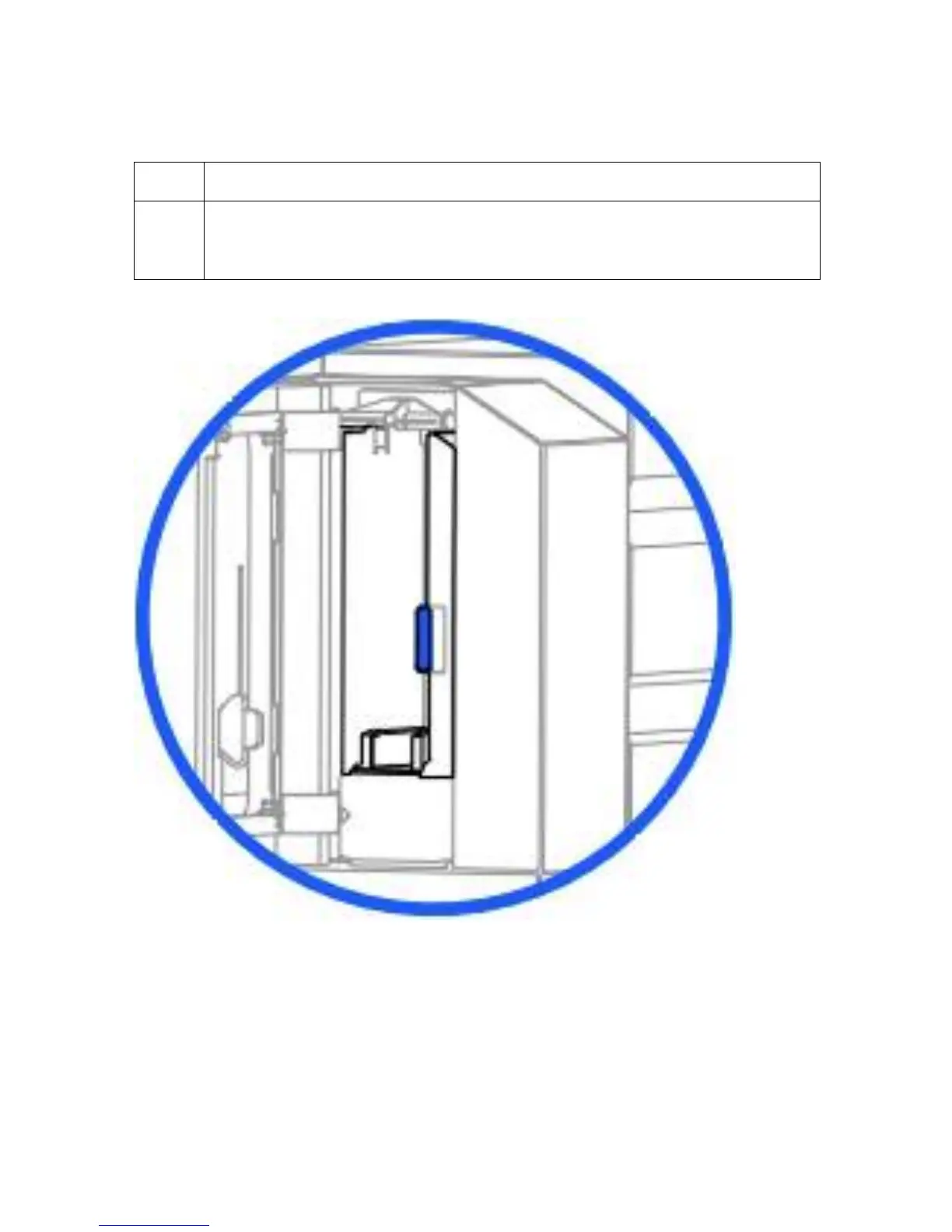
Close the Card Output Hopper Door. (Note: To make sure the cards remain
neatly stacked in the Card Output Hopper, always keep the hopper door closed
during printing.)












 To Next Page