RESTRICTED USE ONLY Fargo Electronics, Inc.
HDP 800 Series Card Printer/Encoders Service Manual (Rev. 5.0)
142
Loading the Overlaminate (continued)
Step Procedure
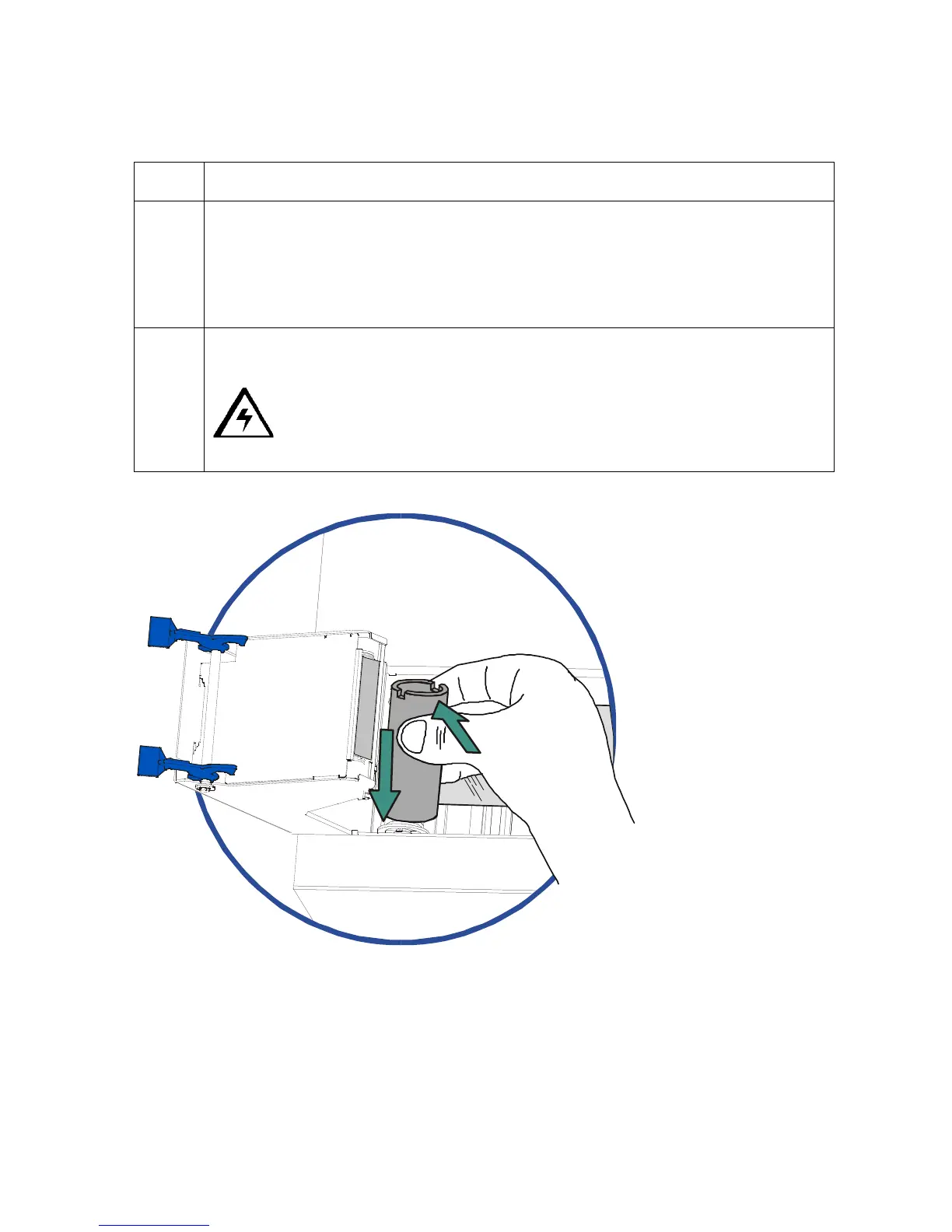
5 a. Place the take-up end of the roll in between the two black Lamination Drive
Hubs located on the far left-hand side of the Lamination Module's interior.
b. Load the take-up end of the roll just as you loaded the supply end in step 4.
(Note: When loaded properly, the overlaminate material should feed
underneath both ends of the overlaminate roll.)
6
Close the Lamination Module. (Note: When you start to print, the Lamination
Drive Hubs will automatically engage the overlaminate core notches.)
Caution: Do not reverse the overlaminate roll. Damage may occur to
the Lamination roller!












 To Next Page