RESTRICTED USE ONLY Fargo Electronics, Inc.
HDP 800 Series Card Printer/Encoders Service Manual (Rev. 5.0)
153
Attaching the Card Lamination Module (continued)
Step Procedure
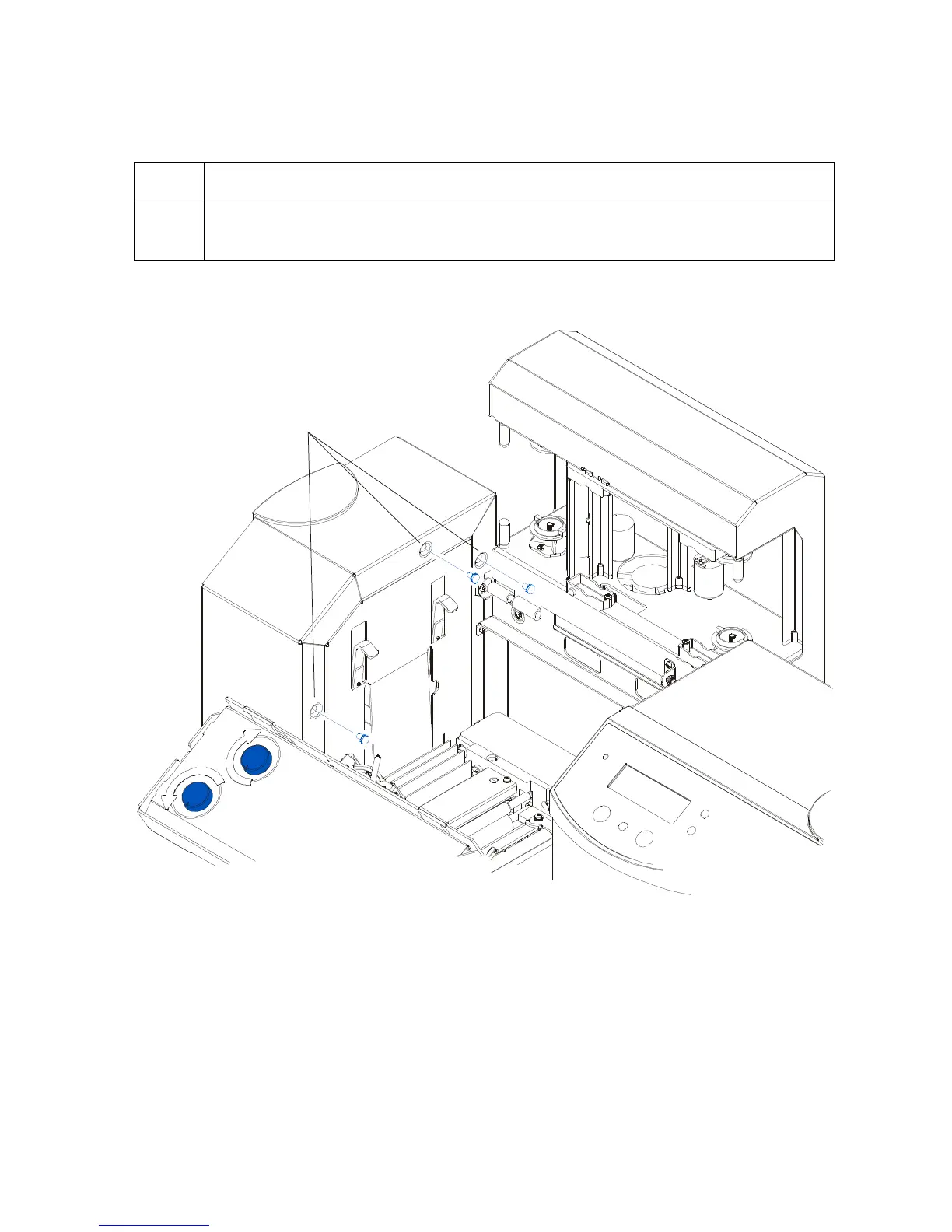
4 Remove the three (3) screws fastening the Card Output Hopper's main
enclosure to the Printer.
Continued on the next page
Remove
3 screws












 To Next Page