RESTRICTED USE ONLY Fargo Electronics, Inc.
HDP 800 Series Card Printer/Encoders Service Manual (Rev. 5.0)
161
Attaching the Card Lamination Module (continued)
Step Procedure
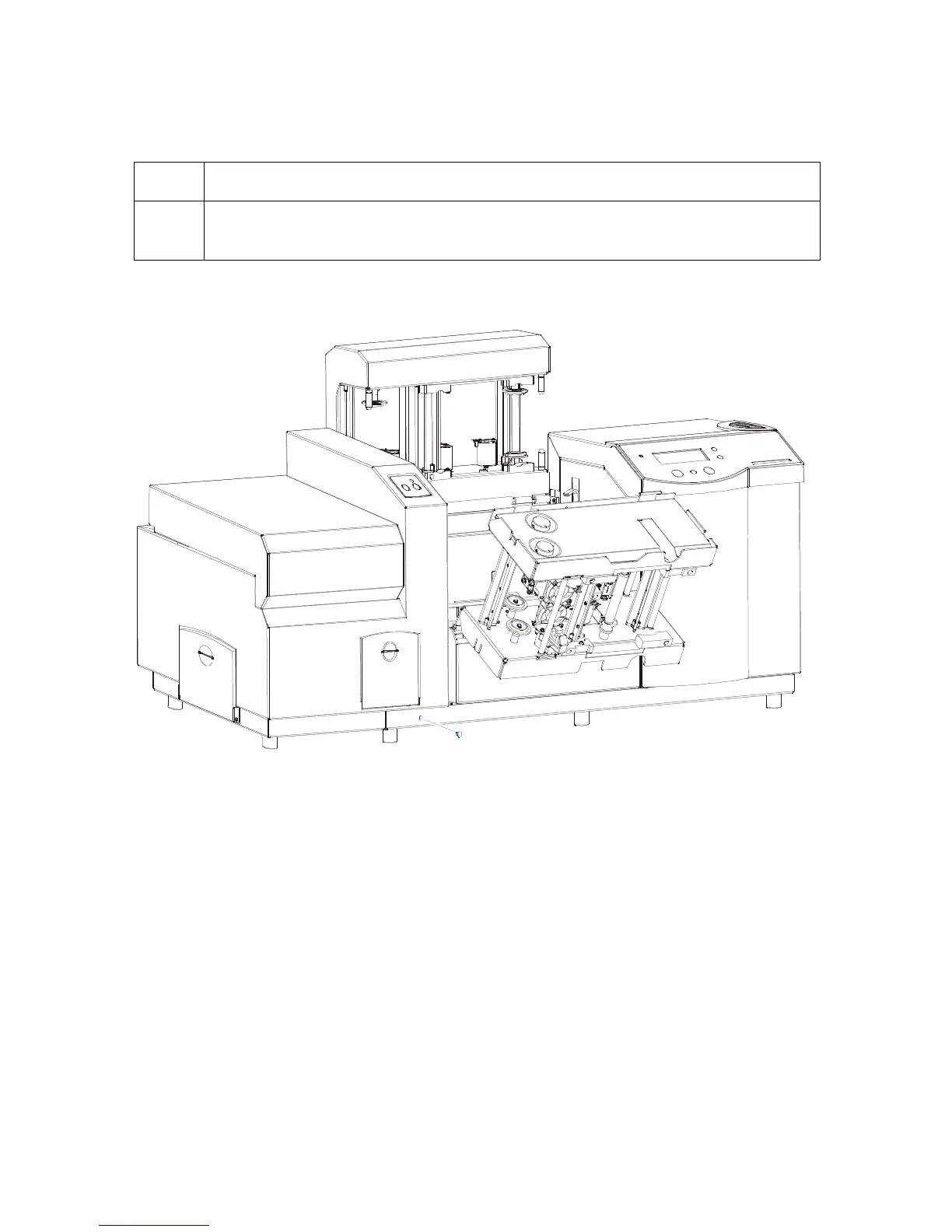
15 Insert one (1) black screw into the bottom, front of the Card Lamination
Module, as shown below.
Continued on the next page
Insert












 To Next Page