RESTRICTED USE ONLY Fargo Electronics, Inc.
HDP 800 Series Card Printer/Encoders Service Manual (Rev. 5.0)
175
Adjusting the Internal Card Guide (continued)
Step Procedure
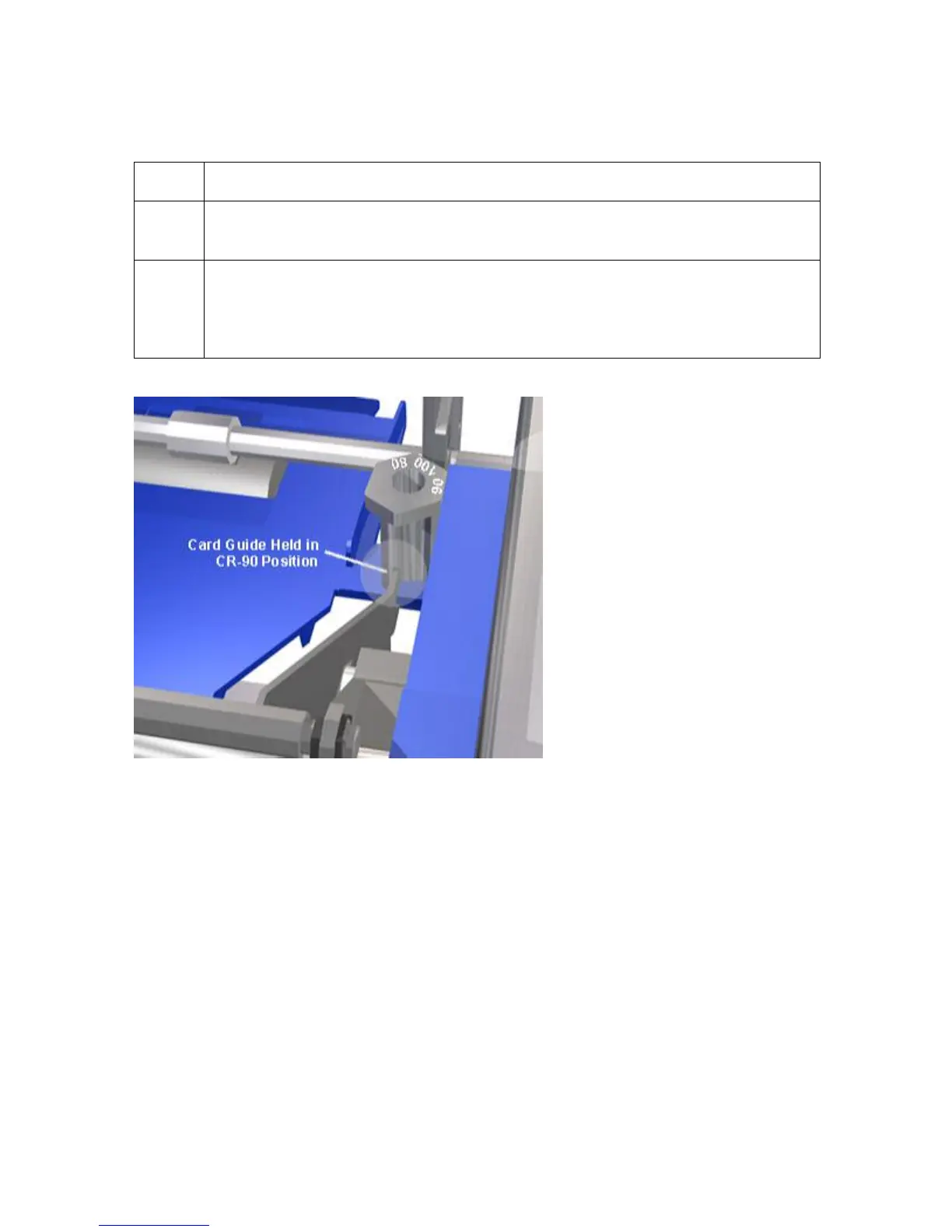
4 While holding the guide forward, lift the Card Size Adjustment Knob up and
rotate it to the desired CR-80, CR-90 or CR-100 position.
5
Release the Internal Card Guide. (Note: If you adjusted to the CR-90 or CR-
100 position, the Internal Card Guide will now rest against the Card Size
Adjustment Knob as shown in the above illustration. This allows the Printer to
consistently feed and print onto the wider card stock.)












 To Next Page