RESTRICTED USE ONLY Fargo Electronics, Inc.
HDP 800 Series Card Printer/Encoders Service Manual (Rev. 5.0)
235
Selecting the Card Type (continued)
Step Procedure
2
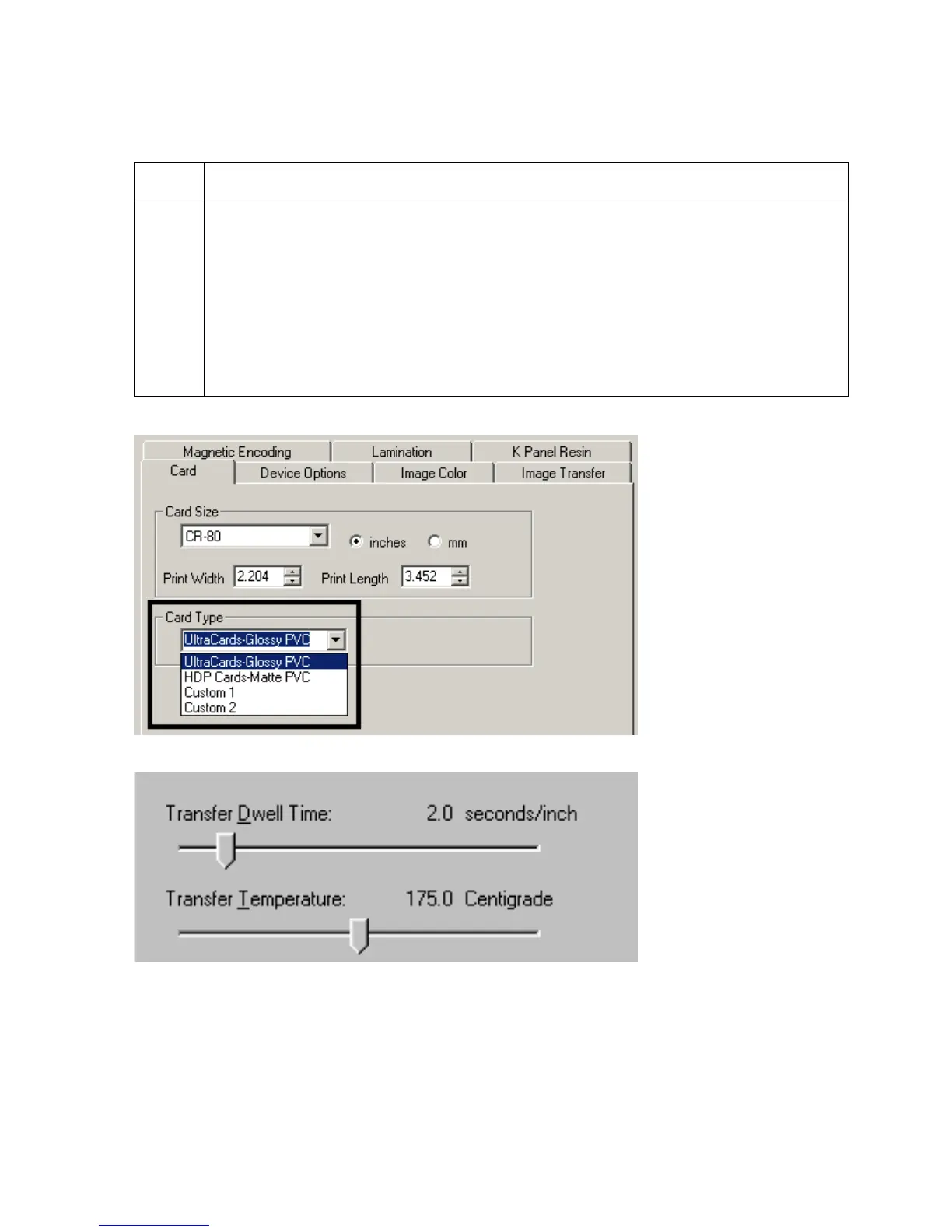
If using a card stock other than those listed, use the Custom 1 and Custom 2
options to save custom Dwell Time, dwell temperature and Flattener temperature
controls on the Image Transfer tab.
a. Click on the Custom 1 or Custom 2 options and enter a name for the card
stock.
b. Click on the Image Transfer tab to adjust the Dwell Time and temperature
sliders to the appropriate settings. (Note: These settings will be saved for the
custom card type when the Printer Driver setup window is closed.)












 To Next Page