RESTRICTED USE ONLY Fargo Electronics, Inc.
HDP 800 Series Card Printer/Encoders Service Manual (Rev. 5.0)
255
Cleaning the Card Feed Rollers (additional Feed Rollers) (continued)
Steps Procedure
6
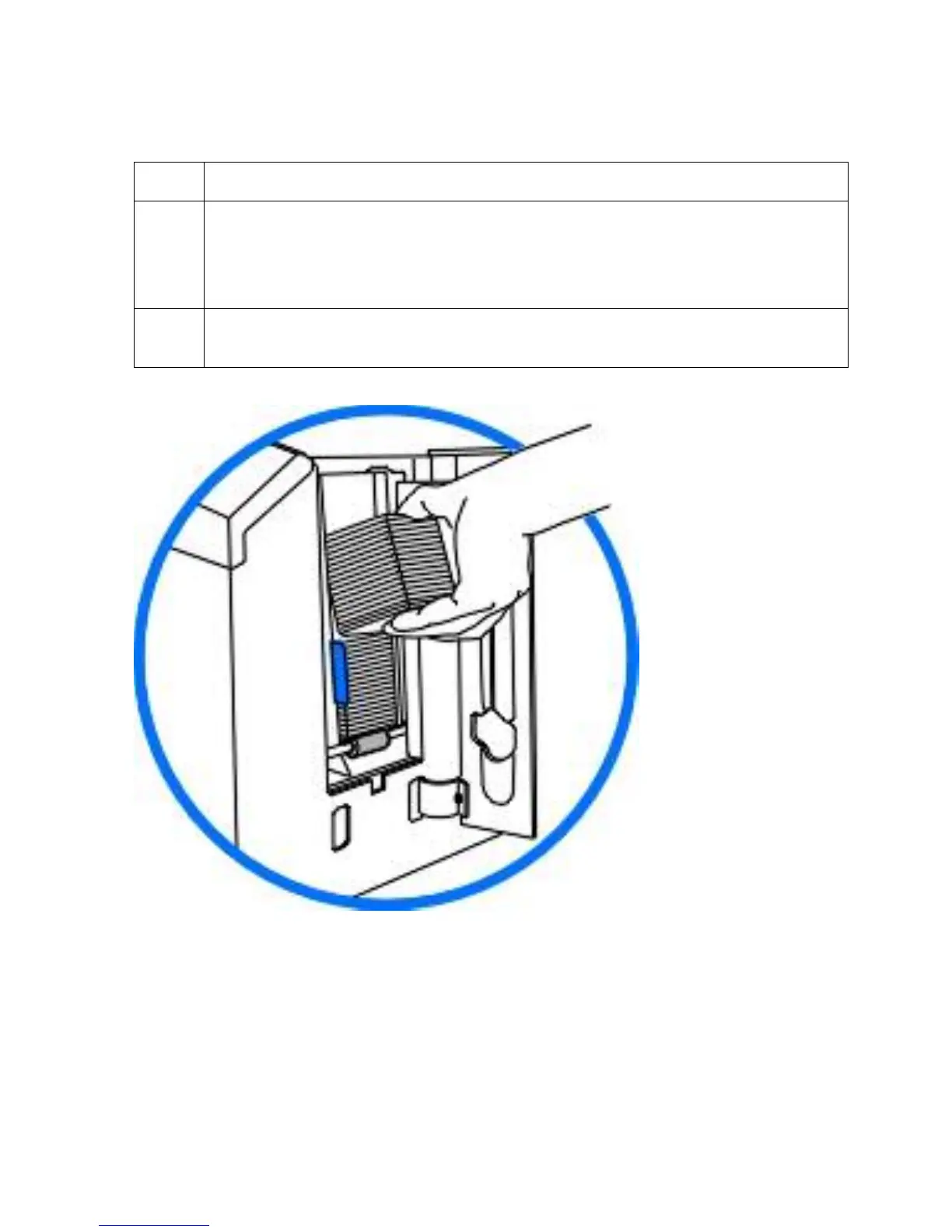
Use the Cleaning Pad to wipe each of the rollers clean. (Note: Press the Forward
and Back buttons to move the rollers back and forth while cleaning.)
If using a Printer with a Card Lamination Module attached, wipe all visible rollers
within the Lamination Module as well.
7 After all rollers are clean and completely dry, reload the cards and close all areas
of the Printer.












 To Next Page