RESTRICTED USE ONLY Fargo Electronics, Inc.
HDP 800 Series Card Printer/Encoders Service Manual (Rev. 5.0)
445
Entering the LCD Menu and Selecting an Option (continued)
Step Procedure
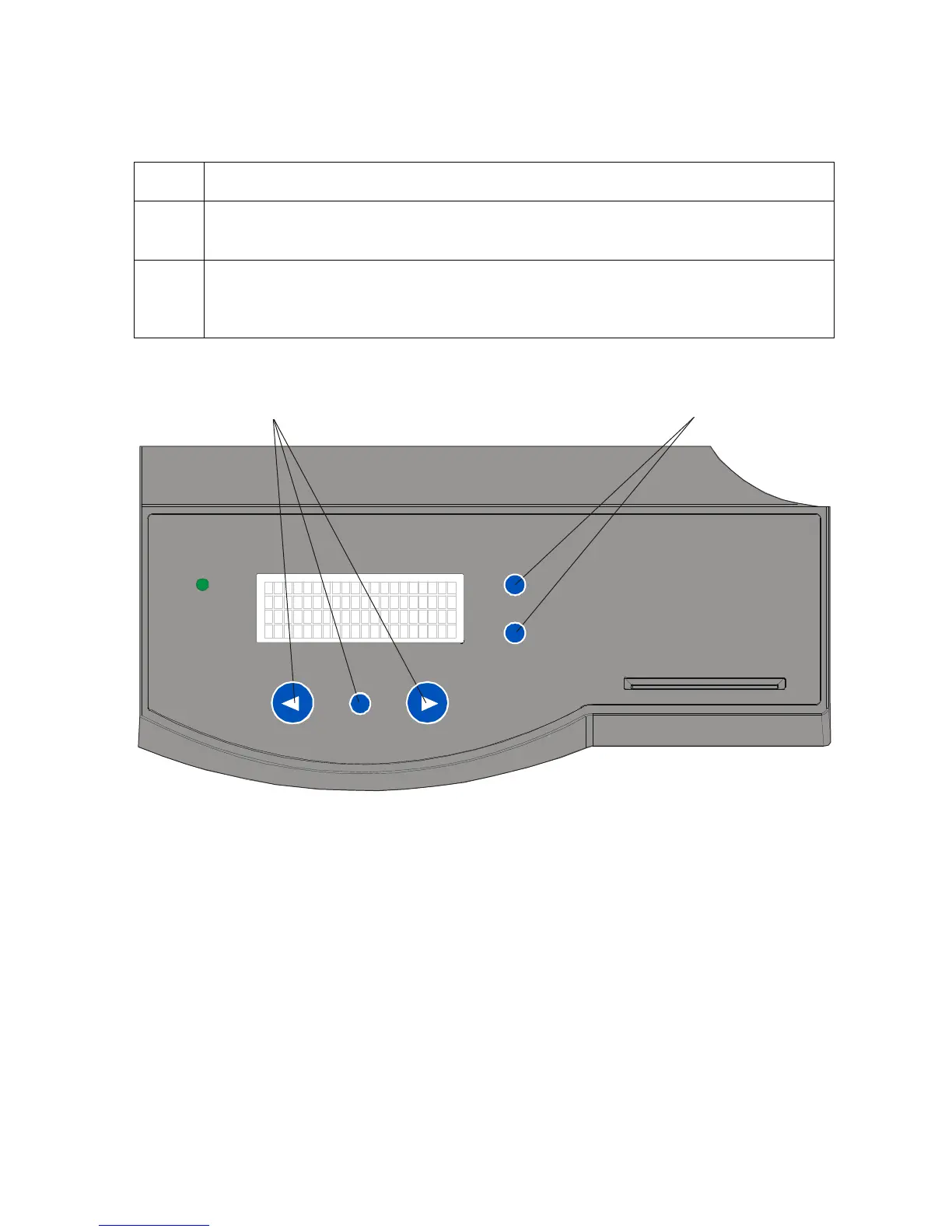
1 Use the scroll buttons to move up or down through the menu options, as shown
below. (Note: The brackets appear on either side of the active Menu option.)
2
Press the button below Select to choose an option. Choose from these five
categories: Print Test Image, Setup Printer, Show Error Count, Show Card
Count and System Upgrade.
Scroll Buttons
Continued on the next page












 To Next Page