RESTRICTED USE ONLY Fargo Electronics, Inc.
HDP 800 Series Card Printer/Encoders Service Manual (Rev. 5.0)
20
Printer Components: Access Card Slot to Parallel Interface Port (continued)
Component Description
Front Access
Door
Opens to allow access to the inside of the Printer.
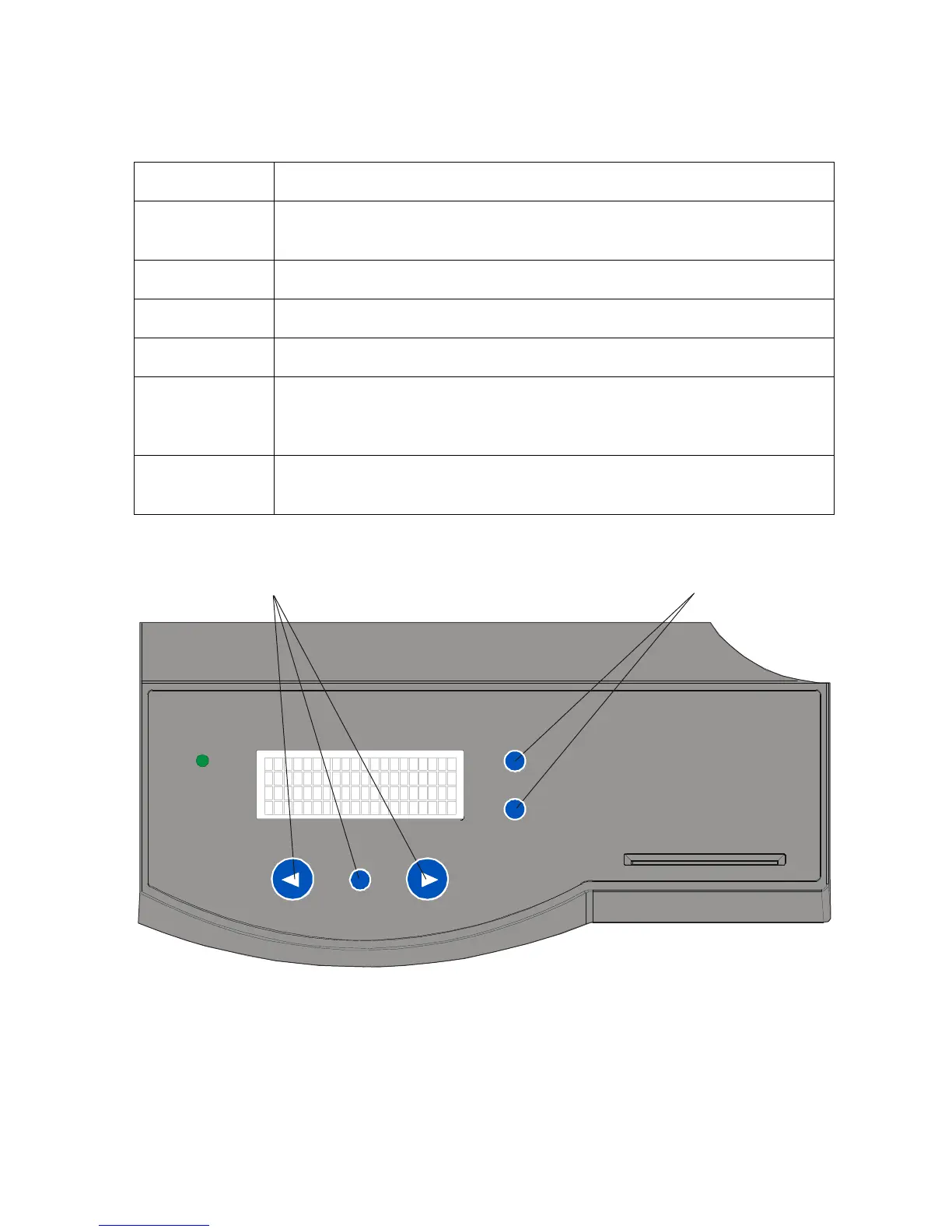
LCD Display Displays the current status of the Printer.
LED Light Indicates the Printer ON, OFF, pause and error conditions.
Print Station Prints images onto the HDP film.
Printhead The component of the Print Station that actually does the printing. This
component is fragile and must not be bumped or touched with anything
other than a cleaning pen.
Softkey Buttons Current function is displayed above the button and will change
depending upon the Printer's mode of operation.
Continued on the next page
Scroll Buttons












 To Next Page