RESTRICTED USE ONLY Fargo Electronics, Inc.
HDP 800 Series Card Printer/Encoders Service Manual (Rev. 5.0)
69
Resolving the Card Feeding Errors (HDP825/825-LC) (continued)
Step Procedure
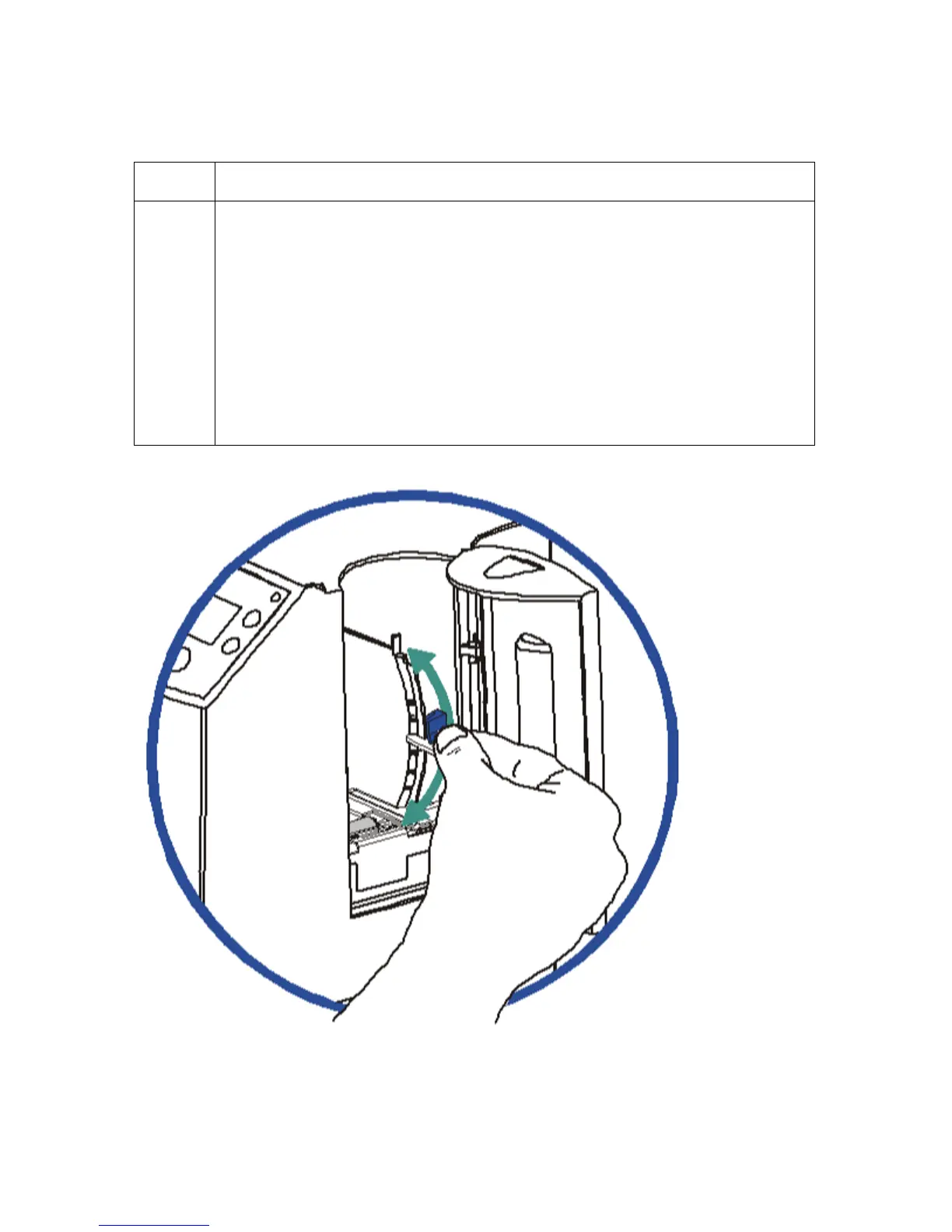
2 Ensure the Card Thickness Lever is set correctly, as shown below.
a. Press the Card Thickness Lever Lock and then push the Card Thickness
Lever up or down to the appropriate setting.
b. with any of the Card Thickness settings, move the slide slightly toward a
higher setting until the cards begin feeding (if the Printer seems unable to
feed cards at the selected setting).
c. Move the slide slightly toward a lower setting (if the Printer seems to
double-feed cards). (Note: The card thickness slide is adjustable to
accommodate card thickness variations that often occur even within
standard card sizes.)












 To Next Page