HDP8500 Service Manual, PLT-01583, 1.1
© 2013 HID Global Corporation/ASSA ABLOY AB. All rights reserved.
66
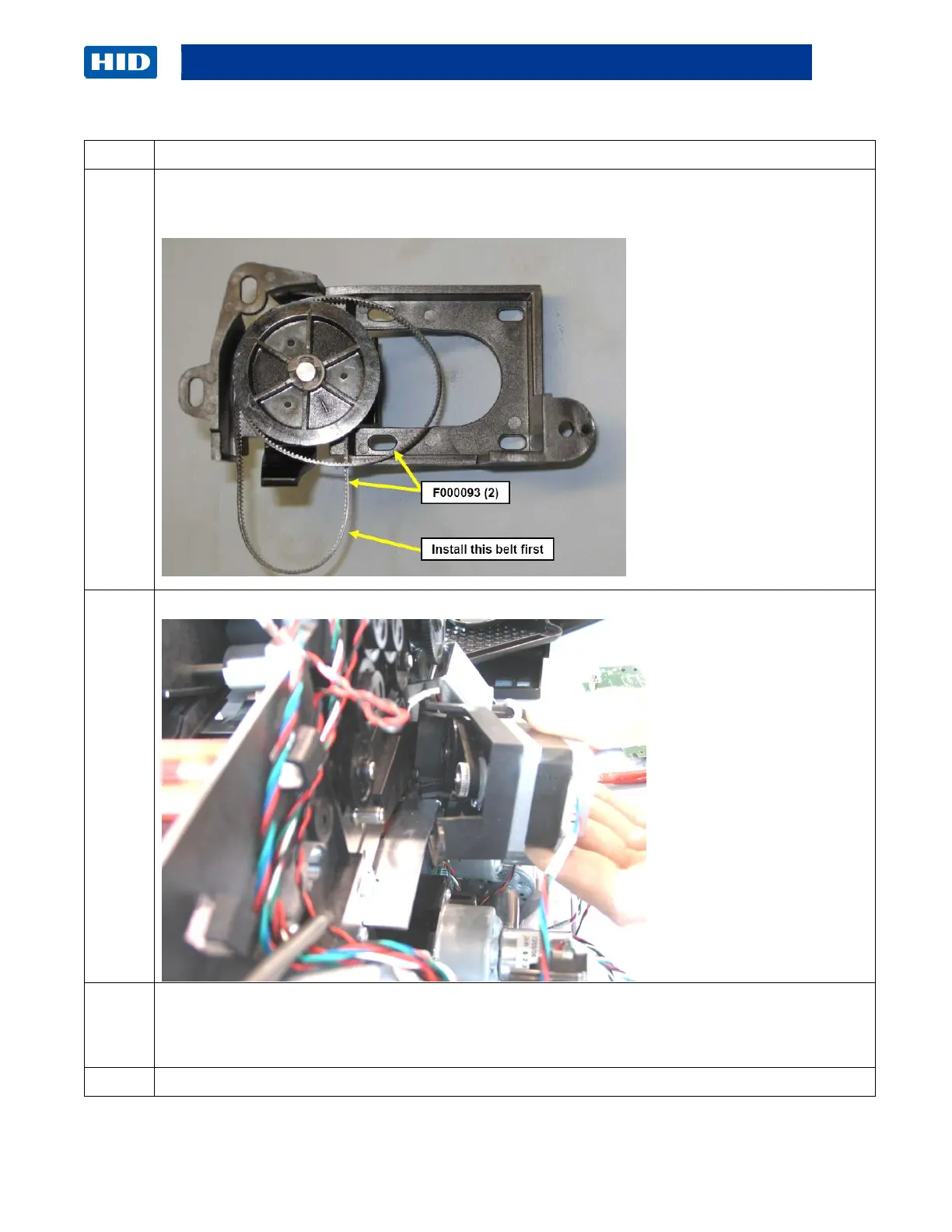
Replace the two (2) Print Stepper Motor Belts (F000093-2) as needed. (Note: One of the
Belts goes around the Print Platen Roller Gear (D910109)
Attach Belt to pulley first then roll the Motor up to set into place.
This stepper Motor Mount provides a self adjusting feature.
a. Keep the 3 screws loose while holding the Mount Frame.
b. Allow the Belts to self-adjust. Then tighten the 3 screws.
Reverse the instructions to re-assemble.



 To Next Page