FARO
®
Laser Scanner Manual
103
Chapter 7: Controller Software
Last Service Date - Date of the last scanner maintenance and certification
service.
Errors and Warnings This view provides a list of present warnings and errors. Tap a list item to view
details of the corresponding warning or error.
Warnings and errors disappear from the list when they have been fixed.
This screen shows a description of the warning or error and provides a
possible solution to solve the problem.
Warning ID / Error ID - The identification number of the warning or error.
Description - A detailed description of the warning or error.
Possible solution - The notifications consist of an ID followed by a detailed
description of the warning or error and a possible solution to solve the
problem.
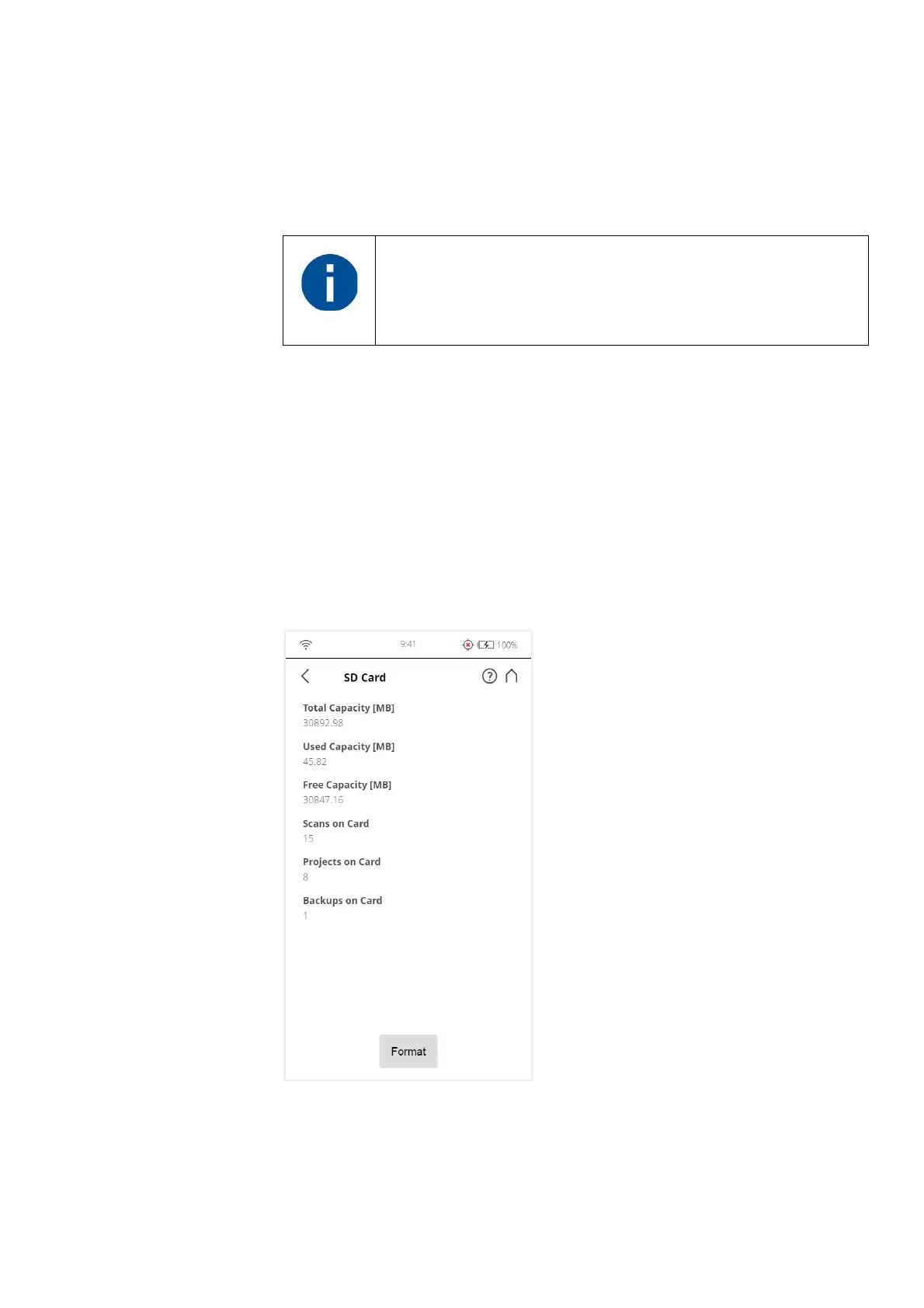
SD Card
Figure 7-76: Service, SD Card
This view provides information about the currently inserted SD card and its
contents.
If an empty or full SD-card is inserted, the LED turns red and a
permanent notification is displayed. However, when the
SD-card is removed, both warnings remain active until the
scanner is shut down.



 To Next Page