FARO
®
Laser Scanner Manual
29
Chapter 6: Getting Started
The mount plate is now securely attached to the scanner.
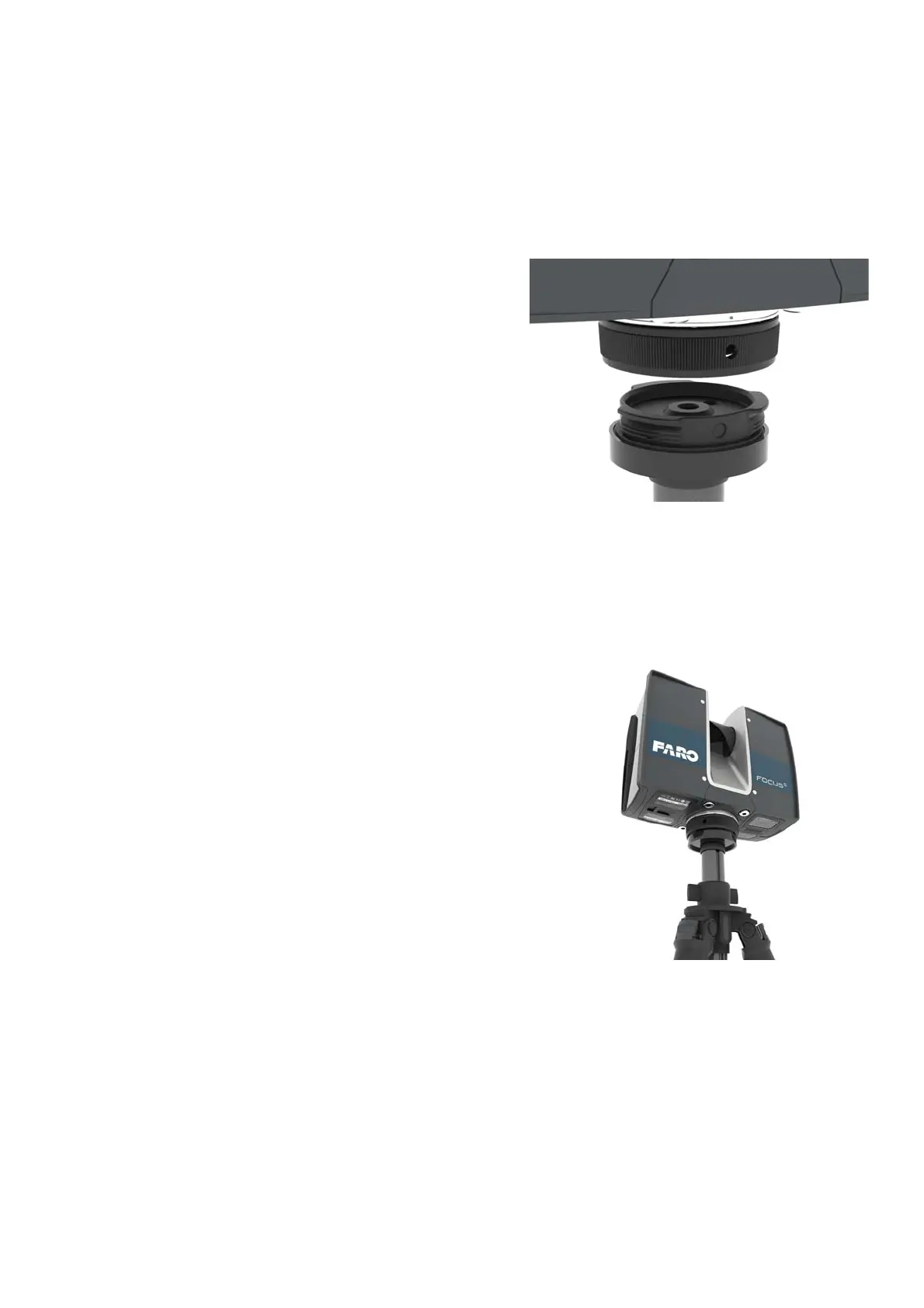
4. Mount the
scanner
1. Align one of the three holes
of the threaded collar with
the corresponding mark of
the base plate.
2. Put the scanner on the base
plate.
3. Turn the scanner to change
its orientation so that it fits
your individual needs for the
scan. Then tighten the
threaded collar firmly. Test if
the scanner is correctly
locked in place by gently
attempting to lift it from the
tripod.
The scanner is now physically set up for scanning. Before you begin to scan,
check the outer casing for any signs of damage or distortion. Check mirror for
damage due to scratches, cracks, distortion and inspect for cleanliness.



 To Next Page