FARO
®
Laser Scanner Manual
70
Chapter 7: Controller Software
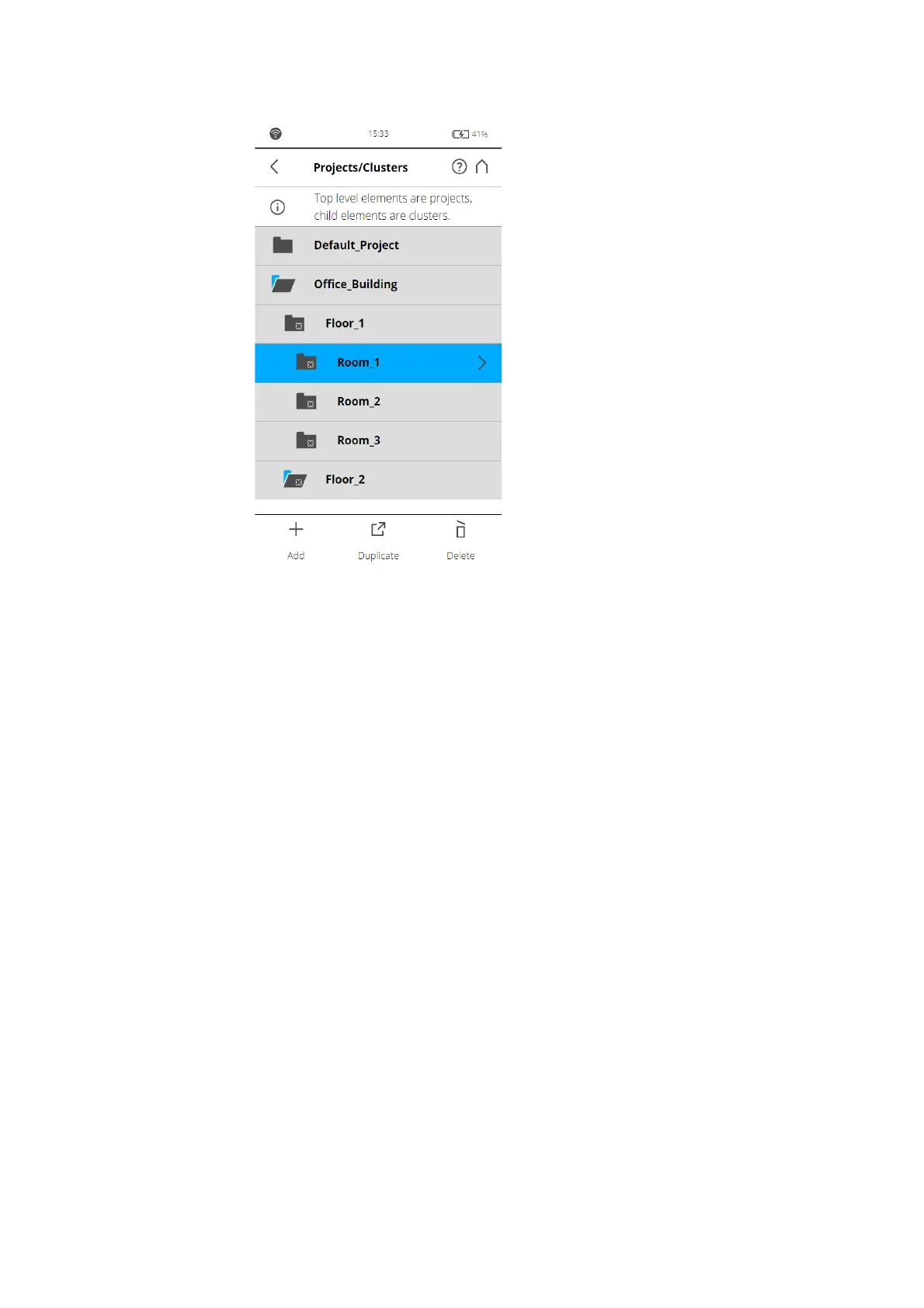
Figure 7-49: Projects List
This view shows a list of all created scan projects/clusters.
The Default_Project is a standard project that can be selected when working
in no particular scan project. The Default_Project is not deletable and you can
not change its name or parent project.
Add a scan project or cluster
To add a project, tap the + button at the bottom of the projects list. A new
subproject called Default_Project
.1 will be added to the selected project. Tap
the field to open its parameters.



 To Next Page