8-4 Section 8: Model 9500B — Routine Maintenance and Test
Final Width = 215mm
8.3 Model 9500B Test and Selftest
There are four main types of selftest, 'Base',
'Heads', 'All' and 'Fast'. The Fast selftest is also
performed automatically at power-on. In
addition, the interface for front panel operation
can be selectively tested, covering such areas
as display memory integrity, keyboard
operation, the display itself, integrity and
formatting of static RAM memory cards for
Procedure mode, the correct operation of a
connected tracker-ball, and the correct
operation of a connected printer. These tests
are detailed in the following paragraphs:
Please Note that all Heads should be
disconnected from the UUT Oscilloscope
before initiating a Self Test. Failure to
disconnect may result in failed tests.
8.3.1.1 Entry to Test Mode
Test mode is selected from the Mode Selection
menu, which is displayed by pressing the front
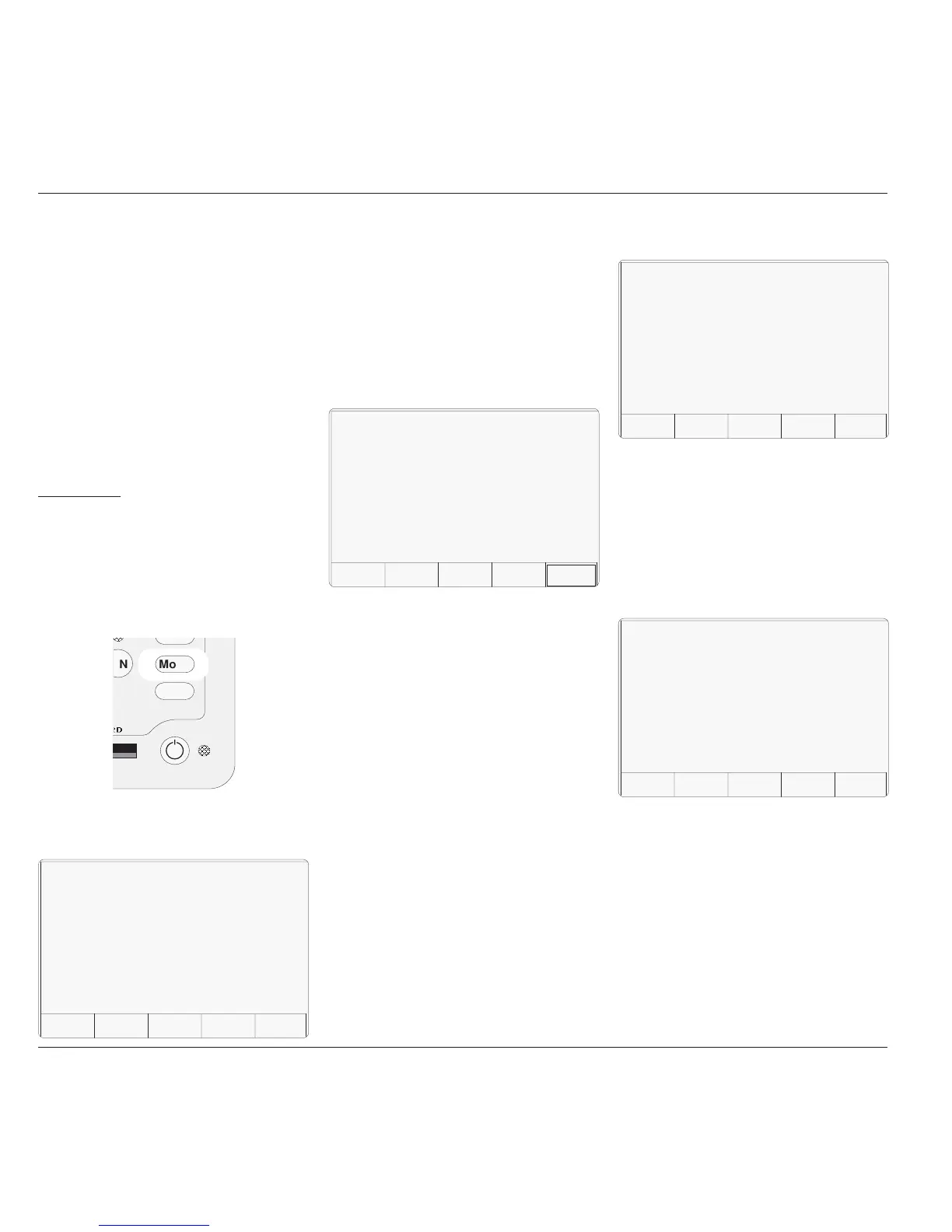
panel 'Mode' key, highlighted in Fig 8.3.1:
Fig. 8.3.1 'Mode' Key
BASE runs a selftest of the Base Unit.
HEADS runs a selftest of all fitted Active
Heads.
ALL runs a selftest of the Base Unit and
all fitted Active Heads.
FAST runs the same confidence selftest
as at Power On.
INTERFACE
This key allows checks of the display and
display memory, the front panel keyboard, the
(Procedure mode) memory card slots, the
tracker ball and printer interfaces.
8.3.2 Base, Heads, All and
Fast Selftest
BASE, HEADS, ALL and FAST selftests
follow the same format. By pressing one of
these four screen keys on the 'Select test' menu
screen, the 9500B runs that selftest. The first
screen shows the type of test, the pathway
under test and the number of tests remaining.
For example:
N Mode
Aux
Pref
8.3.1 Types of Test
The Mode key sets up a special menu display,
offering selection from five primary modes:
TEST
This key enters Test mode, displaying the
following screen:
TODAY'S DATE TIME
PROC MANUAL CONFIG CALIB TEST
Mode Selection
Select required mode using softkeys
This menu can be exited only by pressing one
of the five screen keys.
TODAY'S DATE TIME
BASE HEAD ALL FAST
I
NTER-
FACE
Selftest
Select test using softkeys
(In the following descriptions, it is assumed
that a BASE selftest was selected. Other
selftests have the selftest name appearing on
the screen).
8.3.2.1 Aborting the Selftest
ABORT stops the selftest and displays the
appropriate 'ABORTED' screen.
For example:
TODAY'S DATE TIME
ABORT
Selftest
Running Base Test
Testing pathway no: XXX.XXX
Tests remaining in base unit: YYY
If there were no failures up to the point of
aborting, this is shown on the screen.
EXIT returns to the 'Select test' menu
screen.
PRINT prints out the results of the test, up
to the point of aborting.
Refer to Sub-section 8.4.
If failures were encountered up to the point of
aborting, EXIT and PRINT are available. Also,
the number of failures is shown on the screen,
and an extra selection will be available:
TODAY'S DATE TIME
EXIT
Selftest
Aborted Base Test
Test ABORTED with no failures
PRINT



 To Next Page