Section 4: Using the Model 9500B — Auxiliary Functions 4.9-1
Final Width = 215mm
Descriptions assume 9500B/1100
➞
➞
4.9 Auxiliary Functions
This sub-section is a guide to selecting the
Auxiliary Functions. Eight functions are
available.
4.9.2 Selection of Auxiliary
Functions
4.9.2.1 'Aux' Key
Auxiliary functions are accessed by pressing
the 'Aux' key at the right of the
'OSCILLOSCOPE CALIBRATOR' panel.
4.9.2.2 Default Settings
At power-on, the system defaults into DC/
Square function and shows the DC/Square
function initial menu screen.. Each time the
'Aux' key is pressed, the system defaults to
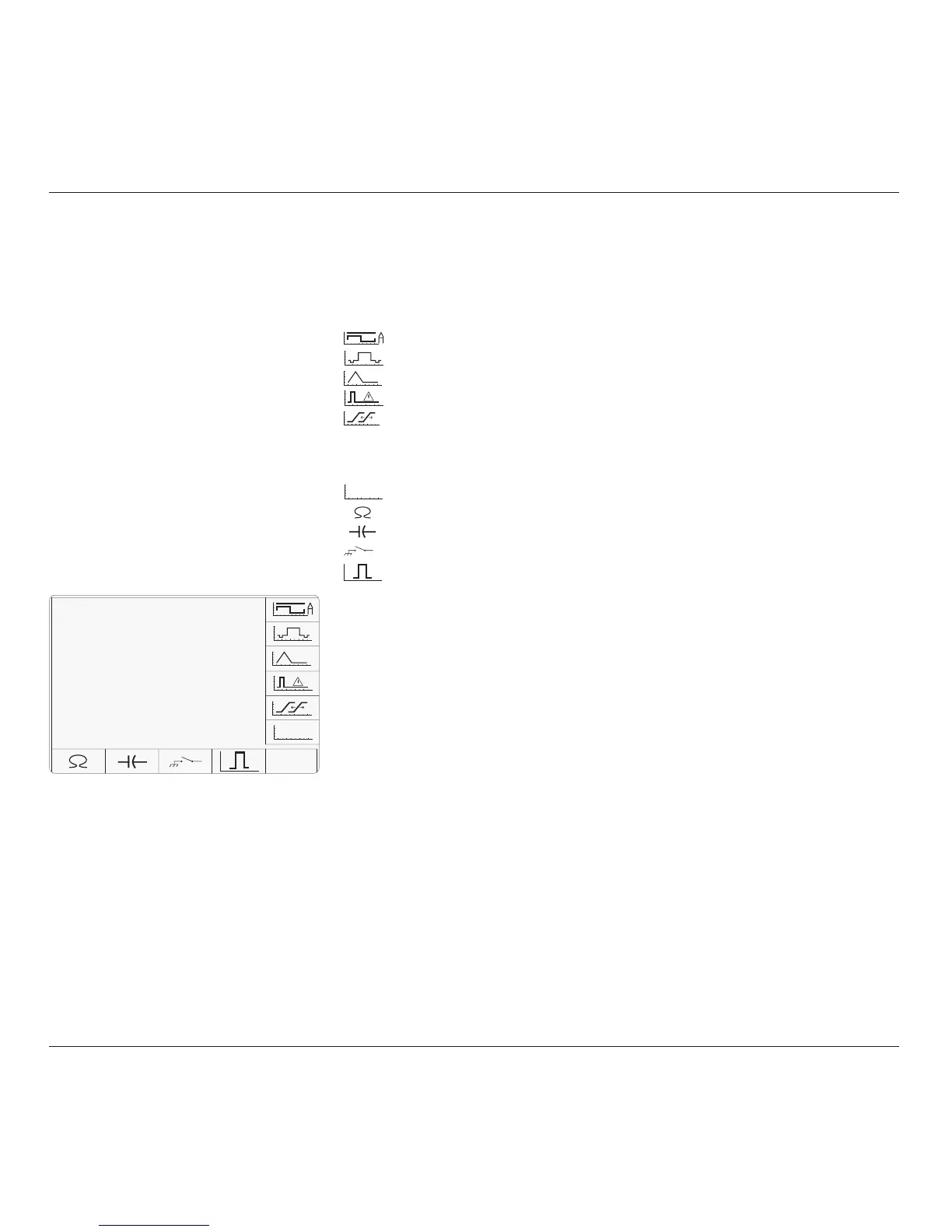
show the Auxiliary menu screen:
4.9.2.3 Function Icons
The following icons are used to access the
functions listed:
Sub Sect:
Current;
4.10
Composite Video;
4.11
LF Linear Ramp;
4.12
Overload Pulse;
4.13
Zero Skew;
4.14
(Without Option 5, only one signal channel and
one trigger channel is available, so Zero Skew
operation is not possible.)
AUX IN
Auxiliary Input;
4.15
Input Resistance Measurement;
4.16
Input Capacitance Measurement;
4.16
Short/Open Output.
4.17
Pulse Width
4.18
TODAY'S DATE TIME
AUX



 To Next Page