Section 8: Model 9500B — Routine Maintenance and Test 8-7
Final Width = 215mm
8.3.4.4 Display Checks
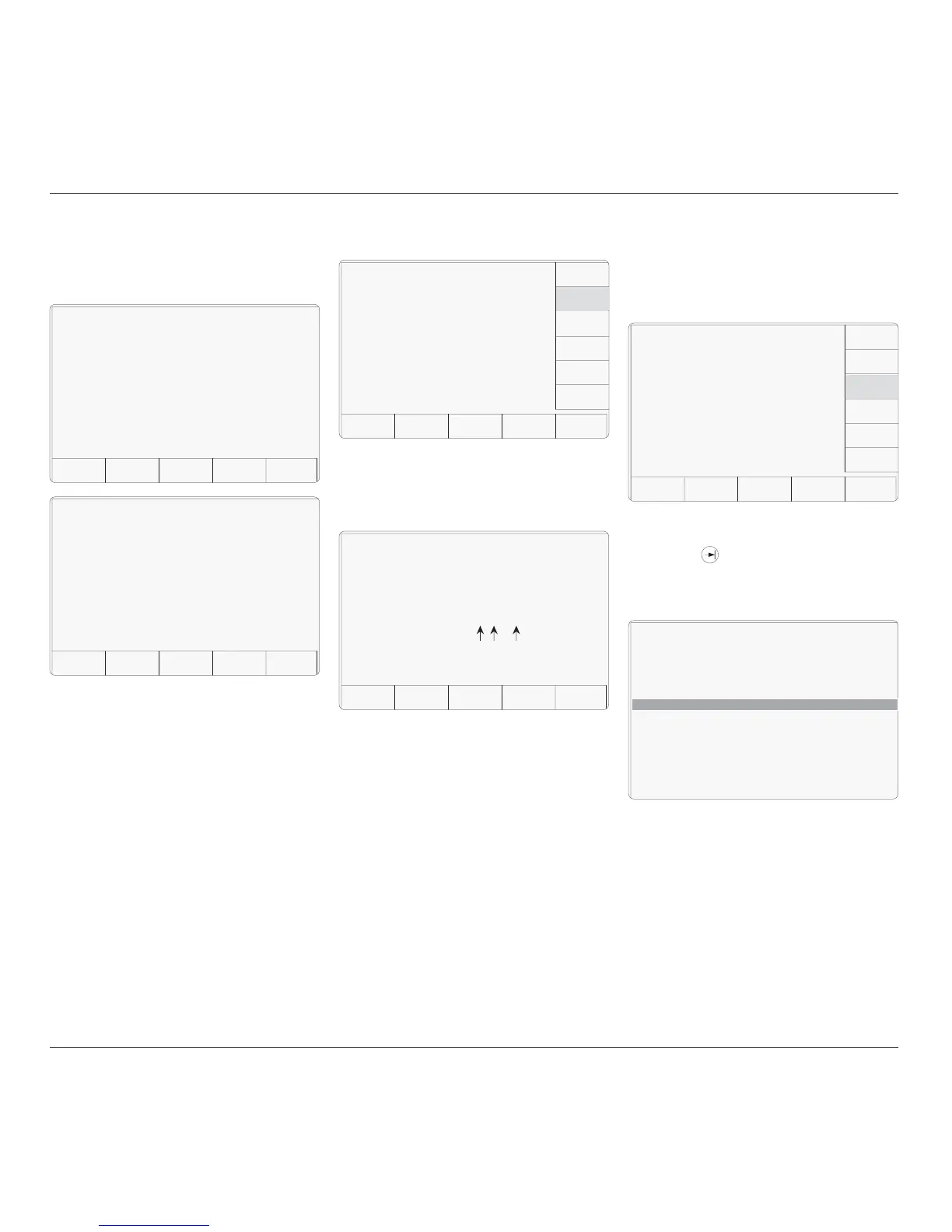
Display checks are initiated by pressing the
DISPLAY key on the 'Select test' menu screen:
If a failure is reported, rectification will require
access to the internal circuitry, so no further
user action is recommended, except to report
the result to your Fluke Service Center.
EXIT returns to the Interface 'Select test' menu
screen.
8.3.4.3 Keyboard Checks
Keyboard checks are initiated by pressing the
KEYBOARD key on the 'Select test' menu
screen:
Selecting 'KEYBRD' transfers to the 'Keyboard
test.' screen. This invites a user to press the
front panel key to be tested, and reports on the
screen the details of the last key to be pressed:
The 'Keyboard matrix reference' (X,Y) relates
to the electronic matrix which is used to transfer
keypress information to the internal processor,
and does not relate closely to the physical
layout of keys. The 'Key name' (Z) is the name,
in words, which describes the last key to be
pressed.
If the reported key name does not coincide
with the function of the last key to be physically
pressed, a failure is implied. Rectification will
require access to the internal circuitry, so no
further user action is recommended, except to
report the result to your Fluke Service Center.
EXIT returns to the Interface 'Select test' menu
screen.
The result of the whole Memory test is reported
once testing is complete:
Selecting 'DISPLAY' transfers to the 'Display
test.' screen. This invites a user to use the front
panel 'tab' ( ) key to move the dark band
down the screen, up to the top, and down again,
thus testing all the display elements on the
screen:
The screen text will shift automatically so as
not to obscure the band as it jumps back to the
top of the screen. If there are elements of the
screen which do not show light in the light
background or dark in the dark band as it is
advanced down the screen, then this implies a
failure. Rectification will require access to the
internal circuitry, so no further user action is
recommended, except to report the result to
your Fluke Service Center.
The 'Enter' Key (↵) returns to the Interface
'Select test' menu screen.
TODAY'S DATE TIME
EXIT
Memory test.
Display memory FAILED.
TODAY'S DATE TIME
EXIT
Memory test.
Display memory PASSED.
TODAY'S DATE TIME
Selftest
Select test using softkeys
EXIT
MEMORY
CARD
DISPLAY
TRACKER
PRINTER
DISPLAY
MEMORY
KEYBRD
Display test.
Use the tab key to advance the band
and the enter key to exit the test.
TODAY'S DATE TIME
EXIT
Keyboard test.
Press key to be tested.
Last key pressed: X,Y, 'Z'
(Keyboard matrix
reference)
(Key name)
TODAY'S DATE TIME
Selftest
Select test using softkeys
EXIT
MEMORY
CARD
TRACKER
PRINTER
DISPLAY
MEMORY
KEYBRD
DISPLAY



 To Next Page