8-6 Section 8: Model 9500B — Routine Maintenance and Test
Final Width = 215mm
TODAY'S DATE TIME
Selftest
Select test using softkeys
EXIT
KEYBRD
MEMORY
CARD
DISPLAY
TRACKER
PRINTER
8.3.3 Selftest at Power-On
N.B. Certain catastrophic 'System Trip
Errors' may cause the display to flash
on and off, at the point of setting power
on. In this case, immediately switch
Power Off and report the fault to your
Service Center.
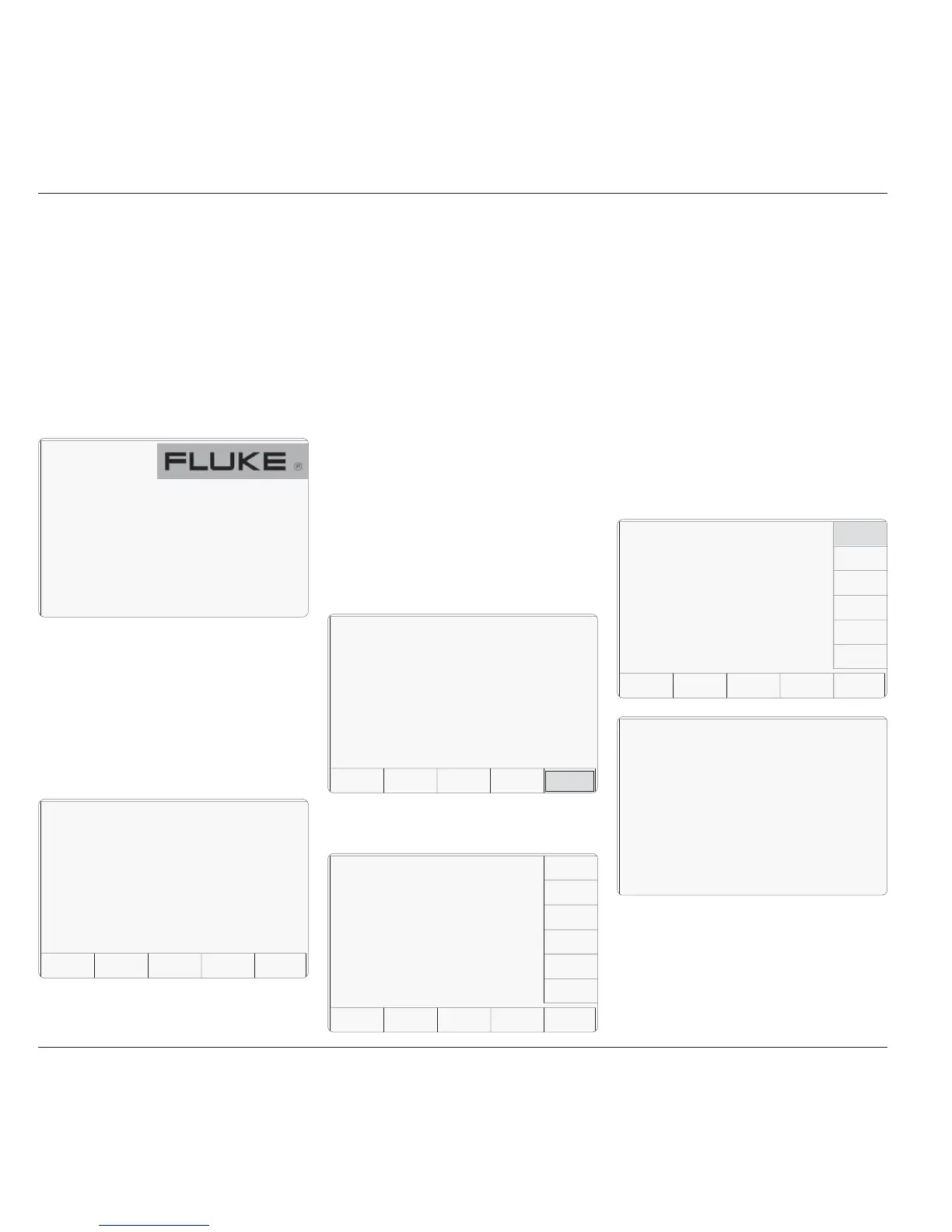
The first normal action at power on is to show
the Fluke logo, and then the 9500B will run a
fast selftest:
If no failures are found, the 9500B will revert
to the default power-up mode, which is either
Manual mode or Procedure mode.
If System Trip failures are encountered the
9500B will show the System Trip screen
('RESUME').
If non-trip failures are encountered the 9500B
will lapse into Test mode at the following
stage:
EXIT will return to the 'Select test' menu
screen, where, to return to the 'Mode Selection'
menu screen, press the front panel Mode key.
PRINTcan be used to print out the results of
the power-on Fast test.
Refer also to Sub-section 8.4.
8.3.4 Interface Test
The interface test selectively checks the 9500B
front panel operations, covering display
memory integrity, keyboard operation, the
display itself, integrity and formatting of static
RAM memory cards for Procedure mode, the
correct operation of a connected tracker-ball,
and the correct operation of a connected printer.
8.3.4.1 Access to Interface Tests
Once the Test mode has been selected, Interface
Test is selected by pressing the INTERFACE
screen key in the 'Select test' menu:
The other tests reported are:
Performing WALKING ONES test 1.
Performing READ/WRITE test 2.
Performing WALKING ONES test 2.
The required check can be selected from the
list on the right of the screen, using the
corresponding screen key.
EXIT returns to the previous 'Select required
test' menu screen.
The six available checks are detailed, in list
order, in the following paragraphs.
8.3.4.2 Display Memory Checks
Pressing the DISPLAY MEMORY key on the
'Select test' menu screen transfers to the
'Memory test.' screen, and the sequence of tests
begins. The test in progress is reported on the
screen:
PressingINTERFACE transfers to the 'Select
test' menu screen:
Subsequent action to view the failures and
print the results follows as for a Fast selftest
which has run to completion (paras 8.3.2.2/3).
TODAY'S DATE TIME
EXIT
Selftest
Power-on Test
Test completed with X FAILURES
PRINT
VIEW
FAILS
TODAY'S DATE TIME
BASE HEAD ALL FAST
Selftest
Select test using softkeys
INTER-
FACE
SIGNAL
CH 1
TODAY'S DATE TIME
Selftest
Select test using softkeys
EXIT
DISPLAY
MEMORY
KEYBRD
MEMORY
CARD
DISPLAY
TRACKER
PRINTER
DISPLAY
MEMORY
Memory test.
Performing READ / WRITE test 1.
TODAY'S DATE TIME
9500B
Oscilloscope
Calibrator


 To Next Page