8-8 Section 8: Model 9500B — Routine Maintenance and Test
Final Width = 215mm
TODAY'S DATE TIME
Card slot test.
Checking card size.
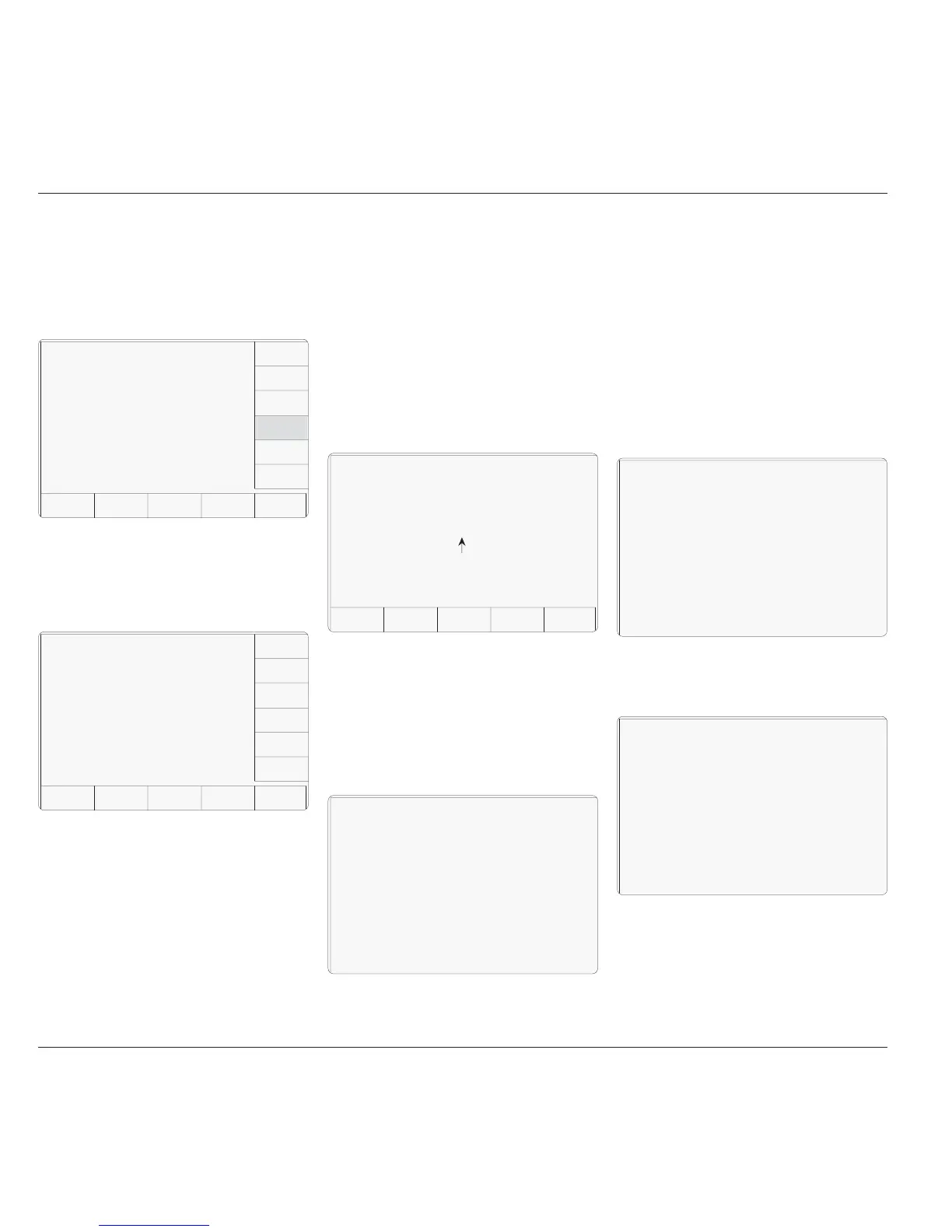
8.3.4.5 Memory Card Checks
Memory Card checks are initiated by pressing
the MEMORY CARD key on the 'Select test'
menu screen:
The WARNING!! gives notice that the inserted
memory card will be overwritten by this test.
This is because reformatting is required to
perform the checks and the card inserted into
the slot will be reformatted as a Results card.
The 9500B first checks for the presence of the
correct SRAM card. If there is no card in the
slot, if the card in the slot is not a SRAM card,
or if it is a SRAM card but not write-enabled,
then the following screen is displayed:
Pressing the MEMORY CARD key on the
'Select test' menu screen transfers to the 'Card
slot test.' screen. This invites a user to select
the memory card slot to be tested, and presents
an 'Overwrite' warning:
SLOT 1 selects 'PCMCIA SLOT 1' for
testing.
SLOT 2 selects 'PCMCIA SLOT 2' for
testing.
EXIT returns to the Interface 'Select
test' menu screen.
Either slot can be used for the test. If one
particular slot is suspect then that, naturally,
will be the one to choose.
After correcting the defect, press the OK screen
key. This transfers to a new screen, and the
sequence of tests begins. The test in progress
is reported on the screen.
The 9500B first checks the state of the card's
internal battery. If the battery voltage is low,
this will be stated on the screen:
If there is no battery in the card, or if the battery
cannot support read/write operations, then the
statement will be 'Battery level is dead.'.
Note:
For a re-chargeable card with a low battery, the
low/dead message may take several minutes to
clear after pressing OK.
The next test is to check the size of the card
memory. While the 9500B is checking, it will
place the following message on the screen:
Once the size check is completed, the 9500B
starts on a 'read/write' check; meanwhile the
display changes to:
TODAY'S DATE TIME
Selftest
Select test using softkeys
EXIT
TRACKER
PRINTER
DISPLAY
MEMORY
KEYBRD
DISPLAY
MEMORY
CARD
TODAY'S DATE TIME
Card slot test.
Select the card slot to be
tested using the softkeys
WARNING ! !
Card data will be overwritten
EXIT
SLOT1
SLOT 2
TODAY'S DATE TIME
Card slot test.
Battery level is low.
TODAY'S DATE TIME
Card slot test.
Card size. XXXX k Bytes
Performing READ/WRITE test.
After the read/write check, the 9500B starts on
a 'walking ones' check, and the message on the
display changes to:
Performing WALKING ONES test.
8.3.4 Interface Test (Contd.)
TODAY'S DATE TIME
EXIT
Card slot test.
Insert a write enabled STATIC RAM
card into the selected slot.
(If no card in the selected slot,
or if card not write-enabled,
or if not a SRAM card)



 To Next Page