6. SETTINGS ON WEB INTERFACE
6-27
8. Click the [Connect] button.
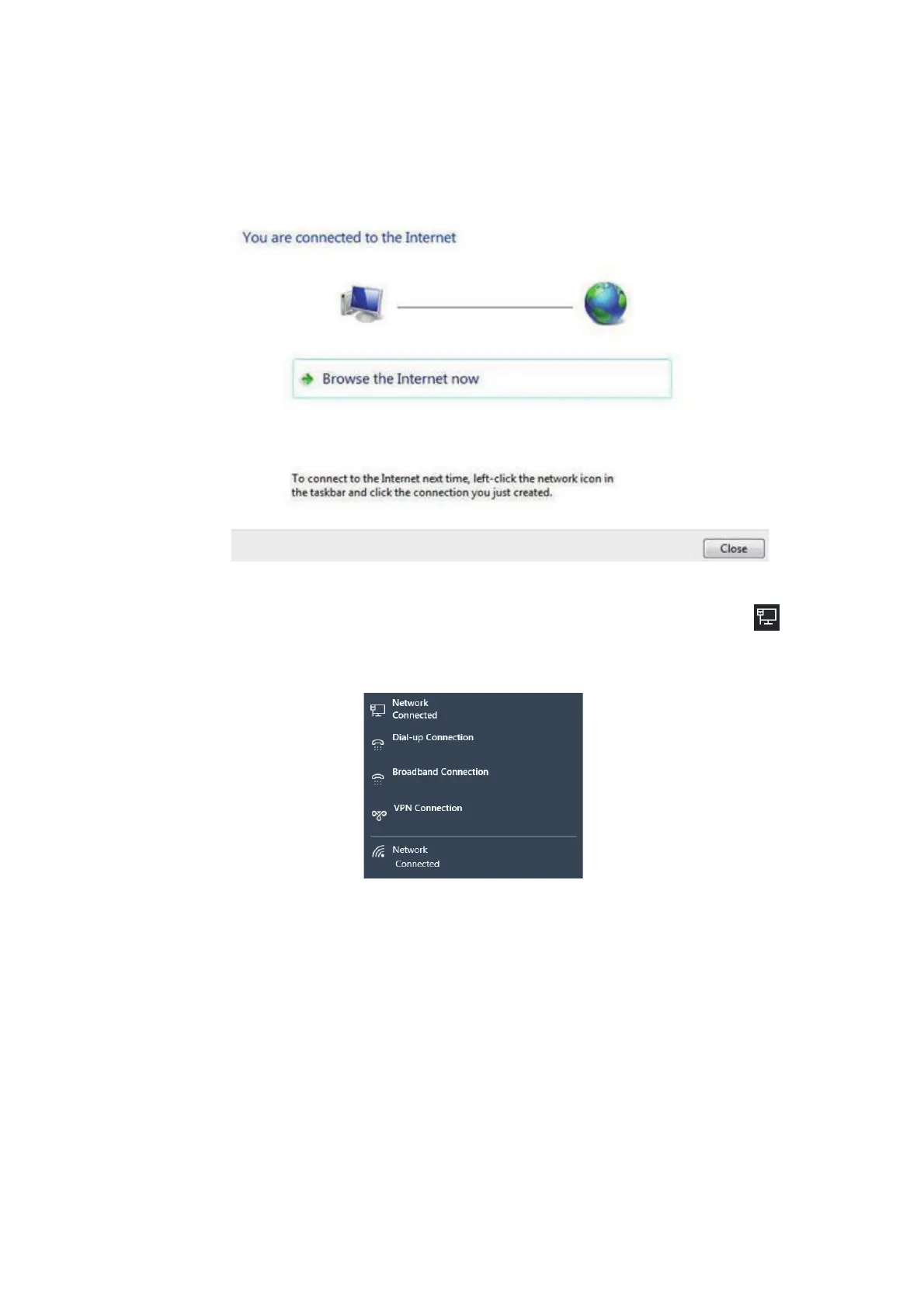
The system will now attempt to connect to the internet. On successful connection,
a window similar to the one shown below appears.
Note: If DNS is blocked by the DNS filter of the FELCOM251/501, the connection
test will be failed.
9. Click the [Close] button.
10. In the bottom right-hand corner of the desktop, click the network icon .
A list of available networks appears. Confirm that your PPPoE network connection
is available in the list.



 To Next Page