Revision 14
105 August 02, 2019
• Consecutive Runs - indicates how many times the Gas run should be performed before
switching to the next run in the run queue. If no other run is enabled and it is set up in the
Automatic Sequence under the sequence tab, the analyzer will simply continue running until
another run is triggered either conditionally or scheduled. By default, this field is set to 1 so
that the H2S Run for Stream 1 is setup to run continuously in the automatic sequence under
the Sequencer Tab.
5.10.3.2 Switching
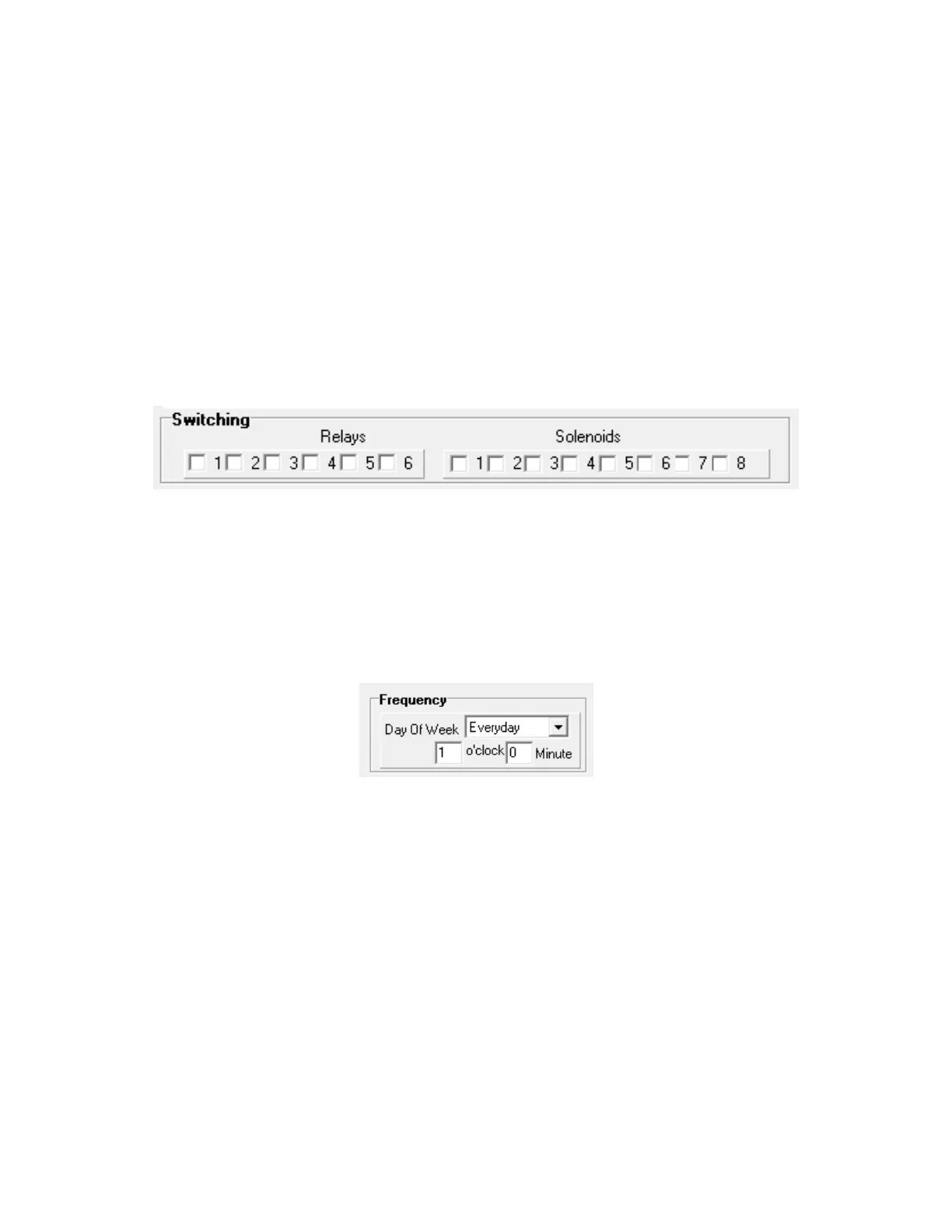
The Switching field (Figure 5-22) allows the user to configure what relays and or solenoids
are associated with each of the gas run types that are being used. There are 6 relays and 8
solenoids that can be controlled by the analyzer, putting a checkmark in any of the relay or
solenoid boxes will cause that relay or solenoid to energize when one of the analysis modes
is running.
Figure 5-24: The Switching Field
5.10.3.3 Frequency
If the Time check box is checked (see Section 5.10.3.1) the operator can schedule the gas
run as per set in the Frequency section (Figure 5-23) of the gas run type tab. The drop down
Day of Week list includes Everyday and each day (Sunday to Saturday).
Figure 5-25: The Frequency Field
5.10.3.4 Analog Output Override
If an Analog Output Override is enabled (Figure 5-24), the user can set up two analog output
channels for each of the gas run types that will override the default analog outputs set on the
Outputs Tab. An example of this would be to set the Function of analog output Channel 1 to
Stream 1 Calibration if the default was set up as Stream 1 H2S. This would allow Analog
Output 1 to be used for both Stream 1 H2S Reading and Calibration Reading. The Function
dropdown list includes stream readings and a variety of other parameters and the Channel
list includes all six analog outputs.



 To Next Page