Revision 14
116 August 02, 2019
Types columns and drag it to either the Automatic Entries or to one of the eight Manual
Entries in the Sequence column.
5.14.3 Sequencer Items
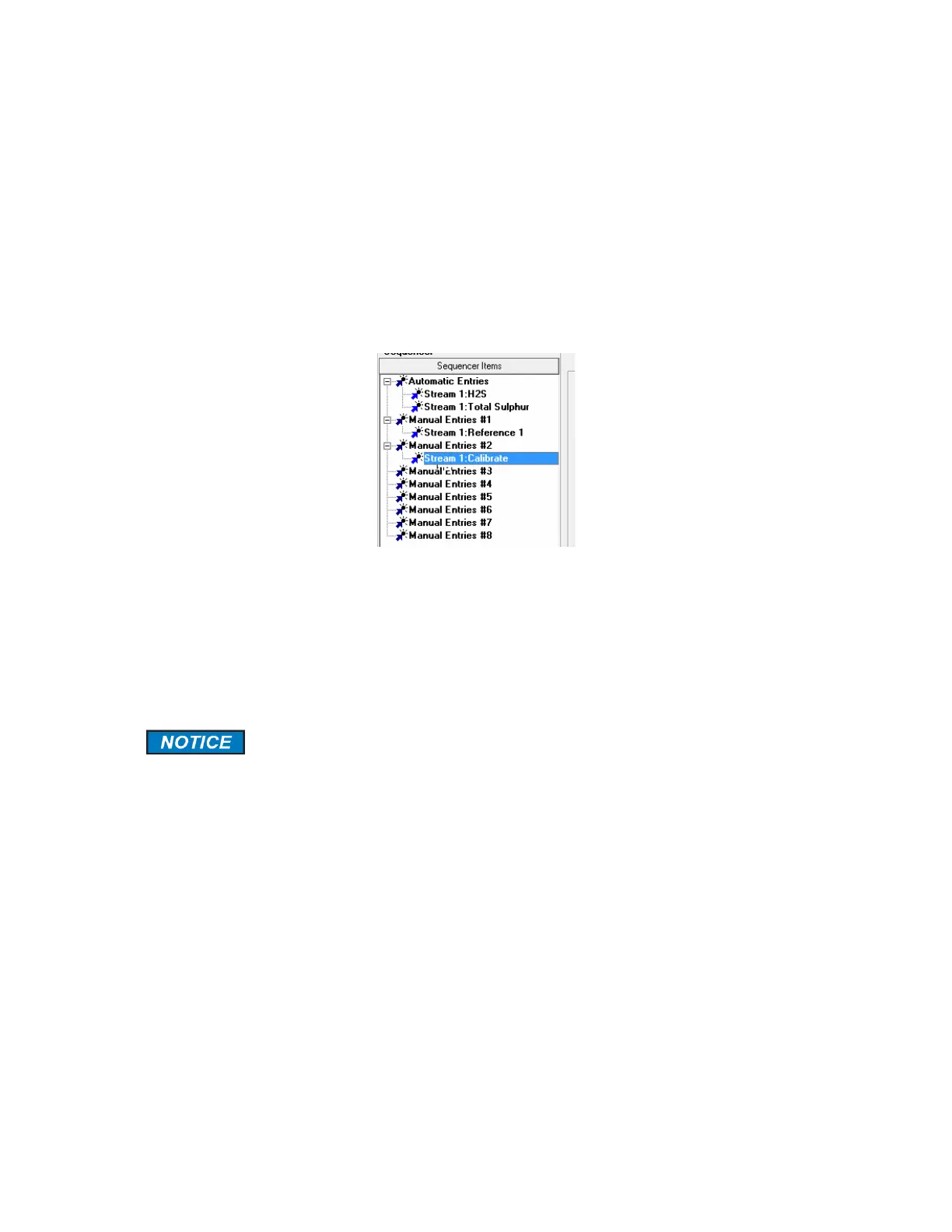
A typical sequence items list is shown in Figure 5-30. This list indicates that Stream 1 H2S
and Stream 1Total Sulfur Total Sulfur will be analyzed consecutively and this sequence will
be performed on an automated basis until a Manual Entry or Scheduled Timer event has
been requested. This list also shows that Stream 1 Reference and Stream 1 Calibration can
be initiated via a manual sequence. The Timers functions are described in Section 5.18.
Figure 5-32: A Typical Sequencer List
If consecutive runs of a stream are desired, it is recommended that they be entered here
instead of the Stream Tab. The reason for this is that the consecutive gas runs cannot be
interrupted midway through if they are entered via the Streams tab while they can be
interrupted if they are programmed on the Sequencer tab. To delete a run, highlight it use
press the Delete key on the keyboard.
The software was written to always perform at least one H
2
S analysis in the
Automatic sequence no matter what other type of gas run are listed in the
automatic sequence list. For instance, If Stream 1 total sulfur was the only
item in the automatic sequence list, then a total sulfur analysis would be
performed then one H
2
S analysis would follow. If the total sulfur
measurement is the only one desired then a digital input (Dry contact) can
be activated to trigger continuous total sulfur measurements. If any other
gas run type is required at any time, then that digital input used for
continuous total sulfur will need to be deactivated by un-checking the
checkbox.
5.14.4 Manual Sequencer Request Checkbox
The Manual Sequencer Request checkbox must be checked before a manual sequence can
be performed.



 To Next Page