Revision 14
110 August 02, 2019
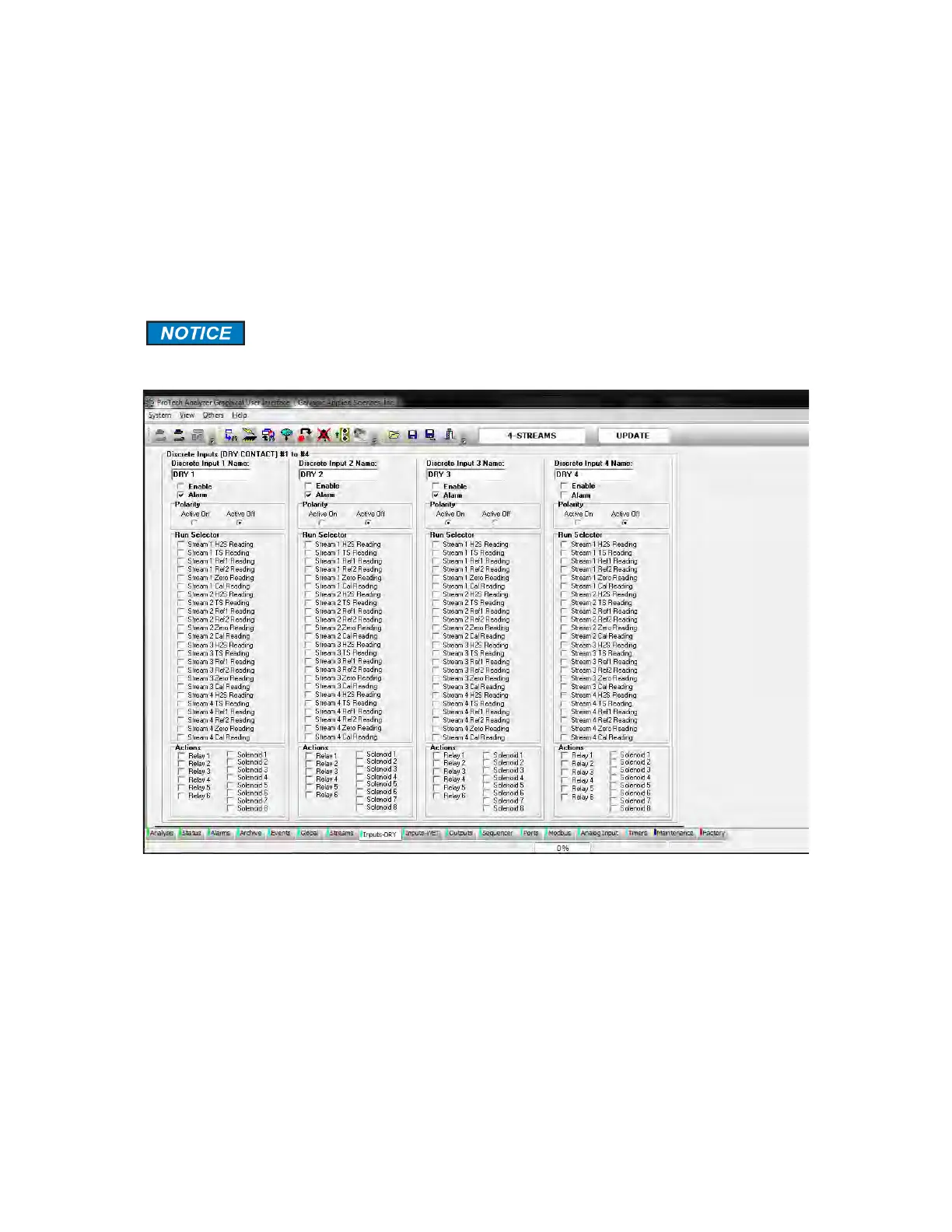
5.11 Inputs - DRY Tab
There are 4 dry contact discrete inputs on the analyzer. The Inputs - DRY tab allows the user
to configure these discrete inputs in any manner. These inputs can be configured to trigger a
certain type of run, or to monitor external pressure or temperature switches, for example.
Each discrete input is configured in the same manner. It is important to know that these dry
contacts are for devices that are normally part of the analyzer such as a pressure switch or
temperature switch.
Changing parameters on this tab may affect the operation of the system.
Any changes should be performed by an authorized operator.
Figure 5-28: Inputs-DRY Tab



 To Next Page