Revision 14
86 August 02, 2019
5.7 Archive Tab
5.7.1 The Table Format
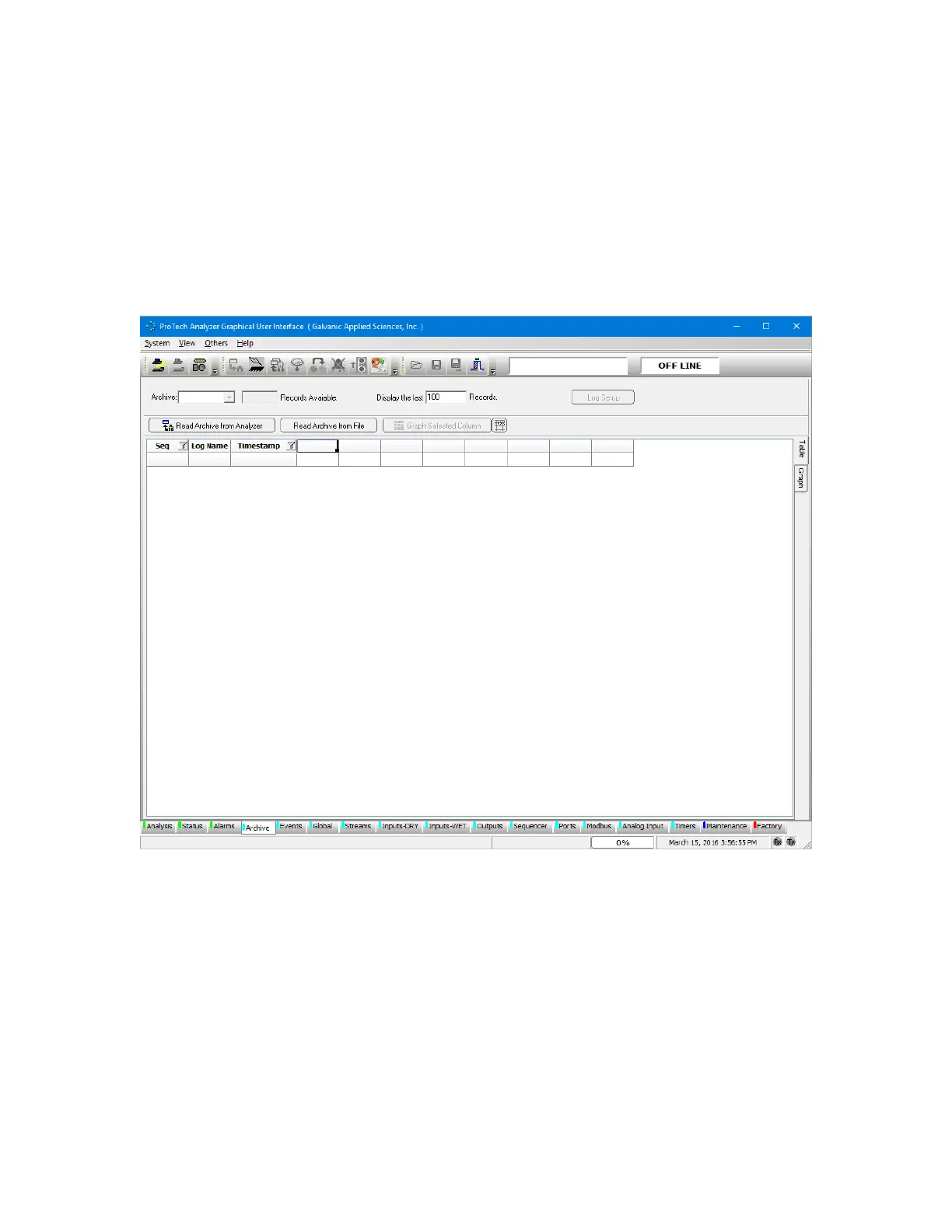
The Archive tab presents data related to the analyzer’s operation, including live concentration
data, hourly averages, and other important data. When this screen is first accessed, an
empty screen is presented (Figure 5-11).
Figure 5-11: Archive Tab
To download archival data, press the Read Archive from Analyzer button. As an alternative, a
previously saved archival record can be loaded by pressing the Read Archive from File
button.



 To Next Page