Revision 14
38 August 02, 2019
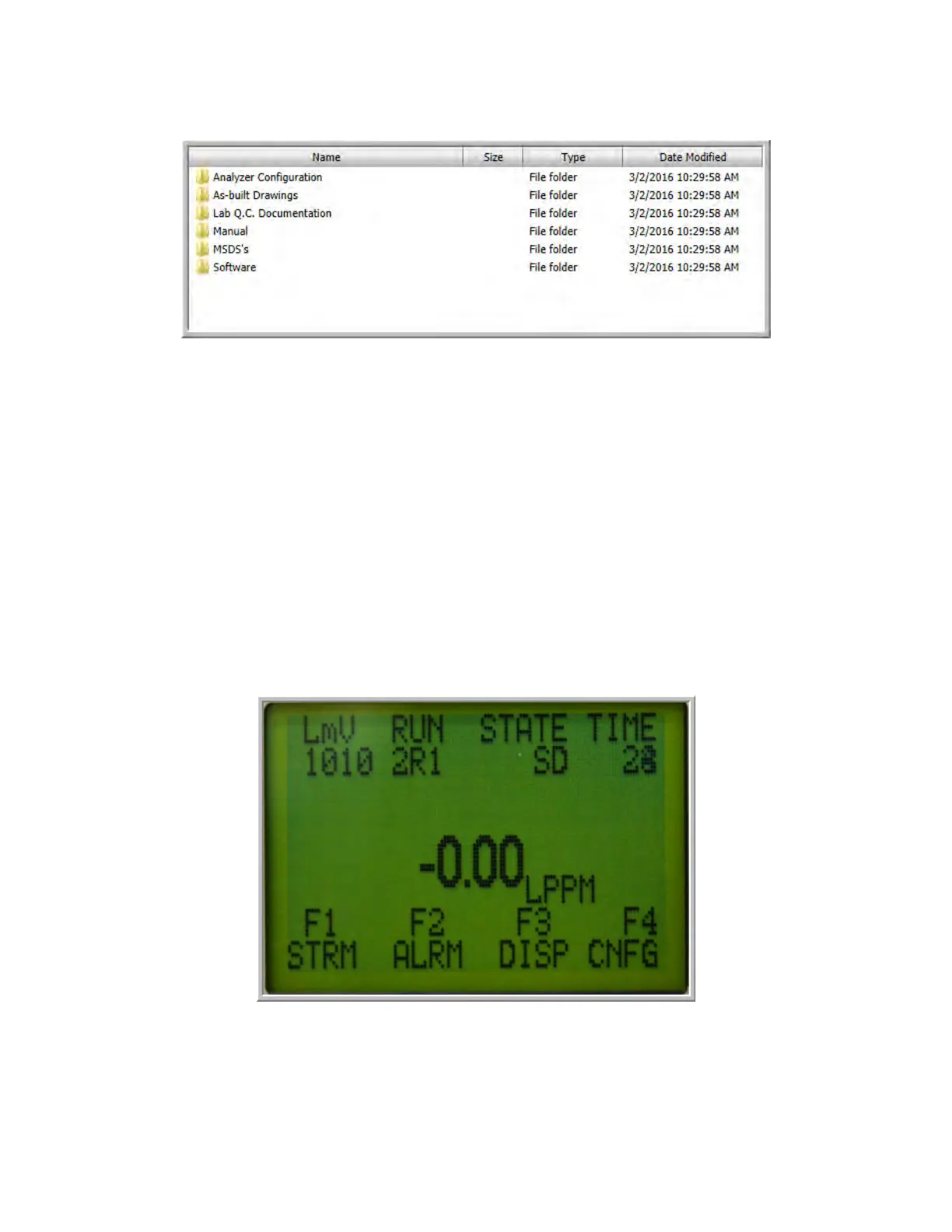
Figure 3-5: CD or USB Memory Drive Contents
The application software is located in the Software folder. It is not necessary to transfer the
contents of the CD or the memory stick to your computer as the application program will install
itself in a designated folder on the hard drive. Open the folder and double click on the executable
file (GASProTech903_vxxx_date.exe) to install the program. xxx is the version number and the
date of generation the file will be indicated (e.g. GASProTech903_v100_Aug.15, 2011a indicates
version 100a, generated on August 15, 2011). If you have any questions about the software,
please include the version number.
3.4.3 Power up the Analyzer
When the analyzer is powered up, it will go through a number of diagnostic protocols and
display the results on the front panel display. After about one minute, the main screen will be
presented (Figure 3-6).
Figure 3-6: The Main Analyzer Screen



 To Next Page