Revision 14
72 August 02, 2019
d) Help Menu - The Help menu contains:
• Wiring Book - the wiring schematics which are also presented in Section 10 of this
manual.
• Manual - an on-line copy of this manual.
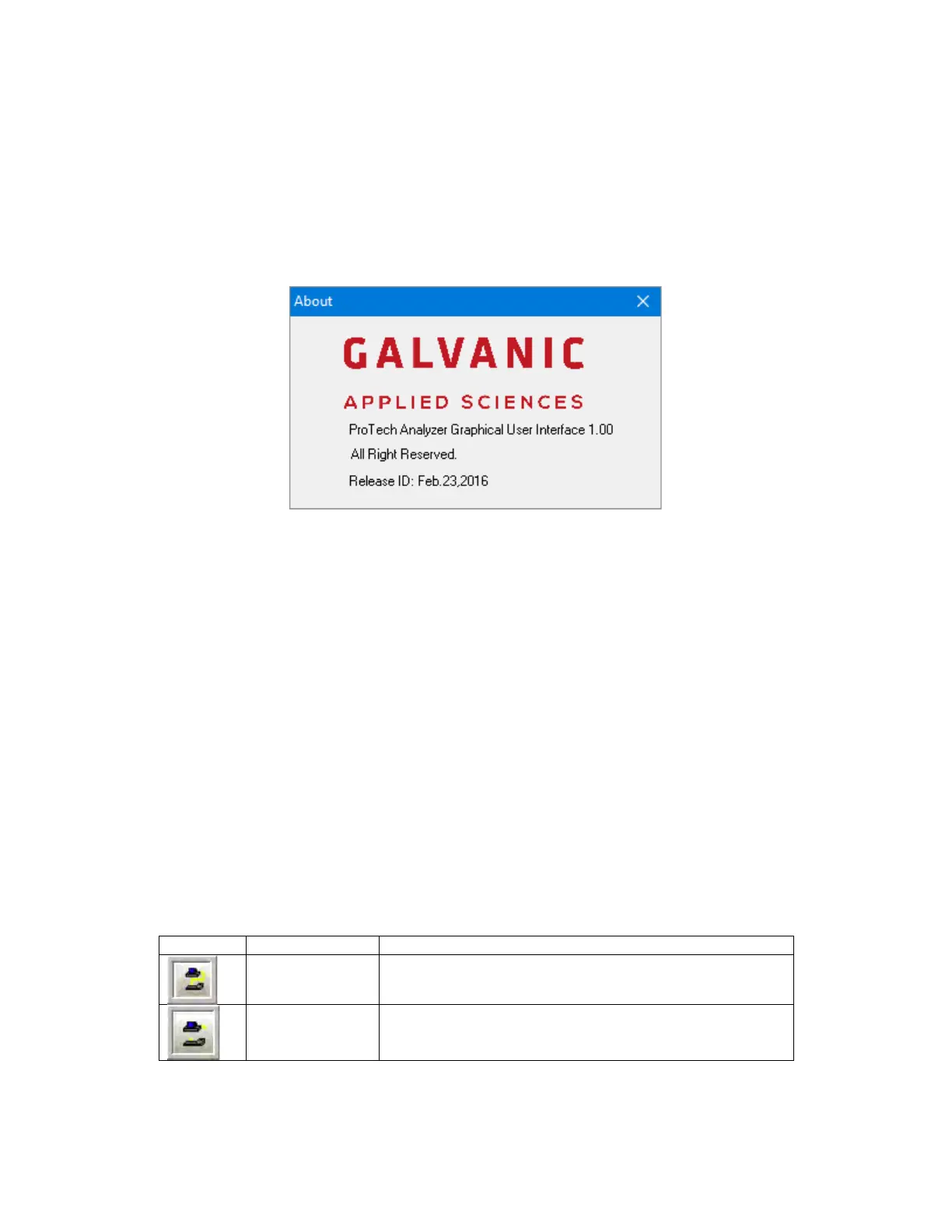
• About - presents the About dialog box (Figure 5-6) which shows the version number of
the GUI currently in use. Please provide the version number if you contact Galvanic
Applied Sciences for assistance.
Figure 5-6: About Dialog Box
5.2.2 The Tool Bar
The buttons on the tool bar are grouped into three distinctive groups that the user can choose
to show or hide using the View menu (Section 5.2.1).
In addition, a field indicates the status of the analyzer and can contain three possible values
- OFF LINE, which means that the GUI is not connected to an analyzer; READ ONLY, which
means that the analyzer is in Read Only mode; and UPDATE, which means that the analyzer
is in Update mode.
5.2.2.1 Communicate Toolbar
The Communicate toolbar contains the buttons that control the communications between the
GUI and the analyzer, as well as allow the user to set the communications link parameters.
Table 5-1 shows the buttons in the Communicate toolbar.
Table 5-1: Communicate Toolbar Buttons
Establishes a communication link between the GUI and
the analyzer.
Disconnects the communication link between the GUI
and the analyzer.



 To Next Page