Revision 14
118 August 02, 2019
The Run and Loop Checkboxes can be ignored if a digital input is used to
run a manual sequence because the sequence would run continuously
until the digital input was put in an open state.
• Digital Input Checkbox - The Digital Input checkbox should be checked to enable the
dedicated digital contact, chosen from the radio buttons below, for that manual sequencer
to initiate.
5.15 Ports Tab
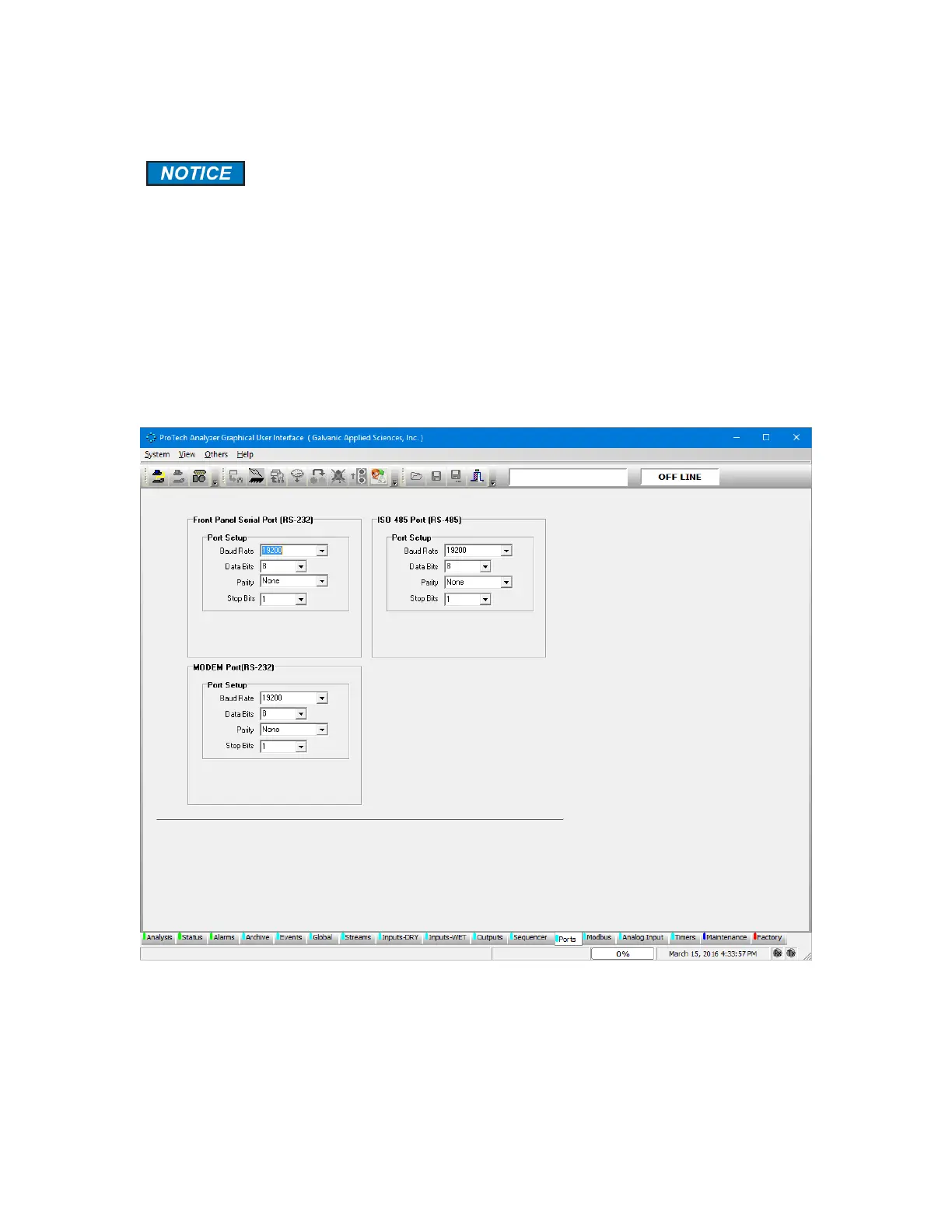
The Ports tab (Figure 5-32) shows the configuration of the three communications ports on the
analyzer – the Front Panel Serial Port (RS-232), the ISO 485 Port (RS-485), and the MODEM
Port (RS-232).
Figure 5-34: Ports Tab
This tab is used to configure the communications settings for each of the three
communications ports.



 To Next Page