Revision 14
70 August 02, 2019
To log onto the system:
a) Press the Logon button (Figure 5-2). The computer will communicate with the analyzer
and transfer the present analyzer status from the analyzer to the computer. During this
time a dialog box will present a progress bar indicating the status of the transfer.
Figure 5-2: Logon Button
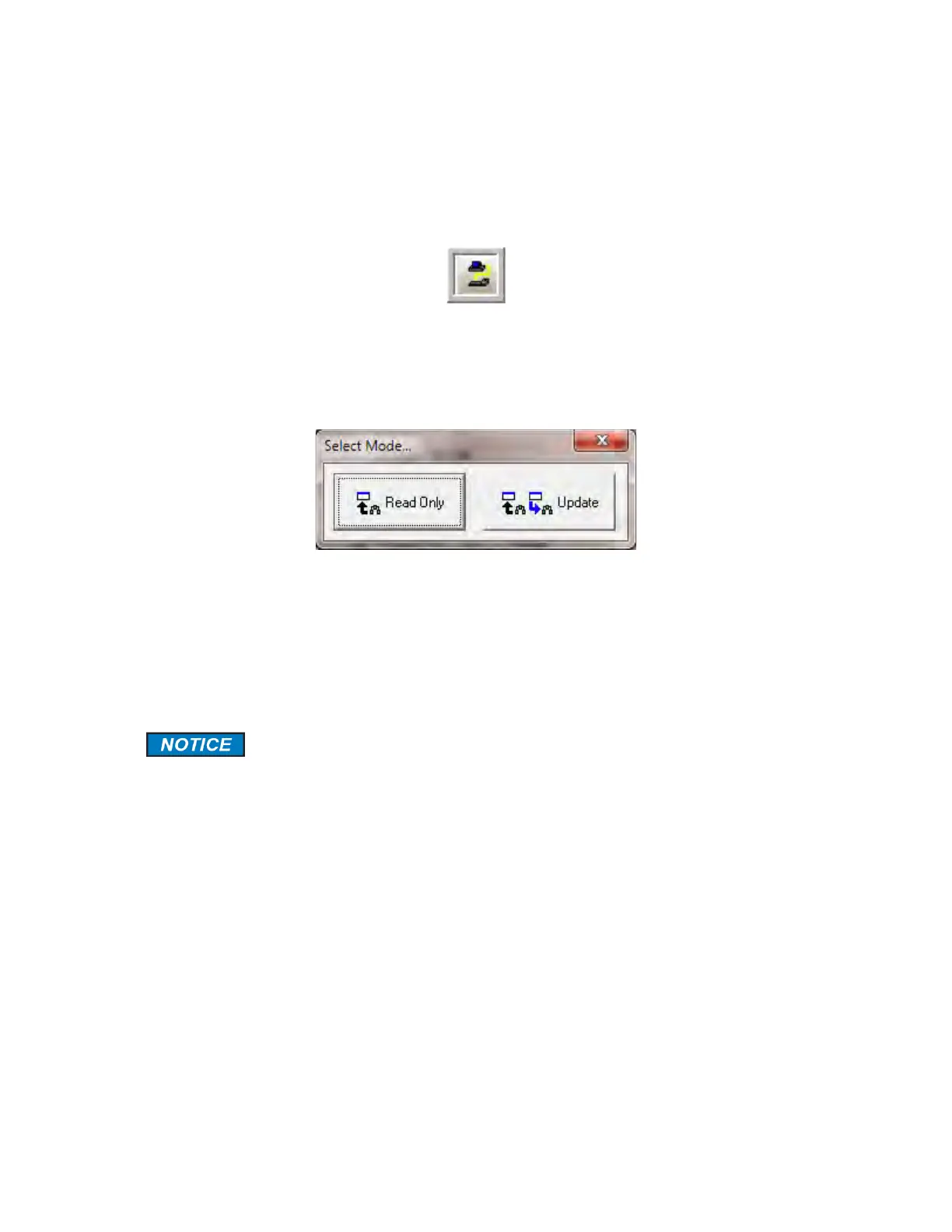
b) Once the data transfer is complete (which may take a minute or two), the Select Mode
dialog box (Figure 5-3) will be presented.
Figure 5-3: Select Mode Dialog Box
c) The Read Only option will allow the operator to view data, parameters and analyzer
settings, but will not allow the operator to change parameters settings while the Update
option allows the operator to change them. If the Update option is selected, the operator
is required to enter a password. The default password is 2222, and can be changed as
described in Section 5.2.1.
If the GUI is in Read Only mode and the operator desires to use the Update
mode, select the Update Mode command on the Others menu. A dialog box
to enter the password will be presented.



 To Next Page